 01 / 03
Shift board
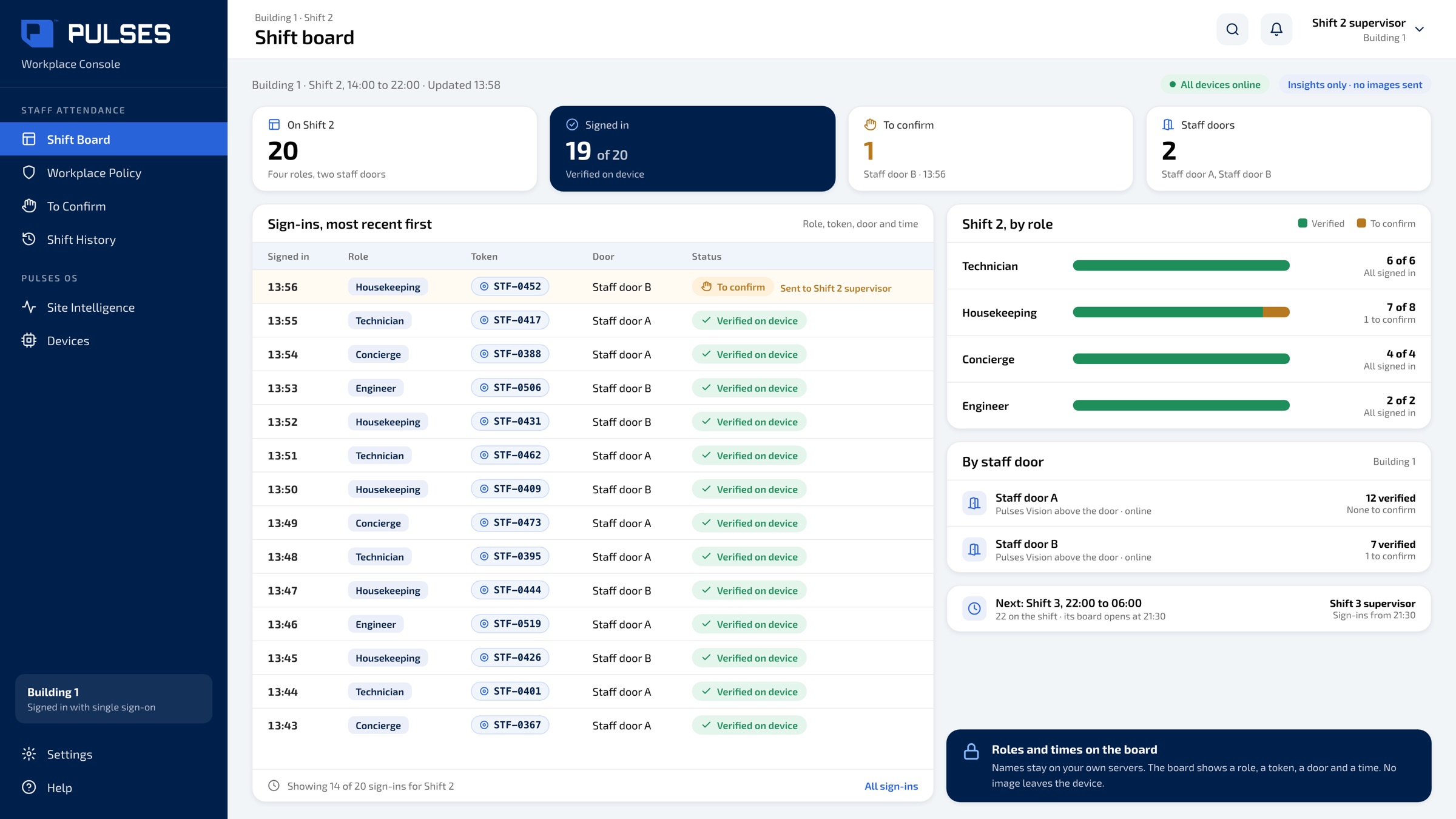
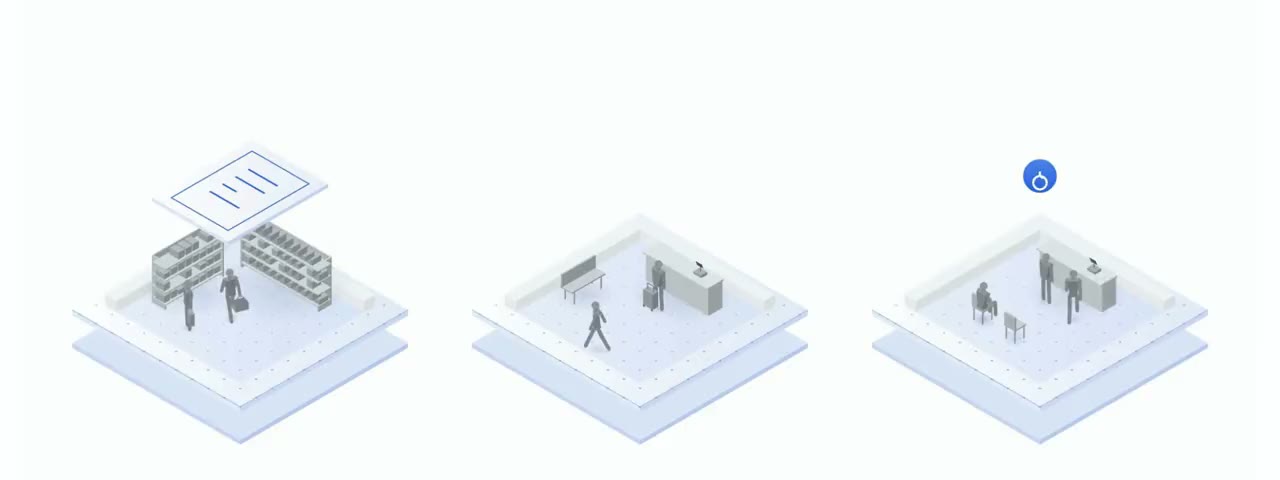
The shift board fills in, team by team, as colleagues arrive. Each row is a role, a token, a door and a time.
For government departments and any workplace that runs on shifts: cover shows up in tomorrow's report. The shift board fills in, team by team, as colleagues arrive.
For government departments, hospitals, schools, hotels, plants and any workplace that runs on shifts: each shift's cover as colleagues arrive, not in tomorrow's report. A Pulses Vision device above the staff door verifies staff who enrolled with consent, so colleagues just walk in, with no badge to find and no tap at the door. The shift board in Pulses Ops fills in team by team, by role and time, with every building on one page, and a sign-in that doesn't verify goes to the supervisor to confirm on WhatsApp, Teams, SMS or email. Names stay on your own servers, on the on-site Pulses Compliance Guard, and retention is set by your policy. Where your policy requires it, only enrolled staff are analysed. All processing happens on the device; only anonymous metadata leaves.
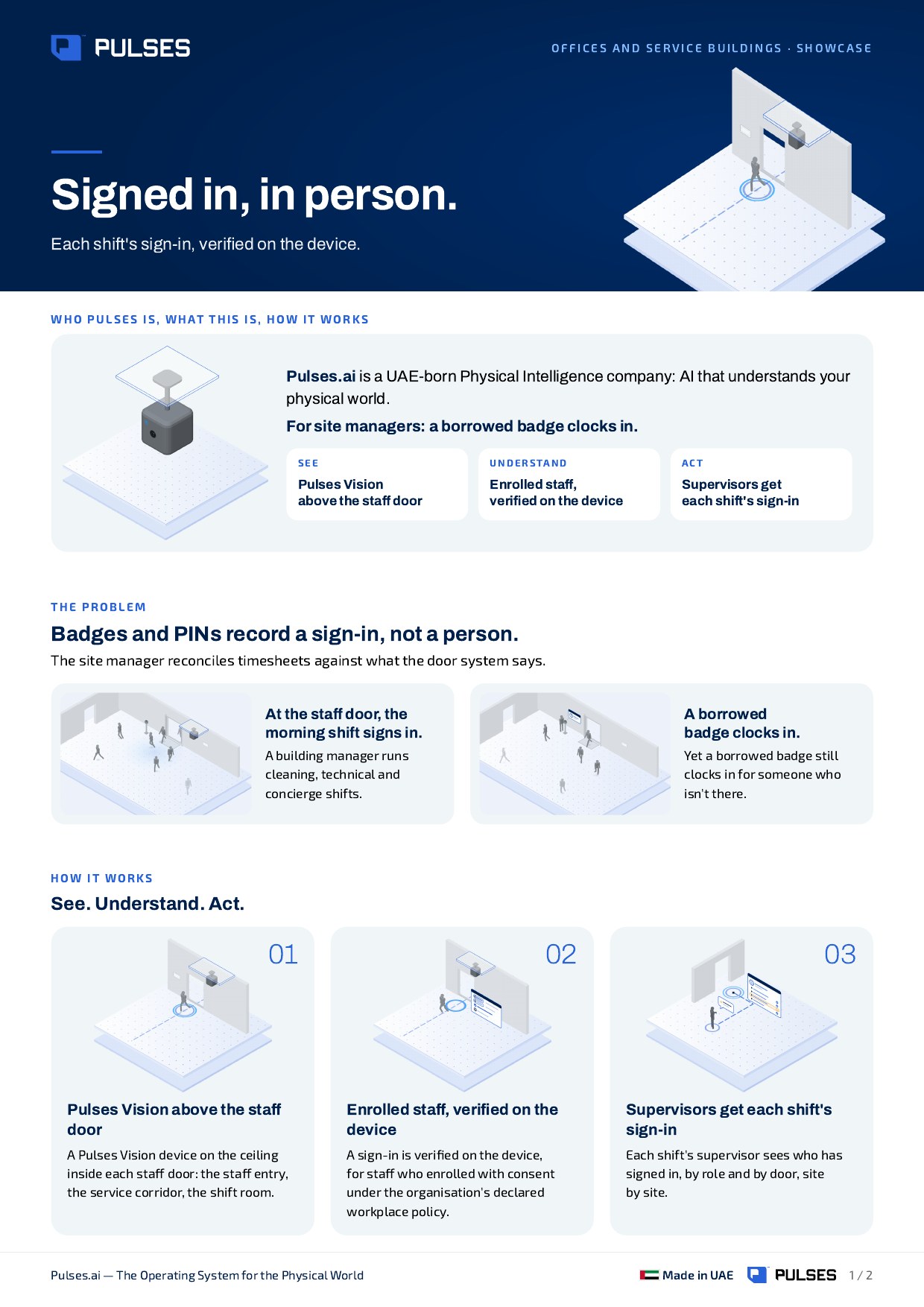
A Pulses Vision device above the staff door verifies staff who enrolled with consent. Contractor shifts too, where the contractor's employer consents. Colleagues just walk in: no badge to find, no tap at the door.
Names stay on your own servers; the board shows roles and times. Where your policy requires it, only enrolled staff are analysed.
The shift board fills in, team by team, as they arrive, with every building on one page. A sign-in that doesn't verify goes to the supervisor to confirm, on WhatsApp, Teams, SMS or email.
01 / 03 The shift board fills in, team by team, as colleagues arrive. Each row is a role, a token, a door and a time.
 02 / 03
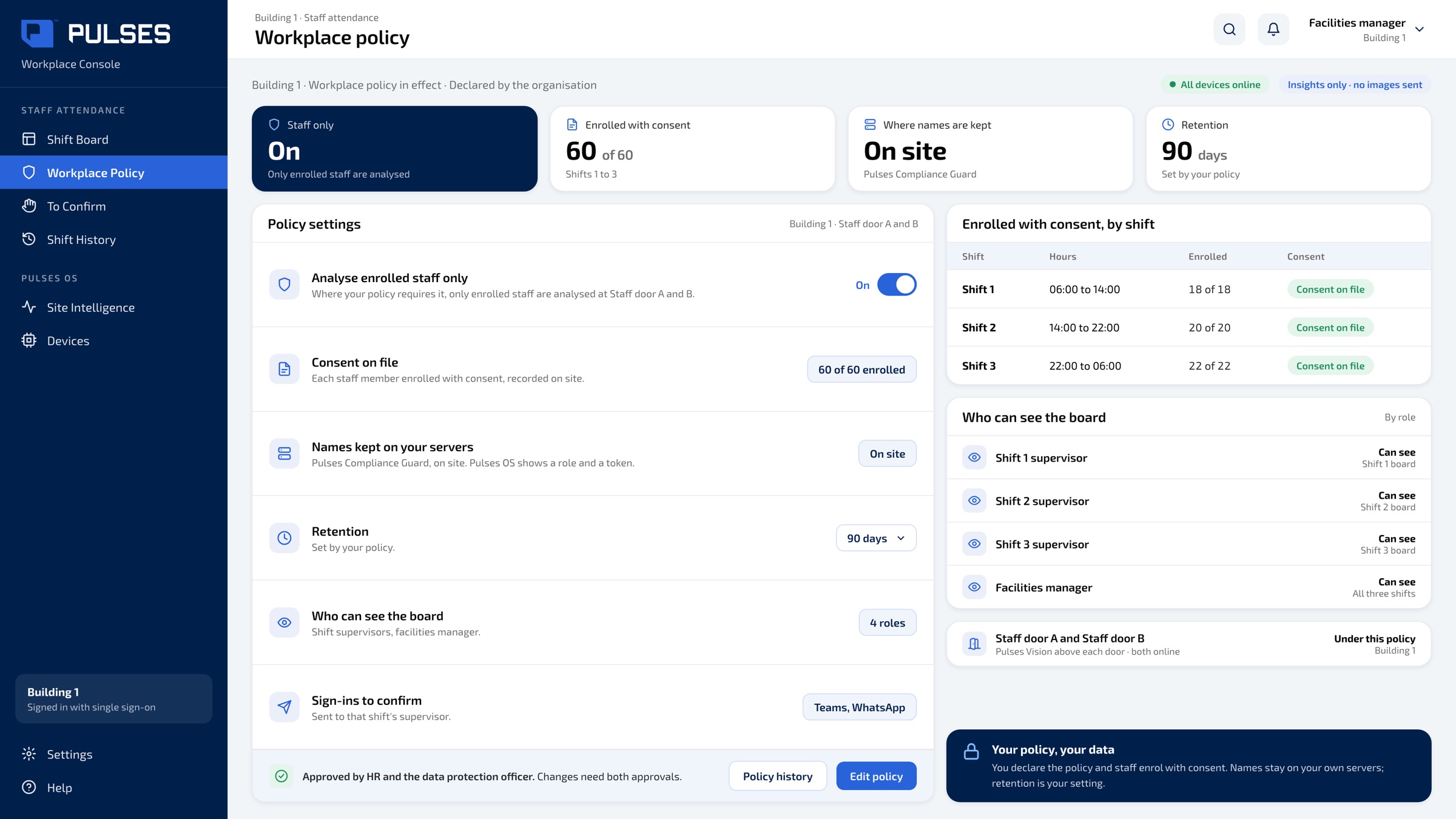
Where your policy requires it, only enrolled staff are analysed. Consent on file, names on your own servers, retention set by you.
 03 / 03
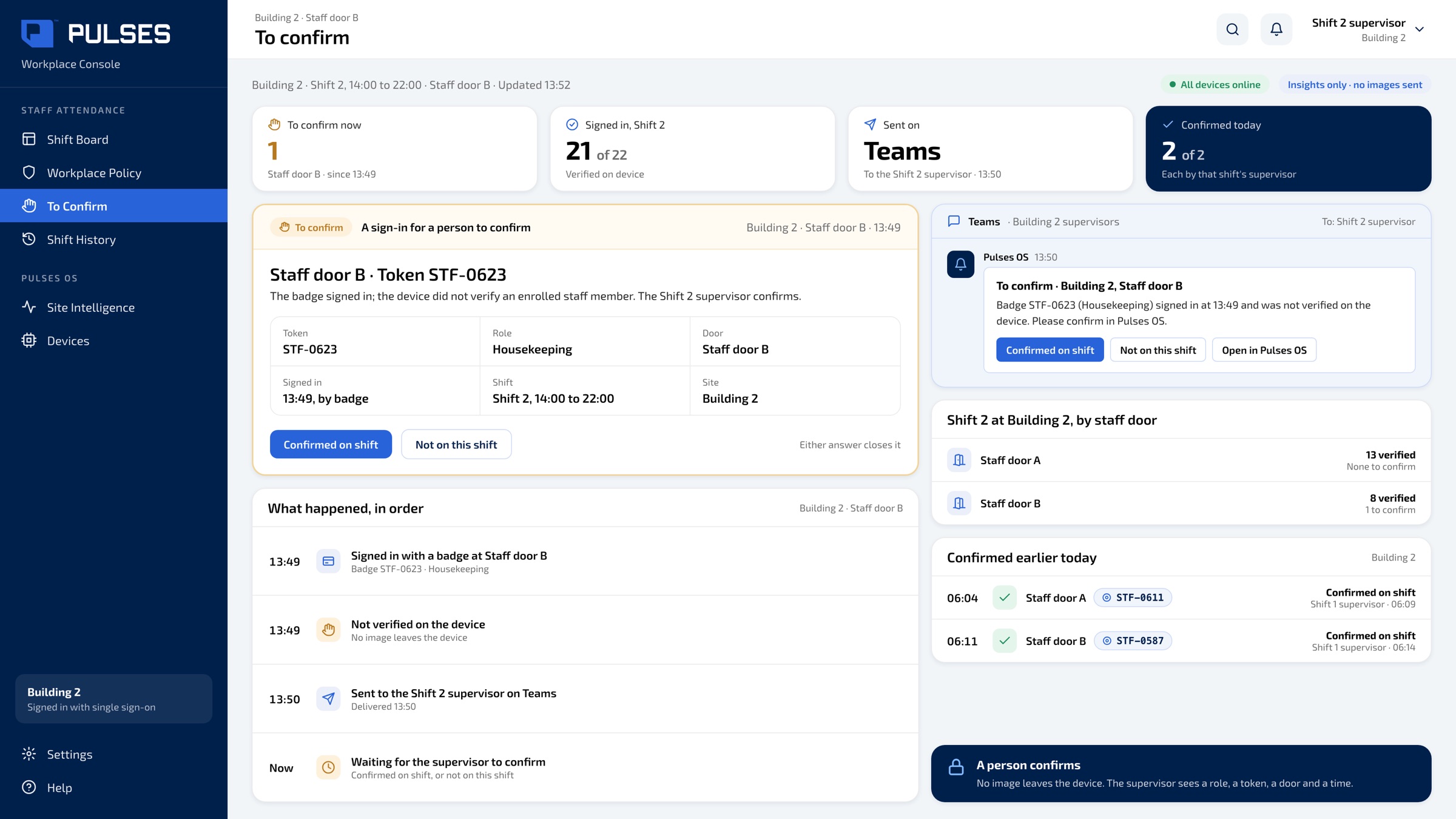
A sign-in that doesn't verify goes to the supervisor to confirm: confirmed on shift, or not on this shift.
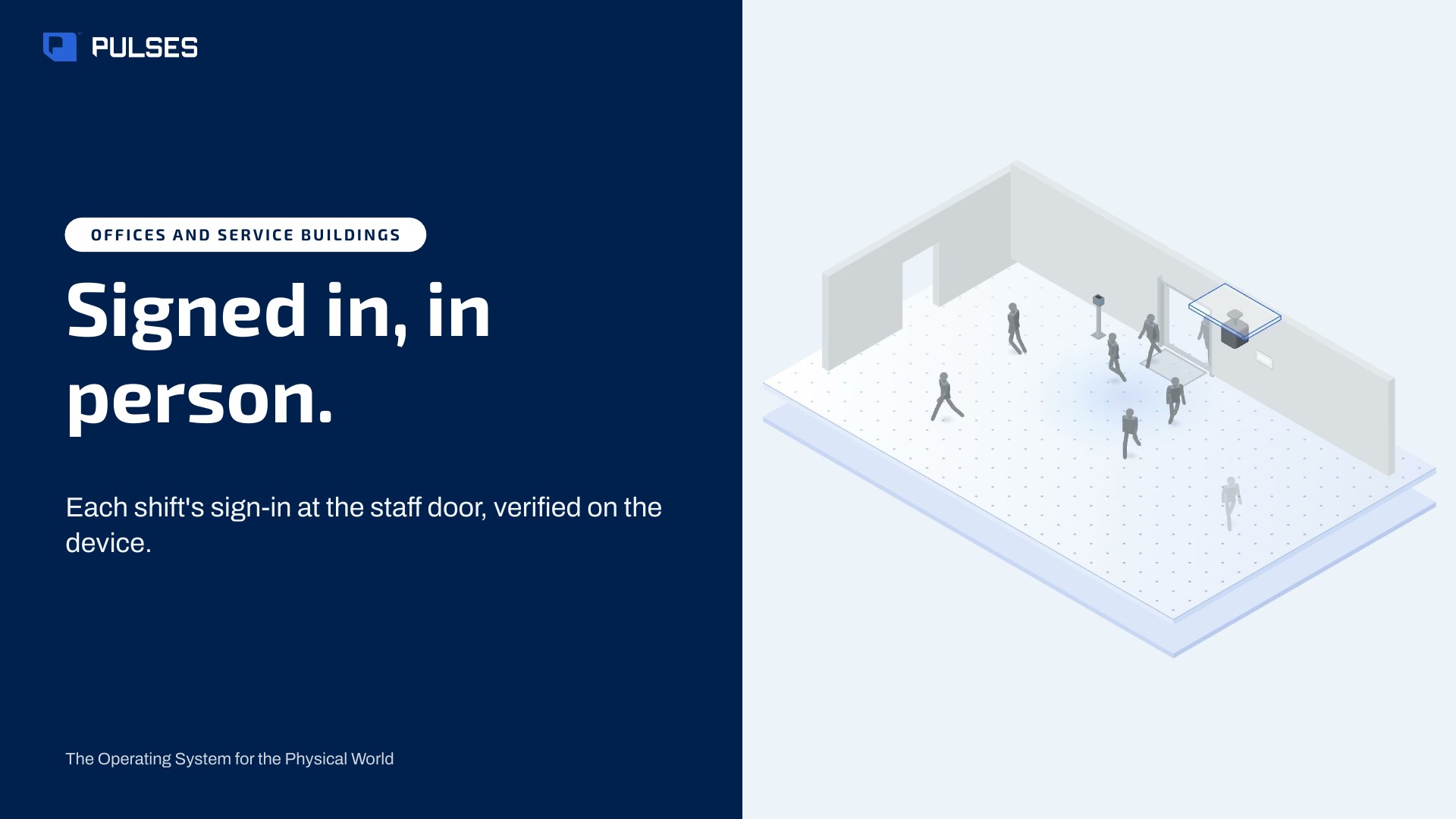
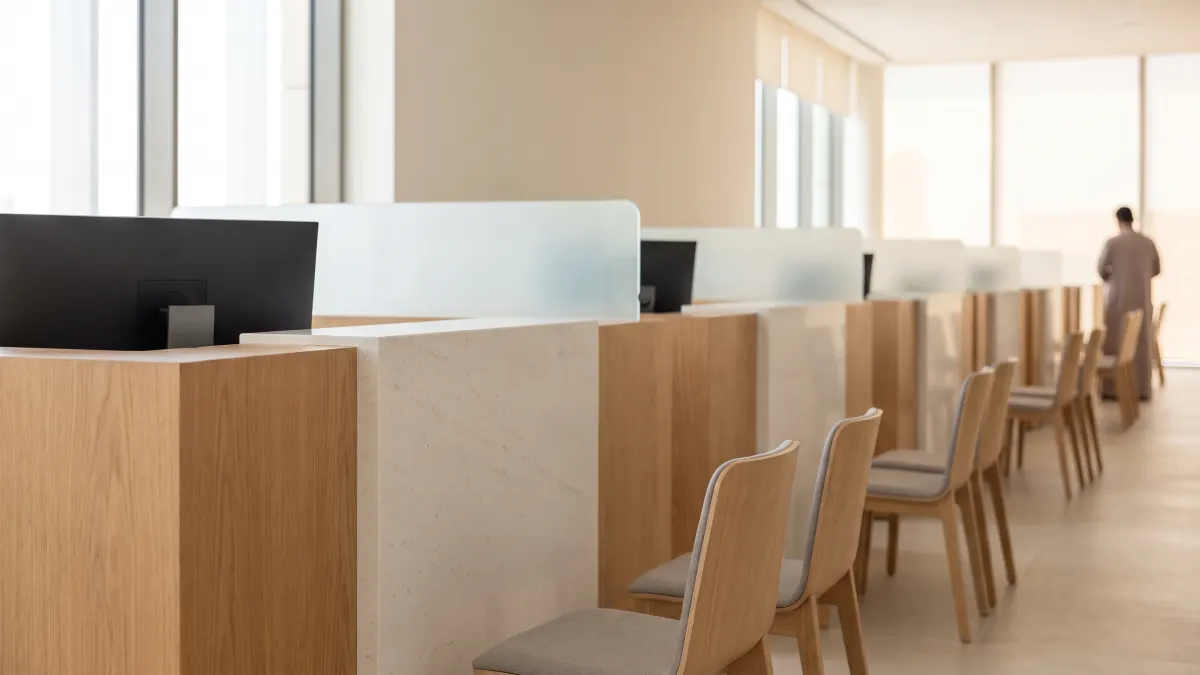
At the staff door, the morning shift arrives. Yet whether the front desk is covered shows up later, in a report. Pulses. AI for the physical world. A Pulses Vision device above the staff door verifies staff who enrolled with consent. Colleagues just walk in: no badge to find, no tap at the door. The shift board fills in, team by team, as they arrive. Names stay on your own servers; the board shows roles and times. Where your policy requires it, only enrolled staff are analysed. A sign-in that doesn't verify goes to the supervisor to confirm. Over one hundred and fifty million journeys counted across Pulses deployments. Designed and made in the UAE. See the full showcase.
The story for HR, facilities and your data protection officer.
Print-ready. Hand it on after the walkthrough.
There is no badge to pass to a colleague. A Pulses Vision device above the staff door verifies staff who enrolled with consent as they walk in, and the shift board fills in by role and time. A sign-in that doesn't verify goes to the supervisor to confirm: on shift, or not on this shift.
Yes. Where your policy requires it, only enrolled staff are analysed. Consent is on file, names stay on your own servers on the on-site Pulses Compliance Guard, and retention is set by you. The shift board shows roles, tokens, doors and times, not names.
Processing happens on the Pulses Vision device, and only anonymous metadata leaves it. Names stay on your own servers, on the on-site Pulses Compliance Guard, and retention is set by your policy. Anonymous Unique FaceID is made on the device and can't be turned back into a picture; staff who enrolled with consent link it to their staff record.
Yes. Pulses can run fully on your own servers, with no cloud dependency, for teams whose data has to stay on site. Either way, processing happens on the Pulses Vision device, only anonymous metadata leaves it, and names stay on the on-site Pulses Compliance Guard.
Yes. Every building and every shift sit on one page, so HR sees cover across sites without asking each one to report. The same staff-door set-up fits a government department, a hospital, a school, a hotel or a plant: anywhere colleagues work shifts and come in through a staff door.
We go through your buildings, doors, shifts and workplace policy with you.
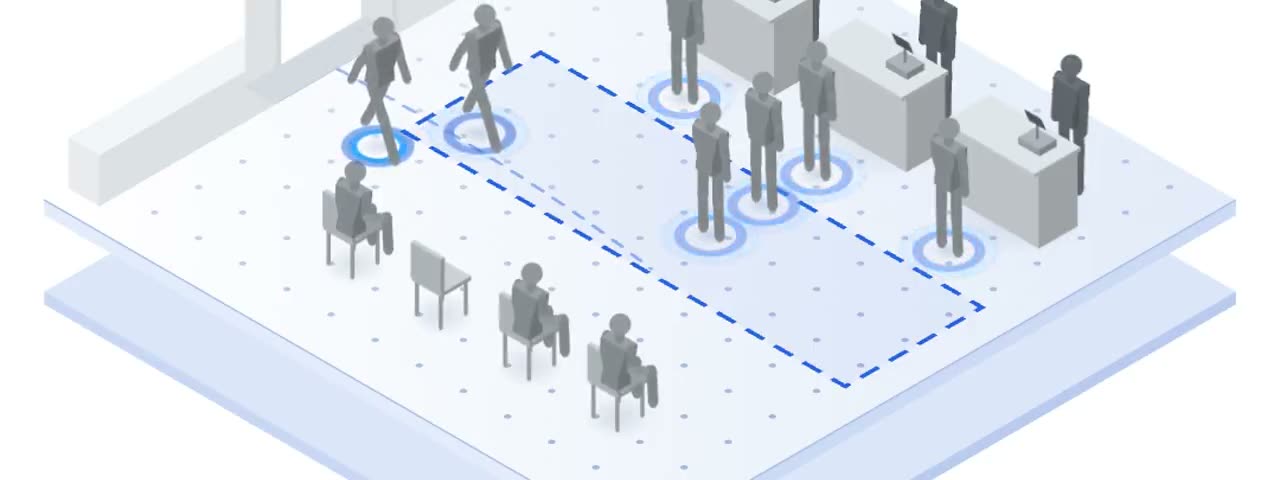 Branch experience Unique visitors, not tickets.
 Culture events Hold every event to one standard.
 Culture sites Know where your visitors go next.
 Inspection network A vehicle's attempts, side by side.
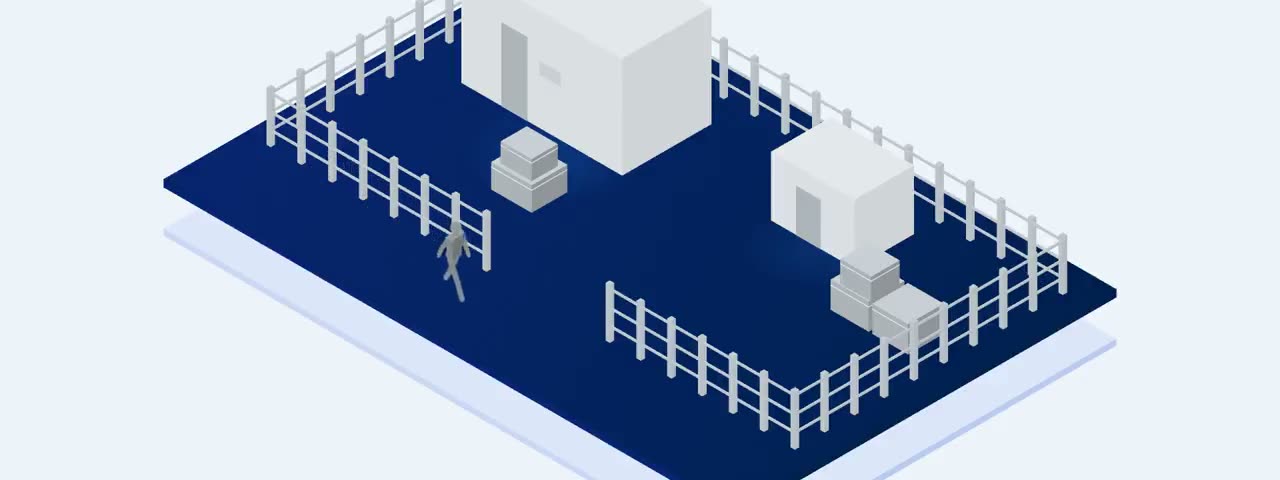 Perimeter and contractors Unique visits, day and night.
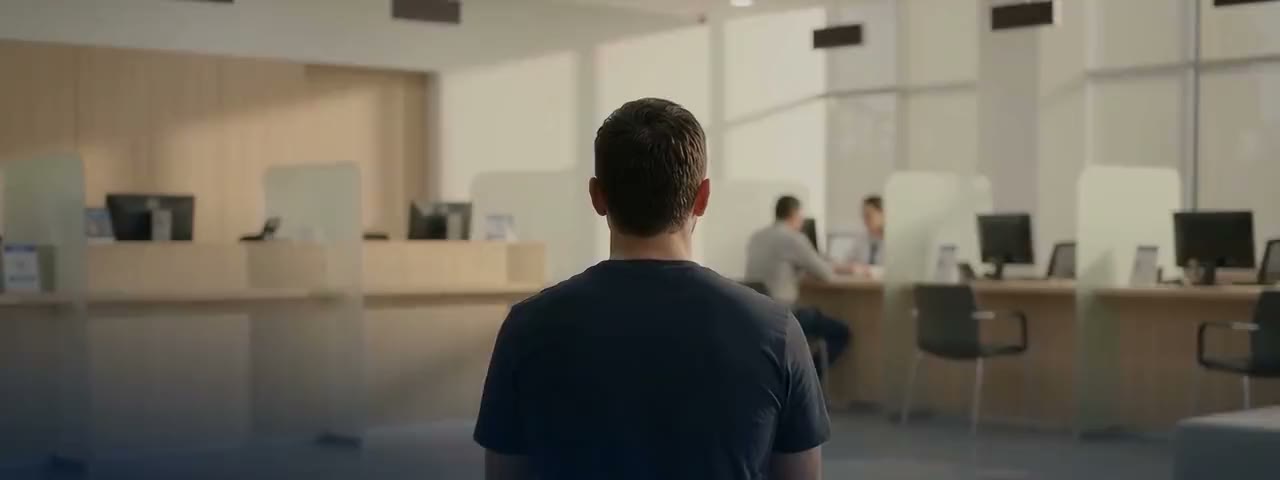 Service centres One customer, one journey.
 Vehicle inspection Each required check: done, or skipped.
 Pulses for Government 8 use cases in Government

 Every use case All 27 use cases
Ask Pulses
Hello. Ask a question, or type your business.
Pulses spots a growing queue or a late car as it happens, and alerts your team.
What leaves the device is anonymous data, not video.
No. Pulses works alongside it, and can process its feeds on site.
Pulses Vision indoors, Vision Pro outdoors, Vision Tower for temporary sites, Vision Roam on vehicles.
Your supervisors, on the channels they use, with your approval.
Book a walkthrough. We find where Pulses helps first.
See Pulses at your site. Book a walkthrough.
Book a Walkthrough