 01 / 03
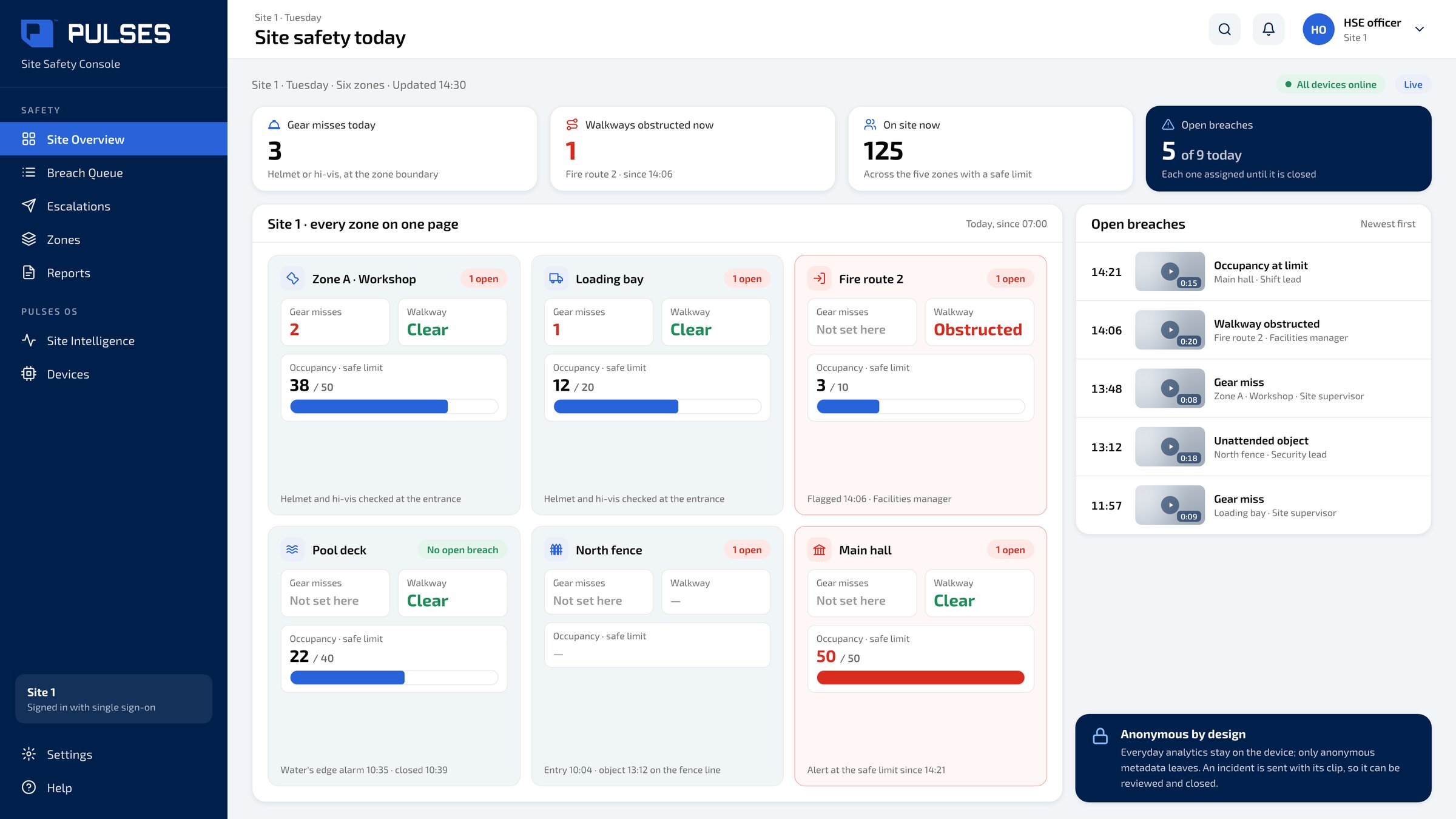
 Site Overview
Every zone on one page: gear misses at each boundary, walkways obstructed now, and headcount against each zone's safe limit.
For sites and venues: risks get noticed too late. When something slips, the right person hears about it.
For industrial sites, venues and hotels where a safety risk is often noticed too late. A Pulses Vision device on the ceiling above the way in at each zone's boundary checks helmet and hi-vis at the boundary, flags fire routes and walkways when they are obstructed, and gives a headcount against each zone's safe limit; in an evacuation, door counts show whether the building is clear. Pulses Compliance sends each miss to the person when Pulses can reach them, and otherwise to your team on WhatsApp, Teams, SMS or email. Each breach keeps its timestamped clip and stays assigned to an owner until it is closed. Everyday analytics stay on the device and only anonymous metadata leaves; an incident is sent with its clip so it can be reviewed and closed.
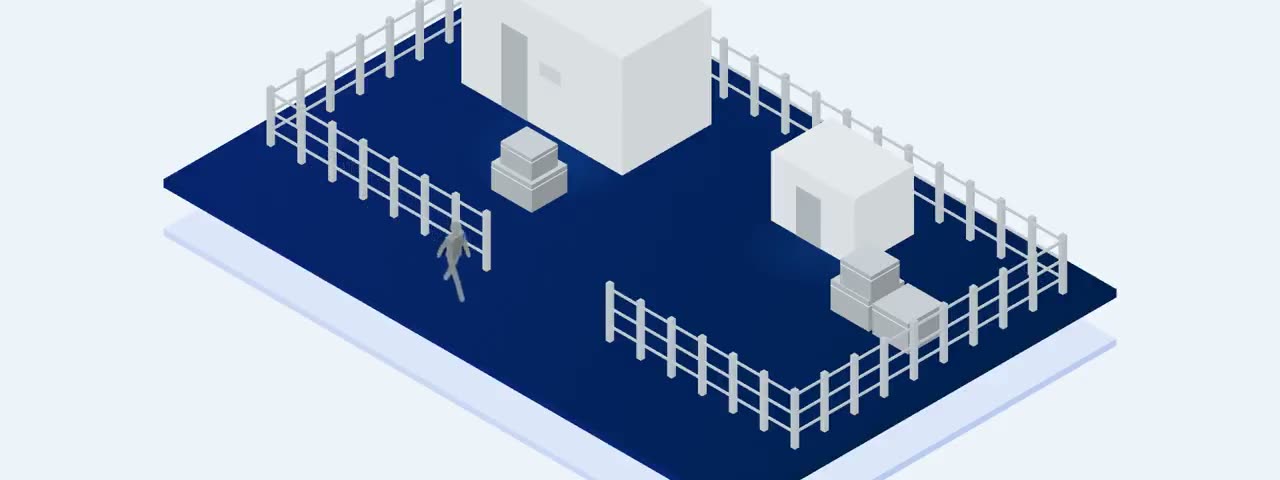
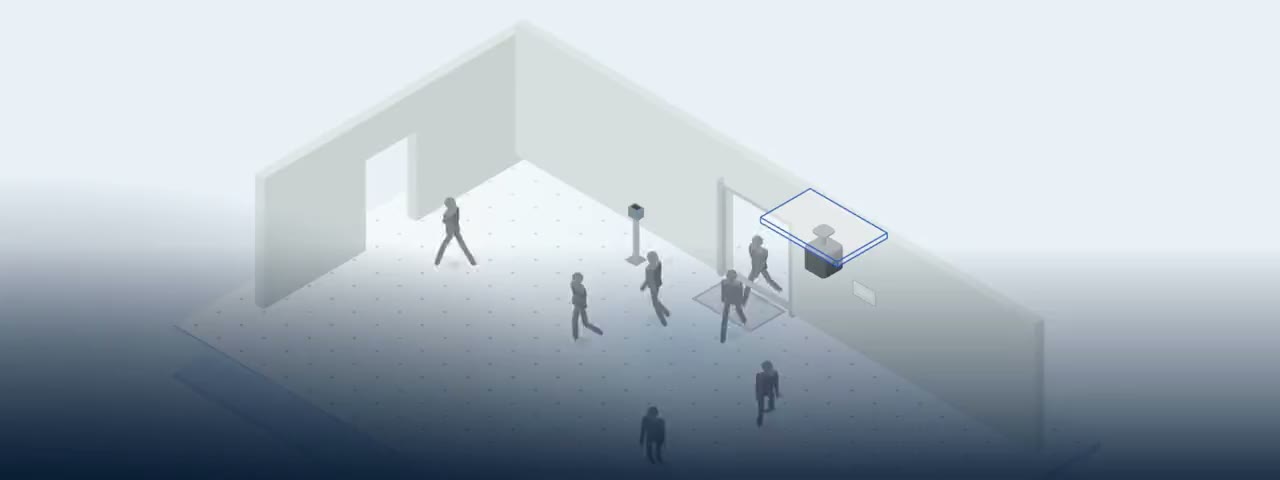
A Pulses Vision device sits on the ceiling above the way in, at each zone's boundary.
Helmet and hi-vis checked at the boundary. Fire routes and walkways flagged the moment they're obstructed. A child alone at the water's edge raises an alarm. In an evacuation, door counts tell you whether the building is clear.
The alert reaches the person when we can reach them. Otherwise it lands on WhatsApp, Teams, SMS or email. Every breach with its proof, assigned to someone until it is closed.
01 / 03 Every zone on one page: gear misses at each boundary, walkways obstructed now, and headcount against each zone's safe limit.
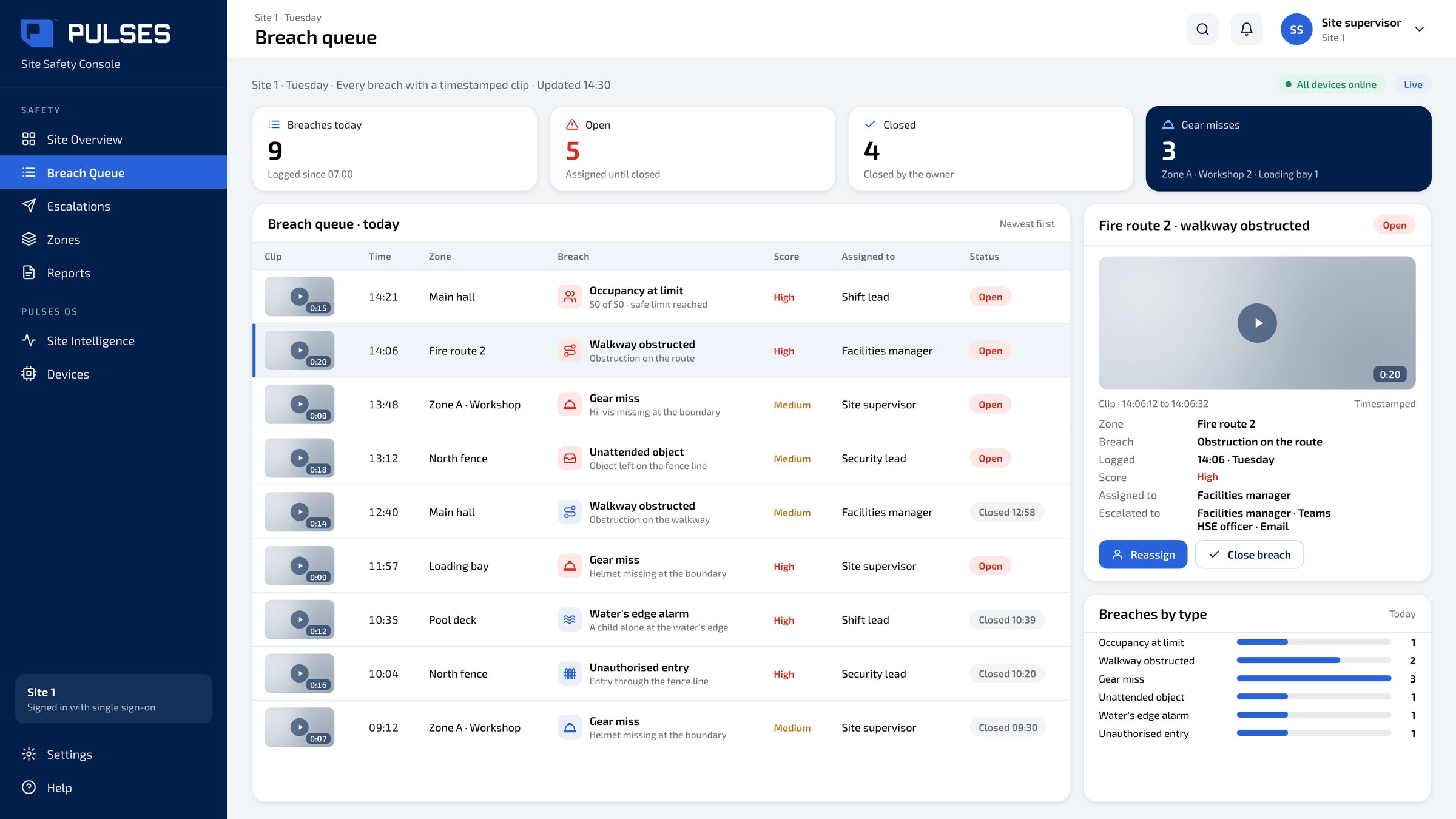 02 / 03
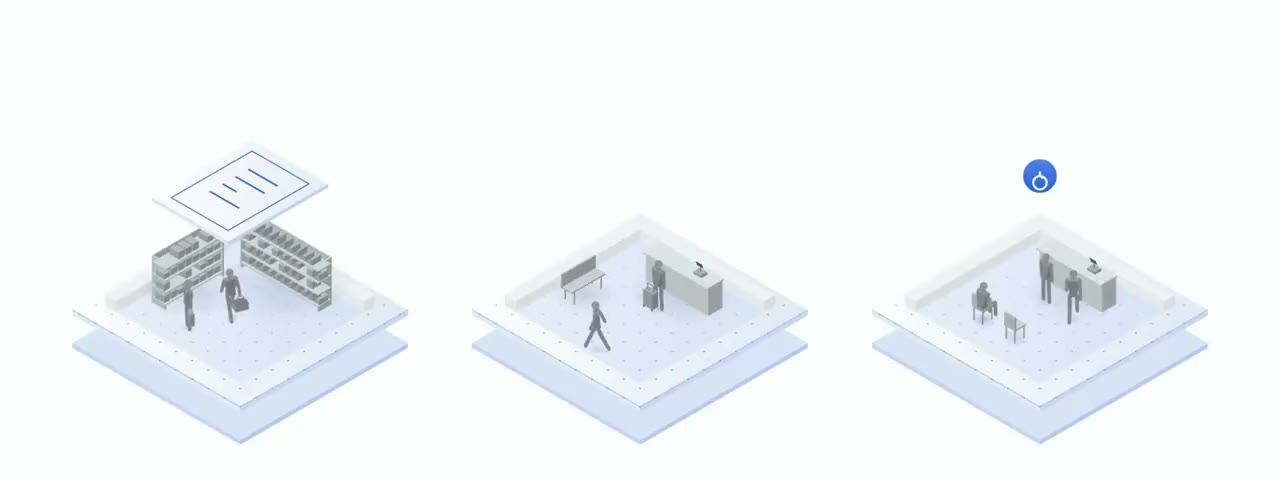
 Each breach keeps its timestamped clip and stays assigned until it is closed.
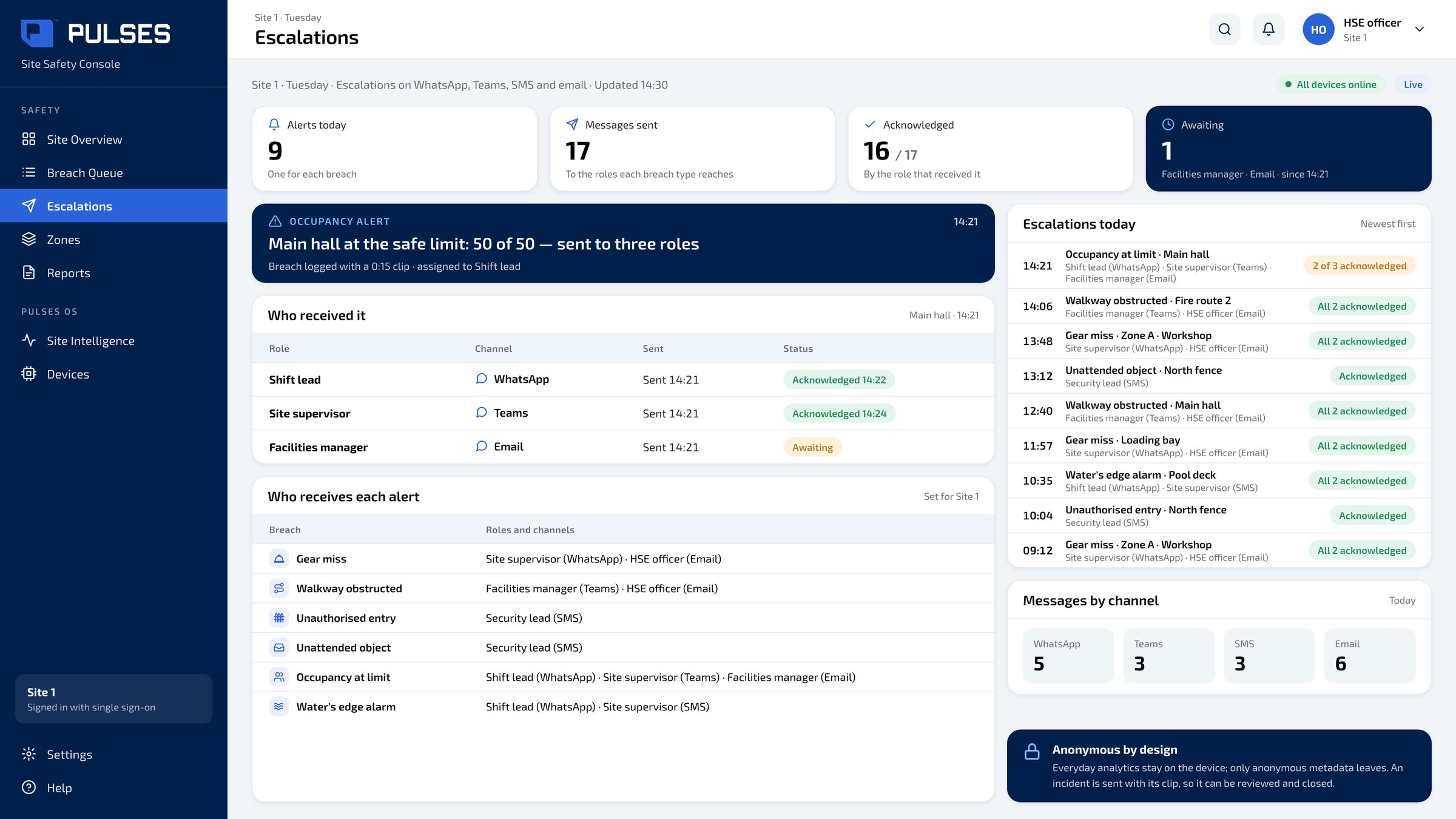 03 / 03
 Who received each alert, on WhatsApp, Teams, SMS or email, and whether they acknowledged it.
On a busy site, people move from zone to zone. Yet a missing helmet or a blocked exit is often noticed too late. Pulses. AI for the physical world. Above the way into each zone, a Vision device understands gear, walkways and headcount. Each miss at the boundary is logged and escalated. Blocked walkways and fire routes are flagged. Each breach stays with an owner until it's closed. Alerts reach your team on WhatsApp, Teams or email. Over one hundred and fifty million journeys counted across Pulses deployments. Designed and made in the UAE. See the full showcase.
Moments
A site engineer left his helmet in the car. Pulses noticed.
The helmet
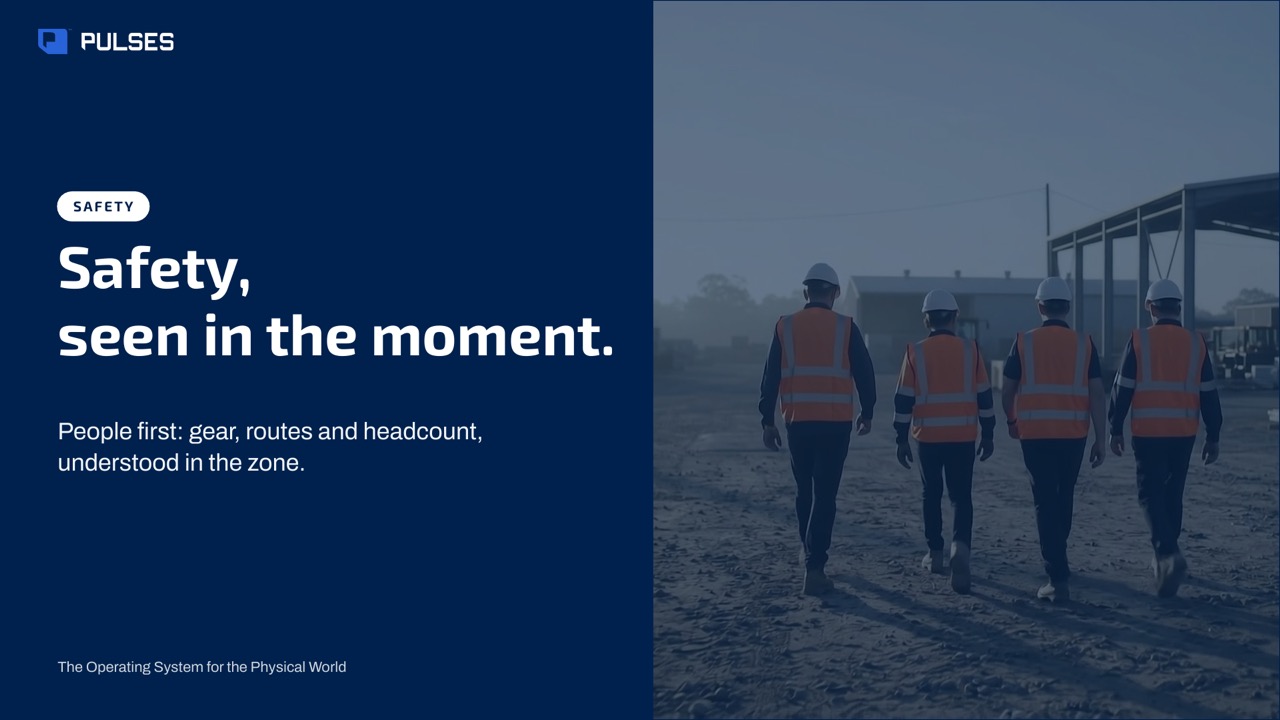
The story for your leadership team: the problem and how it works.
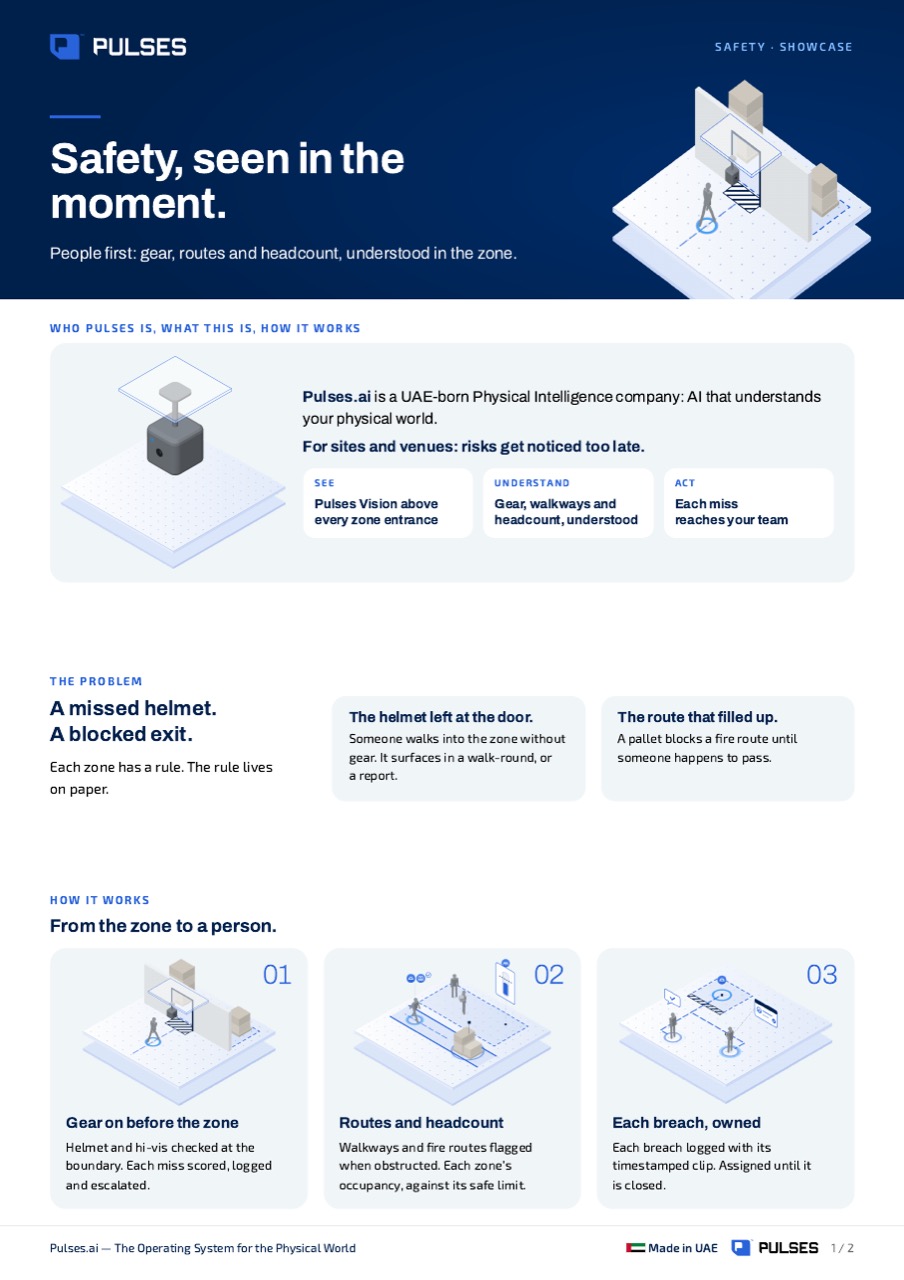
Print-ready. Hand it on after the walkthrough.
Pulses checks helmet and hi-vis at the boundary of each zone, from a Pulses Vision device above the way in. When gear is missing, the alert reaches the person when Pulses can contact them; otherwise it goes to your team on WhatsApp, Teams, SMS or email. Each miss is logged with its clip and assigned to someone until it is closed, and gear misses at each boundary show on one page.
Pulses flags fire routes and walkways when they are obstructed, and the site overview shows which walkways are obstructed now, zone by zone. Each one becomes a breach with its timestamped clip, assigned to an owner until it is closed, and the alert reaches your team on the channels they already answer.
Everyday analytics stay on the Pulses Vision device, and only anonymous metadata leaves it. When a breach happens, its clip goes end-to-end encrypted to your on-site Pulses Compliance Guard, kept as long as you choose, so the breach can be reviewed and closed. No video is streamed to the cloud, and the clip does not leave your site.
In an evacuation, door counts from Pulses Vision devices at each zone's boundary tell you whether the building is clear, zone by zone. It gives the team a number to work from as the evacuation runs; the evacuation itself stays with your wardens and your safety plan.
We walk through your site plan with you, zone by zone.
Ask Pulses
Hello. Ask a question, or type your business.
Pulses spots a growing queue or a late car as it happens, and alerts your team.
What leaves the device is anonymous data, not video.
No. Pulses works alongside it, and can process its feeds on site.
Pulses Vision indoors, Vision Pro outdoors, Vision Tower for temporary sites, Vision Roam on vehicles.
Your supervisors, on the channels they use, with your approval.
Book a walkthrough. We find where Pulses helps first.
See Pulses at your site. Book a walkthrough.
Book a Walkthrough