Retail & Shopping
Perfume aisle packed. Tills quiet.
Pulses OS compares visits by zone, so staff go where shoppers are.
Pulses on the shop floor
For retailers and malls who want staff and stock where shoppers really are. Pulses Vision on the ceiling sees shoppers at the entrance, in each zone and at the tills, and a shopper who comes back is one unique visit, not a new entry (store floor). Pulses CX shows visits by zone and hour and the time spent in each zone and at each display, so you see which displays hold shoppers and which zones they pass. Pulses Ops sets shoppers in each zone and till queue against staff on the floor, and an AI Operator alerts the floor lead to open another till, with your approval. Several stores can sit on one page (all sites). Processing happens on the device; what leaves is anonymous data, not video.
-
See
Pulses Vision counts shoppers at the entrance, in each zone and at the tills.
-
Understand
Pulses OS sets visits in each zone against staff on the floor.
-
Act
An AI Operator alerts the floor lead to open till 3, with your approval.
Retail Use Cases
Each use case names its Pulses OS module and AI Operator skills.
Zone Visits
- Pulses CX
- Sales skill
- Tour Guide skill
Which zones draw shoppers
Pulses CX counts shoppers by zone and hour. Move stock and staff to the busy zones.
- Shoppers by zone, by hour
- Time spent in each department
- Visits before and after a layout change
Time Spent
- Pulses CX
- Sales skill
- Upsell skill
Time spent, zone by zone
Pulses CX times how long shoppers stay in each zone, so you see which displays hold them.
- Time spent at each display
- Zones shoppers pass without stopping
Visit Quality
- Pulses CX
- Sales skill
- Reception skill
- Upsell skill
Shoppers waiting for help
Pulses OS times waits at the service desk and tills, and alerts the floor lead.
- Wait at each counter, live
- Floor lead alerted when waits run long
Staffing
- Pulses Ops
- Staffing skill
- Busy Hours skill
- Throughput skill
Staff where the shoppers are
The Ops Operator sets shoppers in each zone and till queue against staff on the floor.
- Shoppers against staff, by zone
- Till queues, live
- Busy hours, to add staff
Pulses OS for stores
Pulses CX, Ops and Compliance, each with its own AI Operator.
-
Pulses CX
Experience & Revenue
Visits, time spent and waits by zone.
CX Operator skills
- Sales
- Reception
- Support
- Upsell
- Tour Guide
- Q&A
-
Pulses Ops
Operations & SLAs
Till queues, staff coverage and busy hours.
Ops Operator skills
- Staffing
- Busy Hours
- SLA Monitor
- Resource Planning
- Maintenance
- Throughput
-
Pulses Compliance
Standards & Security
Capacity limits, incidents and audit records.
Compliance Operator skills
- Access Control
- Incident Doc
- Regulatory Audit
- Hygiene Monitor
- Safety Escalation
Recommended Hardware
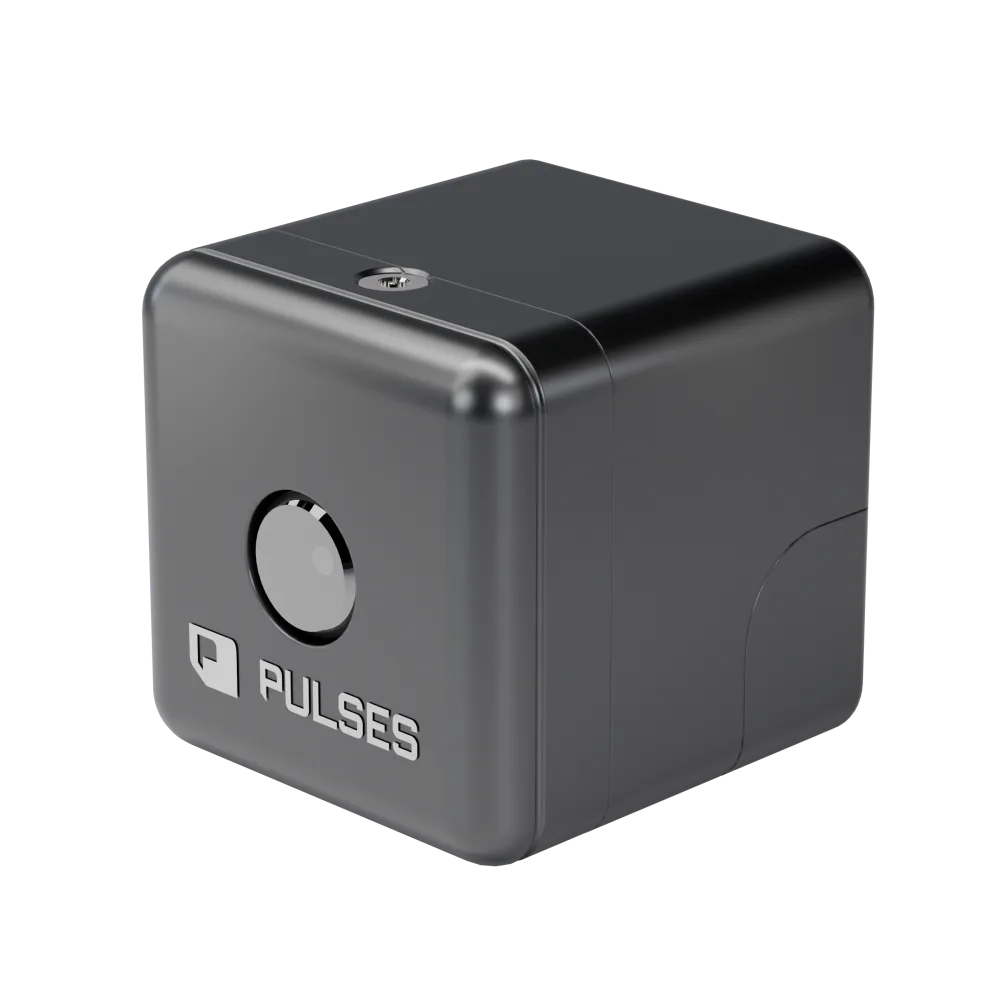
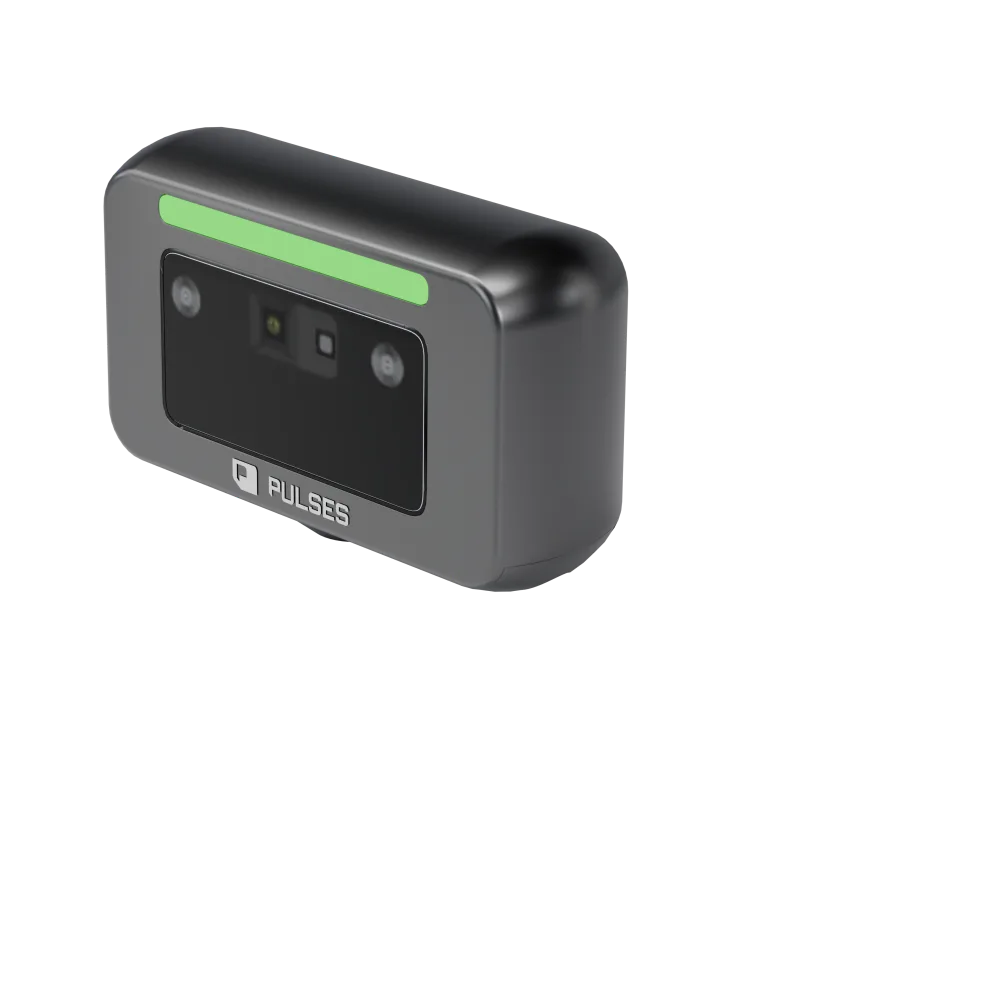
Pulses Vision inside the store. Vision Pro outside.
Questions from retail teams
How can I count unique visitors instead of entries?
Pulses shows a shopper who comes back as one unique visit, not a new entry. It works through Anonymous Unique FaceID: derived on the Pulses Vision device, it can't be turned back into a picture and holds no personal data. Pulses CX then shows unique visitors zone by zone, and which zones turn into baskets.
How can I measure dwell time by product zone?
Pulses CX times how long shoppers stay in each zone and at each display, so you see which displays hold them and which zones they pass without stopping. Compare a zone before and after a layout change, and move stock and staff to the busy zones. The data comes from Pulses Vision Devices that process on the device.
How do I create a heat map of customer movement in my store?
Pulses CX shows shoppers by zone and by hour on your own store plan, with the time spent in each zone and at each display, and the zones shoppers pass without stopping. That is the heat map: where shoppers linger, where they rarely go, and how it changes after a layout change. The data comes from Pulses Vision Devices that process on the device.
How do retailers know whether an in-store promotion worked?
Pulses measures the promotion's zone by visits and time spent, and against the week before, so a display shows how it did beside its own past. Shoppers who show high interest, or come back for a second look, can be sent to the floor team. Processing happens on the Pulses Vision device.