Use case · Film Service centres
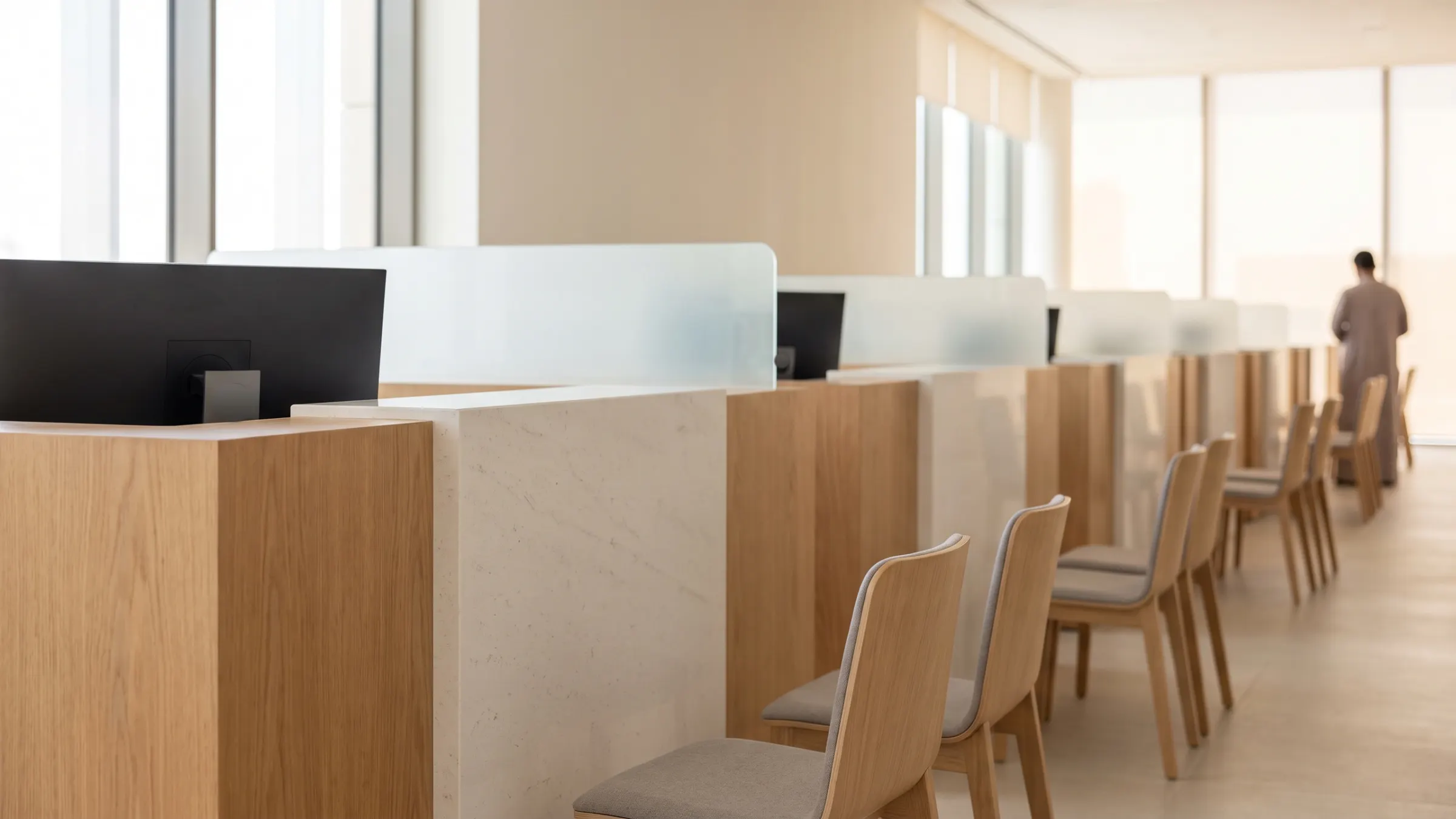
Service centres
The whole visit, zone by zone.
Where people waited, and for how long. Bad visits, flagged for review.
- Busy and idle counters, live
- The path between services
- Visits flagged against your standard
Government & Public Sector
Counter waits, lane checks and free spaces, live, centre by centre.
How it works
 Waiting · 18 min Illustrative
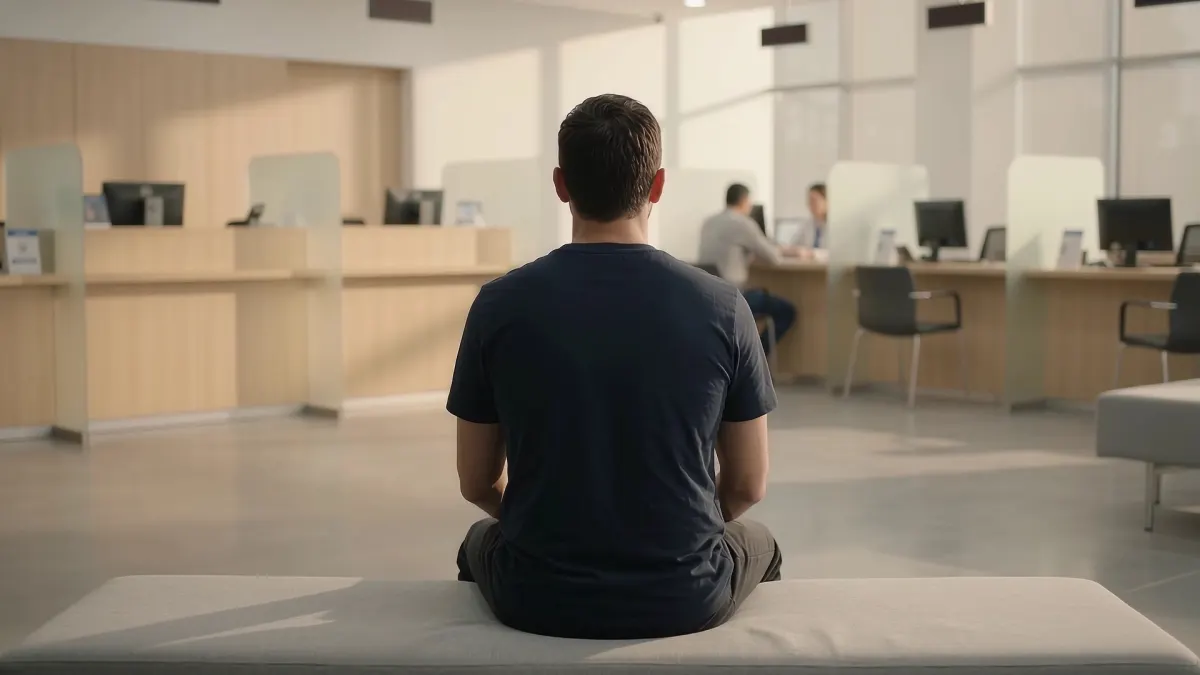
 Each visit is counted from the door to the counter.
Wait by counter · minutes
Counter 4 is 8 min over standard.
IllustrativeEach counter's wait is checked against the standard you set.
AI Operator · now
Counter 4 is 8 min over its wait standard. Open counter 6?
ApproveNot now
To the duty supervisor
The supervisor gets the alert and opens a counter, with your approval.
Illustrative example. Waits are not from a customer site.
Where it works
Scroll each area. Some have a full use case and film.
Service centres
Where people waited, and for how long. Bad visits, flagged for review.
Inspection lanes
Both stages timed to the second. Your inspectors decide.
Unserved visits
See who came in and left without being served.
Busy hours
Peak hours by zone, so rosters follow the visitors.
Car parks & fleet
Vehicles counted in each car park and fleet bay.
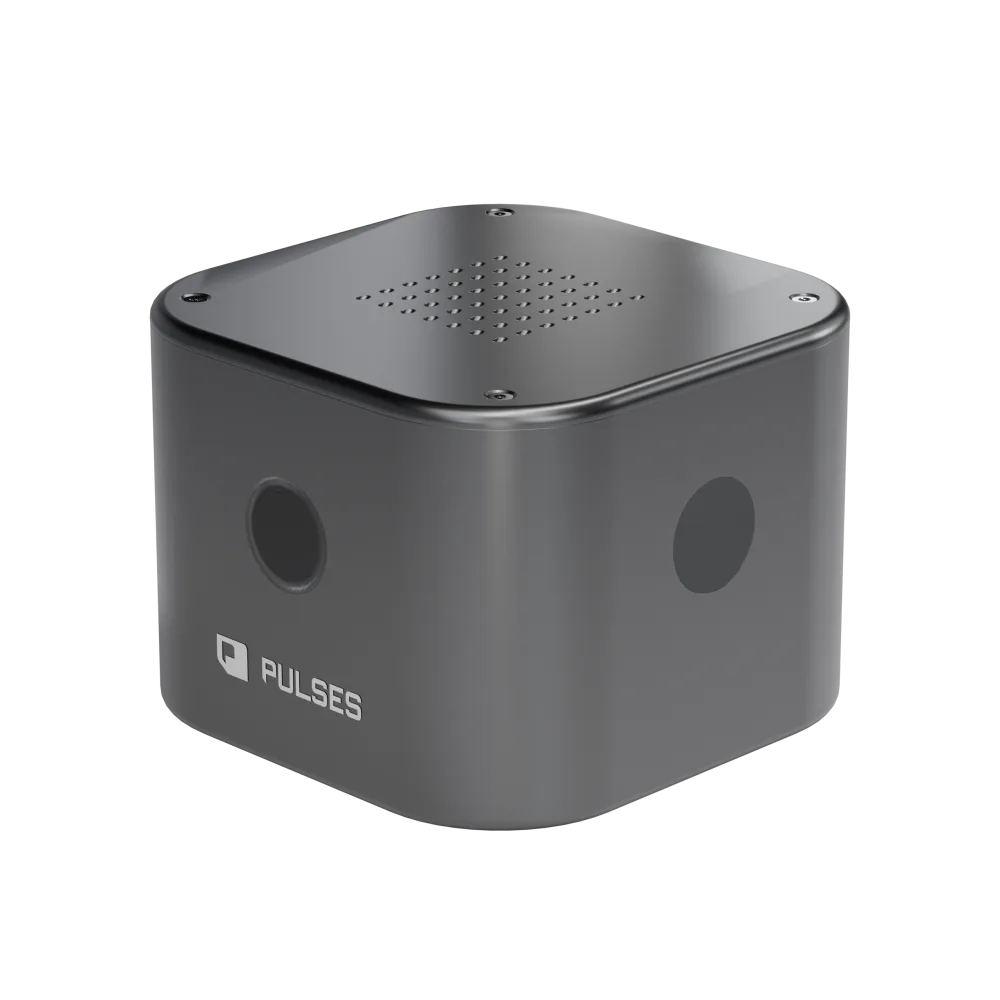
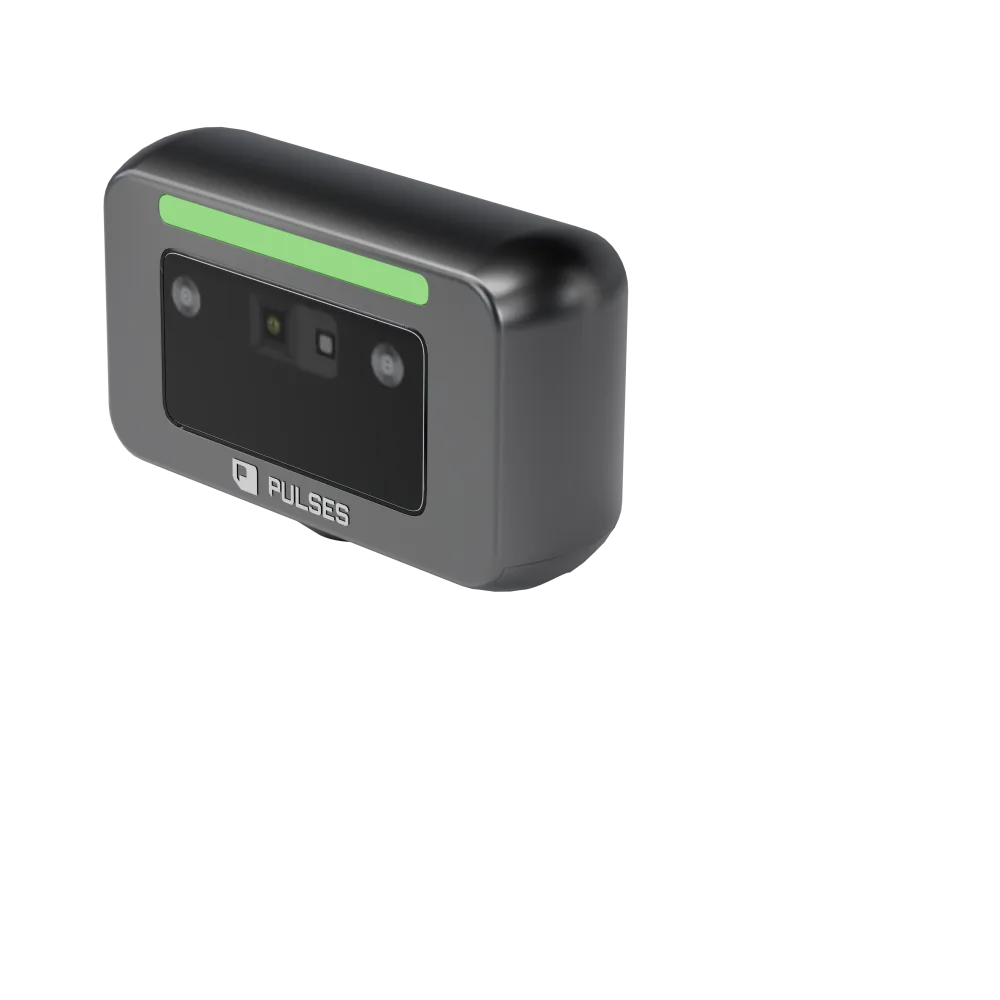
For government service centres and authorities that want each customer's visit measured from the door to the counter. Pulses Vision Devices count each visit, and Pulses OS checks each counter's wait against the standard you set; when one runs over, an AI Operator alerts the duty supervisor to open another counter, with your approval (service centres). Pulses CX shows repeat visits and visit quality, including walk-ins against tickets issued and visits that left before a counter. Pulses Ops shows busy hours by zone, centre by centre, and free spaces by car park. For inspection lanes, each required check is shown as done or skipped, and your inspectors decide (vehicle inspection). Processing happens on the device; what leaves is anonymous data, not video.
Zone entries, alerts and audit records for your security standards.
Active Skills
Counter waits, staffing and car parks across your service centres.
Active Skills
Waits, repeat visits and visit quality at each service centre.
Active Skills
It starts with seeing the real wait. Pulses Vision Devices count each visit from the door to the counter, and Pulses OS checks each counter's wait against the standard you set. When a counter runs over, an AI Operator alerts the duty supervisor to open another one, with your approval, and busy hours by zone help rosters follow your customers.
Pulses measures the visit from the floor: where each customer waited, and for how long, zone by zone. It also shows the visits the ticket log missed: walk-ins against tickets issued, and customers who left before reaching a counter, by hour and by the zone they left from. Processing happens on the device; what leaves is anonymous data, not video.
Pulses CX shows repeat visits at each service centre, so the team can see when a customer comes back for the same service, even at another branch. The same visitor is one journey across visits, through Anonymous Unique FaceID: derived on the device, it can't be turned back into a picture and holds no personal data.
The Coverage Design survey establishes it. We walk your service centre with you and pick the first counter. The survey then sets the schedule: which Pulses Vision Device goes in each position, from the doors and the waiting hall to the car park, and what it does there. You see that schedule before anything is installed.
Ask Pulses
Hello. Ask a question, or type your business.
Pulses spots a growing queue or a late car as it happens, and alerts your team.
What leaves the device is anonymous data, not video.
No. Pulses works alongside it, and can process its feeds on site.
Pulses Vision indoors, Vision Pro outdoors, Vision Tower for temporary sites, Vision Roam on vehicles.
Your supervisors, on the channels they use, with your approval.
Book a walkthrough. We find where Pulses helps first.
See Pulses at your site. Book a walkthrough.
Book a Walkthrough