 01 / 03
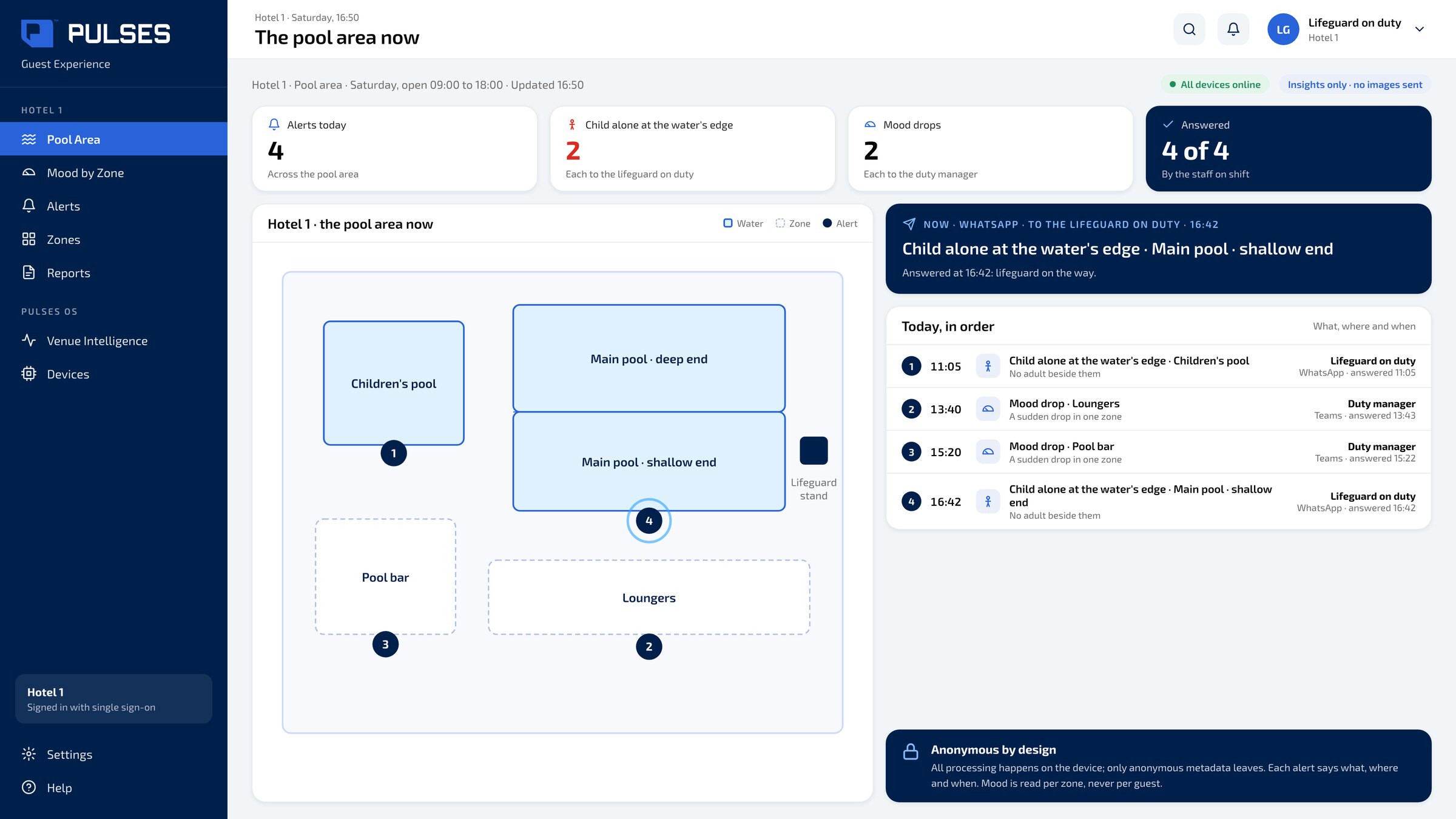
 The pool area now
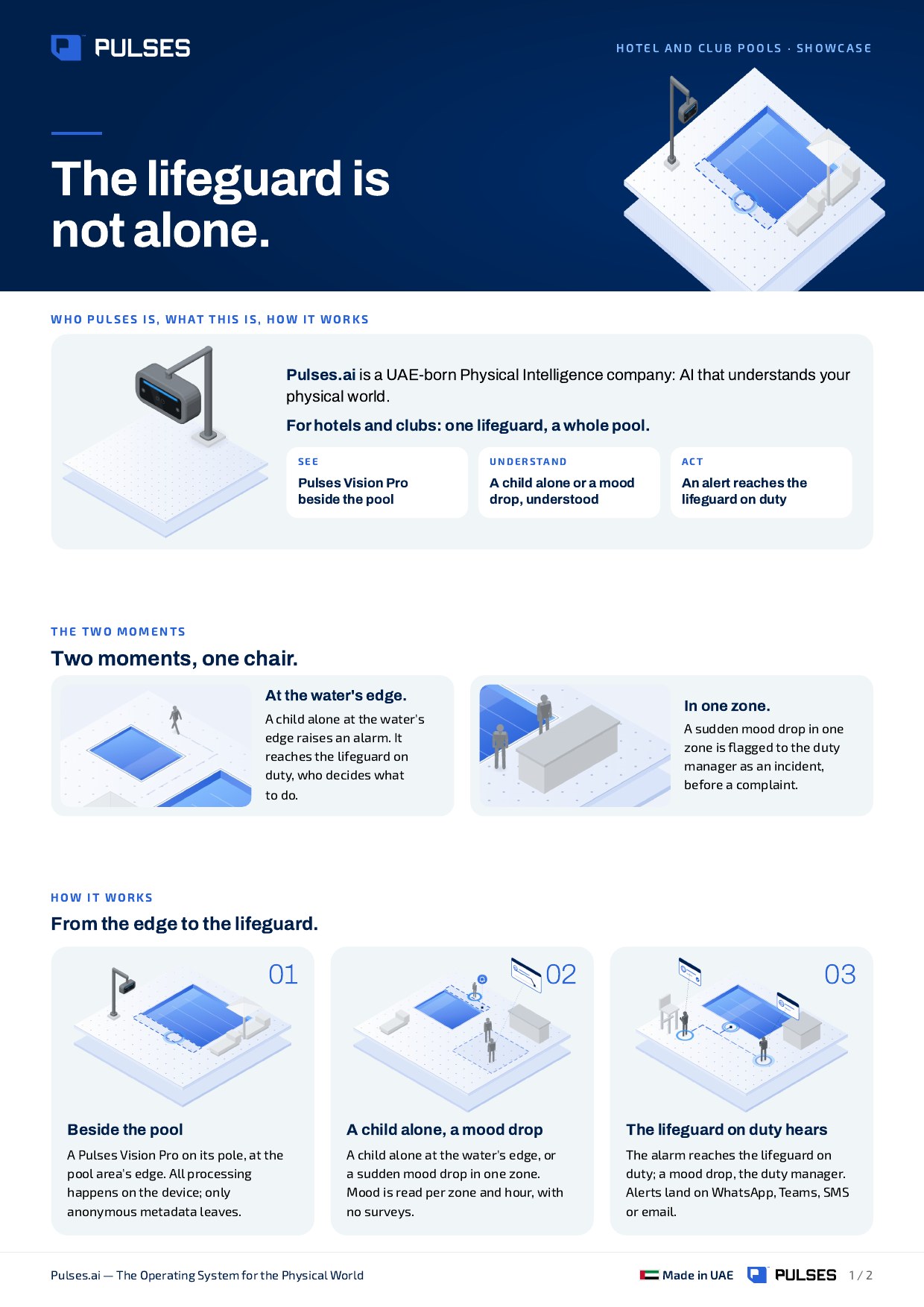
The pool area's zones on a plan and today's alerts in order; each alert says what, where and when.
For hotels and clubs: one lifeguard, a whole pool. From the gate, to the shade, to the water's edge.
For hotels and clubs where one lifeguard looks after a whole pool. A Pulses Vision Pro on its pole at the edge of the pool area shows each guest's visit, from the gate to the shade to the water's edge. When a child is alone at the water's edge, Pulses OS raises an alarm that reaches the lifeguard on duty, who decides what to do; each alert says what, where and when, on WhatsApp, Teams, SMS or email. Pulses CX reads each guest's mood, hour by hour, with no surveys, and a sudden drop is flagged to staff before a complaint. Mood is read guest by guest, anonymously. Anonymous Unique FaceID is derived on the device and holds no personal data; all processing happens on the device and only anonymous metadata leaves.
A Pulses Vision Pro on its pole at the pool area's edge.
One visit per guest, the same guest recognised across visits. See each guest's mood, hour by hour, with no surveys.
A child alone at the water's edge raises an alarm. It reaches the lifeguard on duty, who decides what to do. Alerts land on WhatsApp, Teams, SMS or email.
01 / 03 The pool area's zones on a plan and today's alerts in order; each alert says what, where and when.
 02 / 03
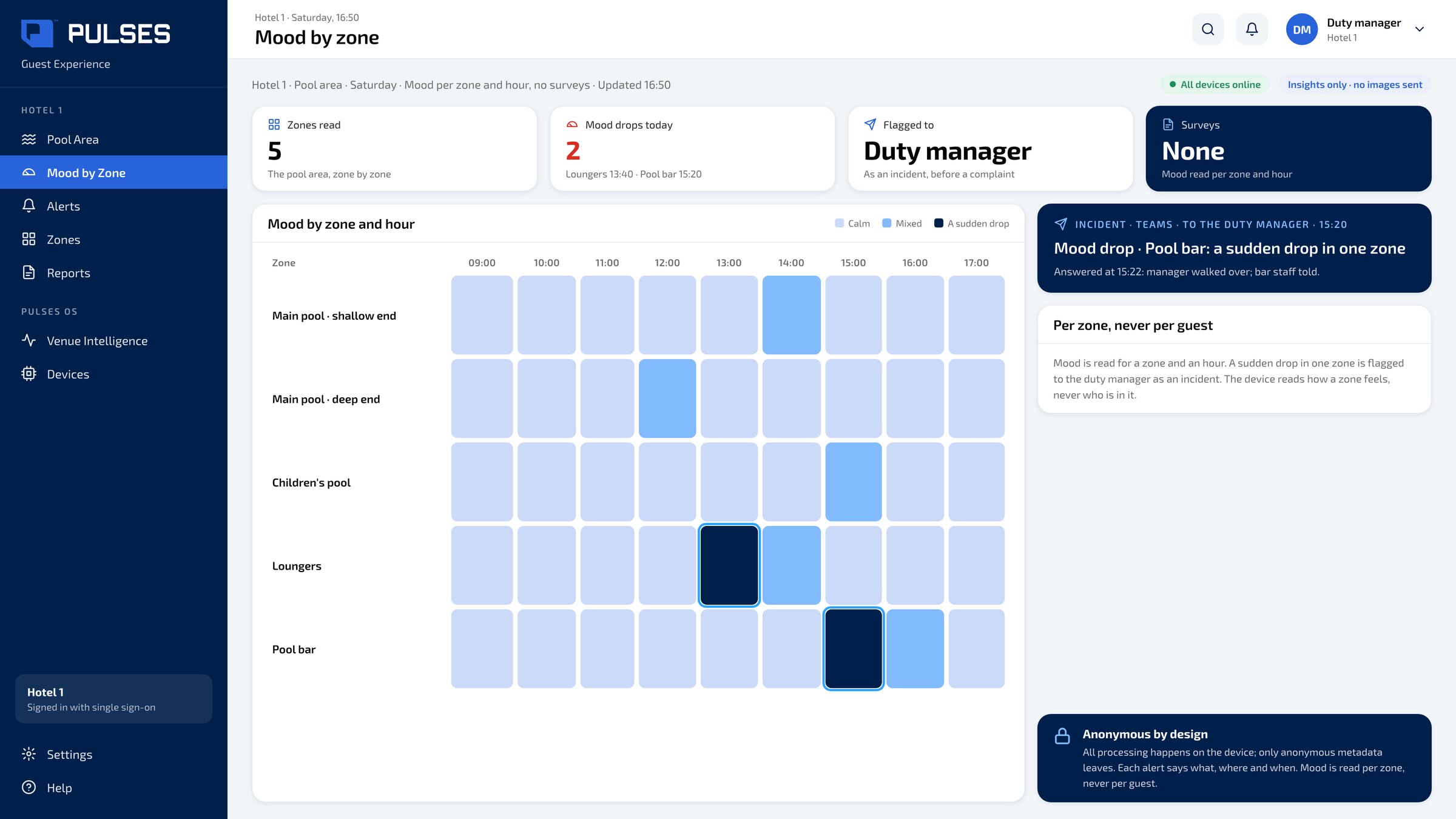
 Each guest's mood, with no surveys; a sudden drop is flagged to staff, before a complaint.
 03 / 03
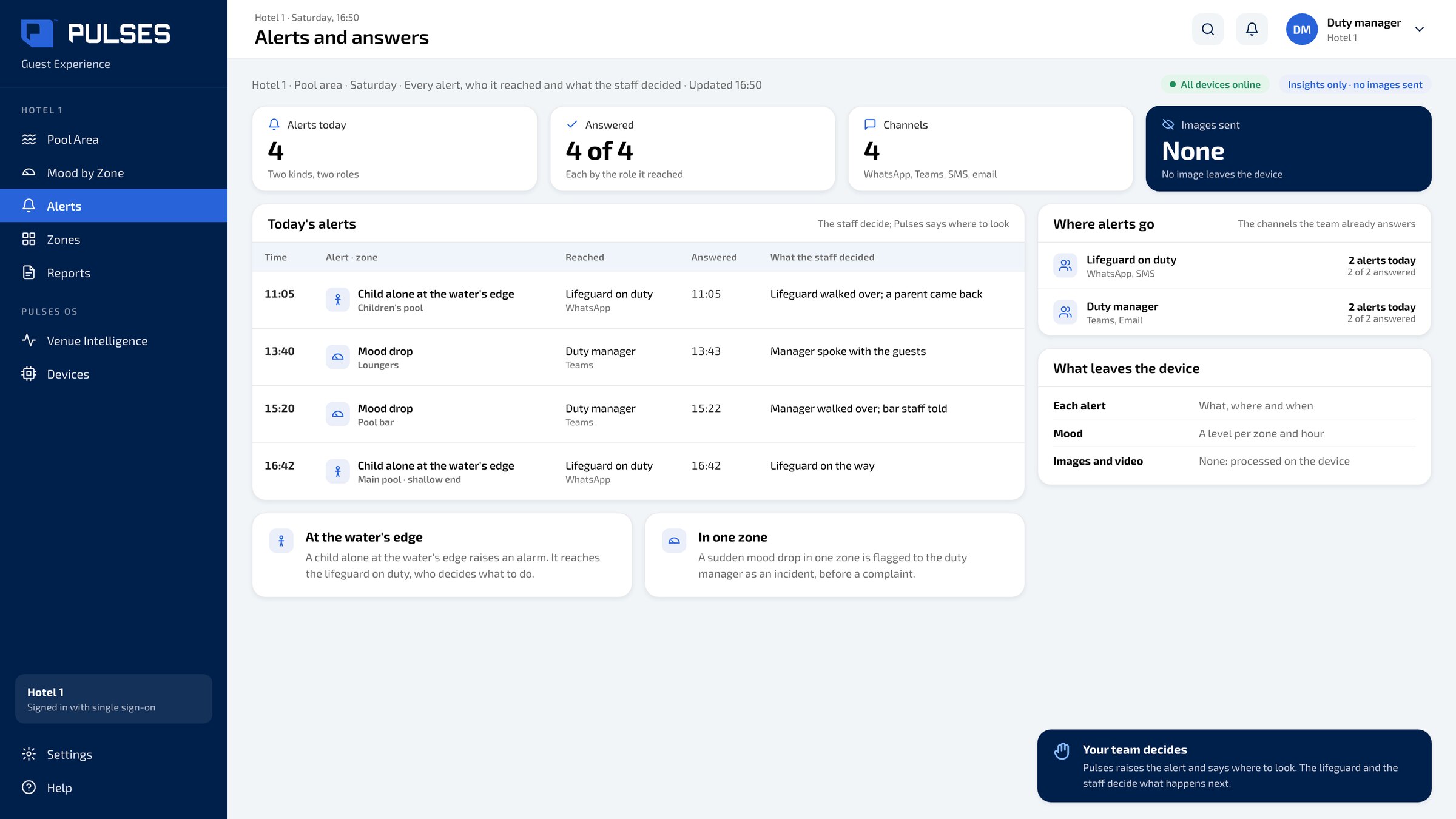
 Every alert, who it reached and what the staff decided, on WhatsApp, Teams, SMS or email.
At a hotel pool, each guest's day runs from the gate, to the shade, to the water's edge. Yet one lifeguard looks after the whole pool, while a mood can turn out of sight. Pulses. AI for the physical world. Beside the pool, a Pulses Vision Pro understands each guest's visit and mood, anonymously. A child alone at the water's edge raises an alarm. It reaches the lifeguard on duty, who decides what to do. See each guest's mood, hour by hour; a sudden drop is flagged to staff. No image leaves the device. Over one hundred and fifty million journeys counted across Pulses deployments. Designed and made in the UAE. See the full showcase.
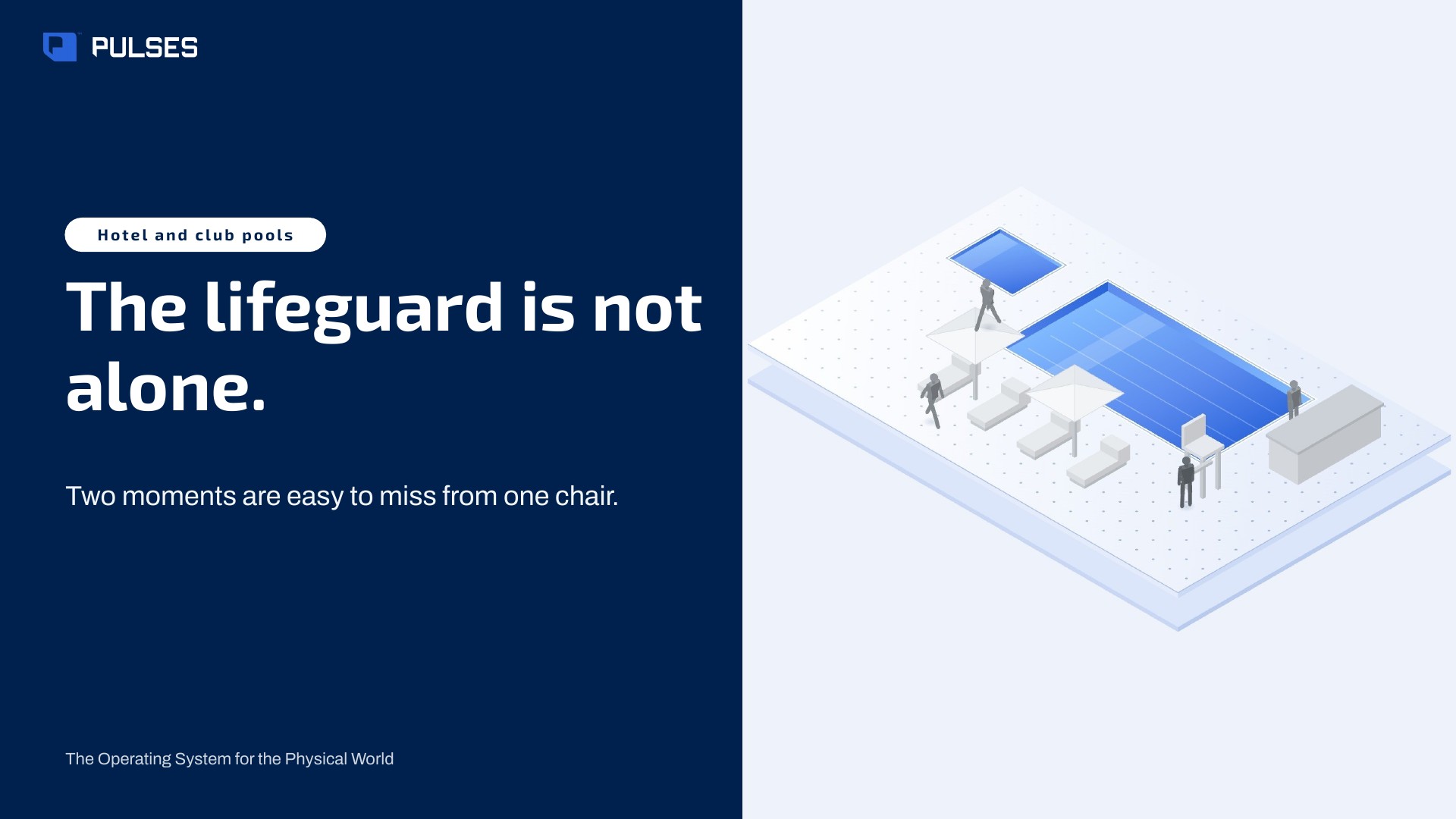
The story for your leadership team: the problem and how it works.
Print-ready. Hand it on after the walkthrough.
Yes. A Pulses Vision Pro on its pole at the pool's edge raises an alarm when a child is alone at the water's edge, and it reaches the lifeguard on duty on WhatsApp, Teams, SMS or email. Each alert says what, where and when; the lifeguard and the staff decide what happens next. Processing happens on the device.
Pulses works alongside the lifeguard on duty. When a child is alone at the water's edge, an alarm reaches the lifeguard saying what, where and when, and the lifeguard decides what to do. Pulses OS keeps each alert, who it reached and what the staff decided, so the duty manager can review the day at the pool.
Pulses is not a drowning detection system and makes no life-safety claim. What it does: a Pulses Vision Pro at the pool's edge raises an alarm when a child is alone at the water's edge, and the alarm reaches the lifeguard on duty, who decides what to do. Alongside it, Pulses CX shows each guest's visit and mood, read anonymously, with no surveys.
We go through your pool area with you, zone by zone.
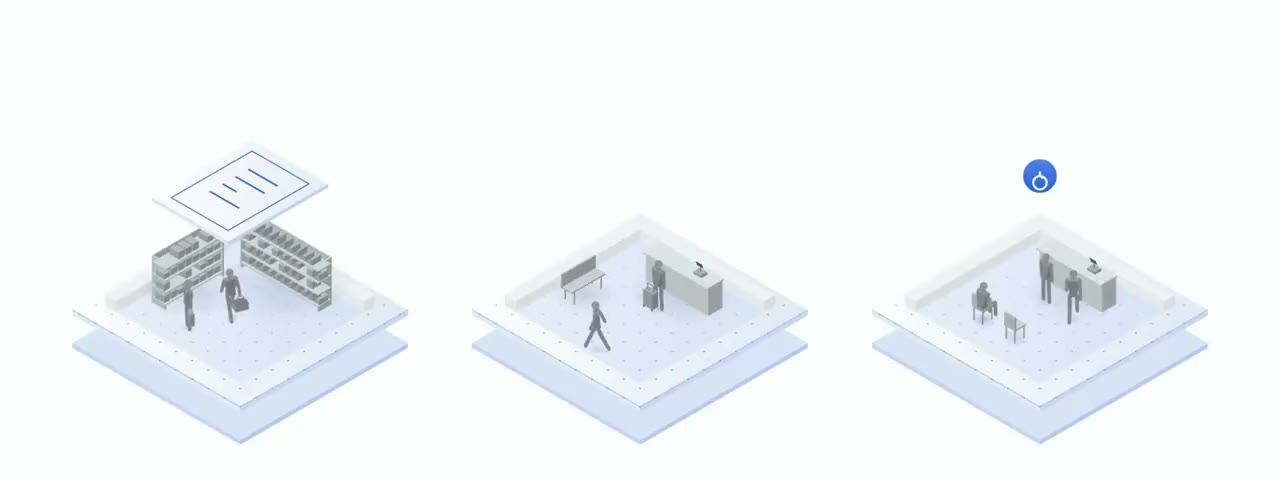 All sites Unique visitors, across your sites.
 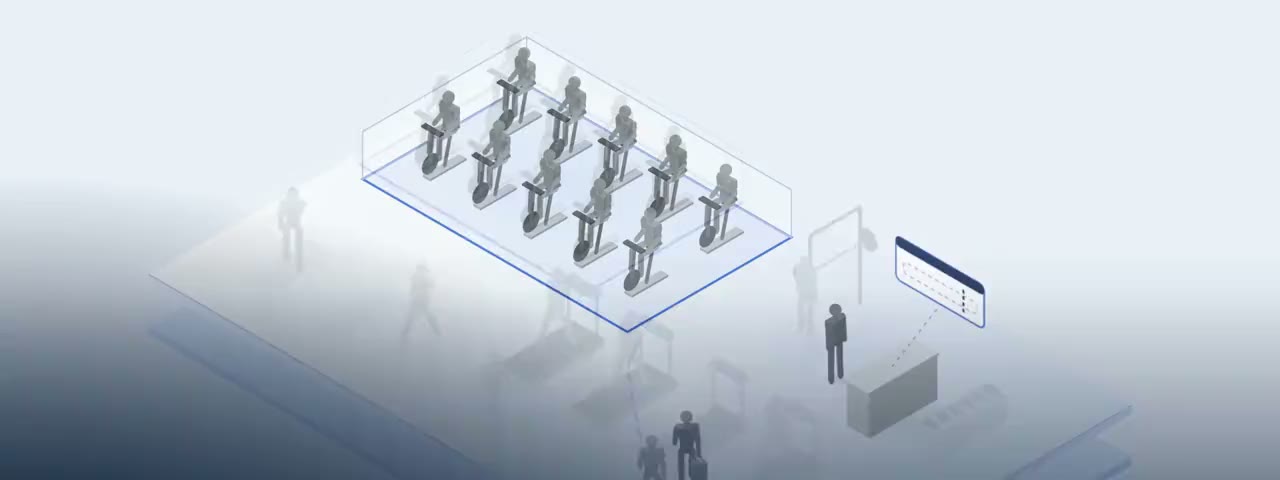 Gyms and clubs A real member-by-member journey.
  Kitchens and tills Your standards, between visits.
 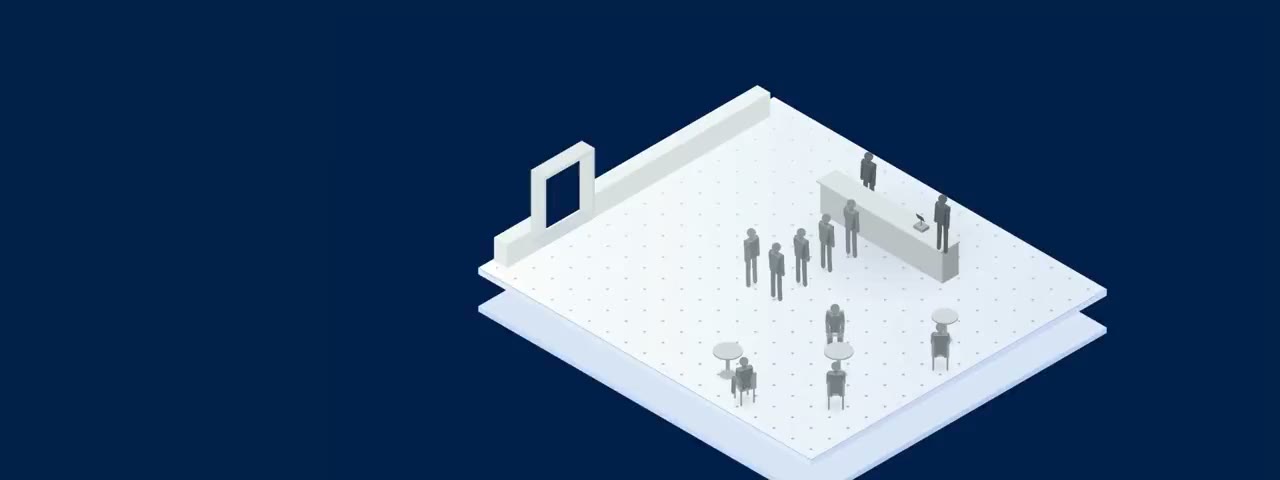 Cafés and quick service A real guest-by-guest journey.
  Recognised customers Each member's journey, by choice.
  Safety Safety, seen in the moment.
  Staff attendance On shift, on time.
  Pulses for Hospitality 8 use cases in Hospitality

 Every use case All 27 use cases
 Ask Pulses
Hello. Ask a question, or type your business.
Pulses spots a growing queue or a late car as it happens, and alerts your team.
What leaves the device is anonymous data, not video.
No. Pulses works alongside it, and can process its feeds on site.
Pulses Vision indoors, Vision Pro outdoors, Vision Tower for temporary sites, Vision Roam on vehicles.
Your supervisors, on the channels they use, with your approval.
Book a walkthrough. We find where Pulses helps first.
See Pulses at your site. Book a walkthrough.
Book a Walkthrough