Book a Walkthrough

Automotive

Showroom to service bay.

Visits by model, cars by bay, free spaces by lot.

How it works

See. Understand. Act.

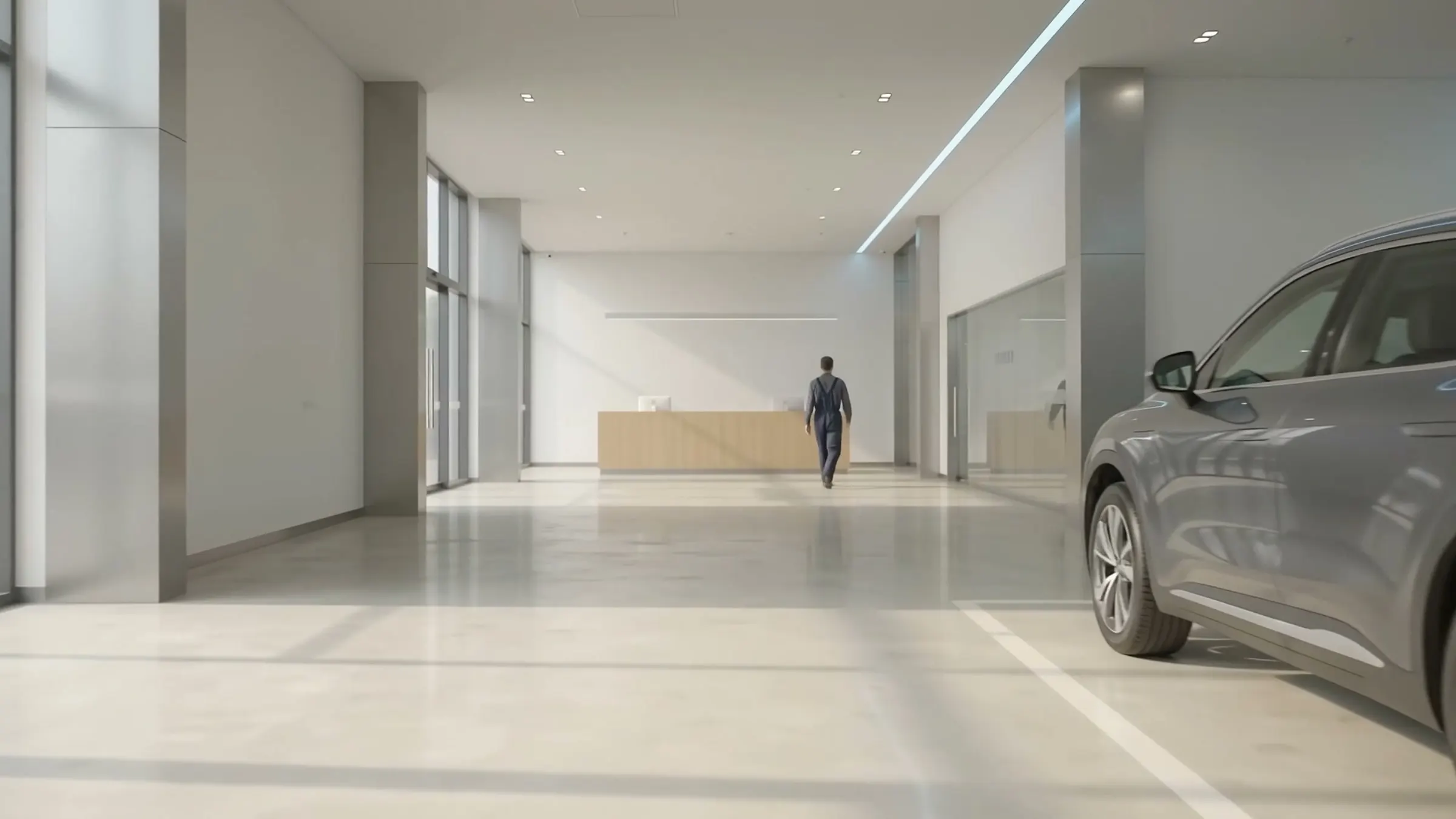
  1. A bright car showroom entrance with glass doors, outlined by Pulses Entrance · booked buyer · 10:55 Illustrative

    See Pulses Vision

    Each arrival is seen at the entrance. A buyer who opted in is welcomed by name.

  2. Minutes to a first hello, by zone

    • Launch stand 9 / 4
    • SUV line 2 / 4
    • Sedans 3 / 4
    • Lounge – / 4

    Launch stand: 3 visitors on their own.

    Illustrative

    Understand Pulses OS

    The wait for a first hello, zone by zone, against your target.

  3. AI Operator · now

    A booked buyer is at the door for the 11:00 test drive. Alert the advisor?

    ApproveNot now

    To the sales advisor

    Illustrative

    Act AI Operators

    The advisor is alerted the moment a booked buyer arrives, with your approval.

Illustrative example. Times are not from a customer site.

Where it works

One buyer's journey, area by area

From the first tap on an ad to the service bay. Scroll each area; most have a full use case and film.

The whole journey · Film · 1:41 From first tap to keys

Play film

Follow one buyer through every area on this page: a tap on an ad, a welcome at the door, the test drive, and the sale linked back to the campaign when the sales system is connected.

  1. CampaignsUse case · film
  2. ShowroomUse case · film
  3. Lots & yards
  4. Service baysUse case · film
  5. Inspection lanesUse case · film
Use case · Film Campaign to store

Play film

Full use case

Campaigns

Every campaign, judged by its sales.

One tap on any ad opens WhatsApp with a campaign code. The visit and the sale link back to it.

  • Any ad, one tap to WhatsApp
  • AI Operators reply and book the test drive
  • Visits and sales, by campaign

See the full use case

Use case · Film Showroom analytics

Play film

Full use case

Showroom

Welcomed at the door, never left waiting.

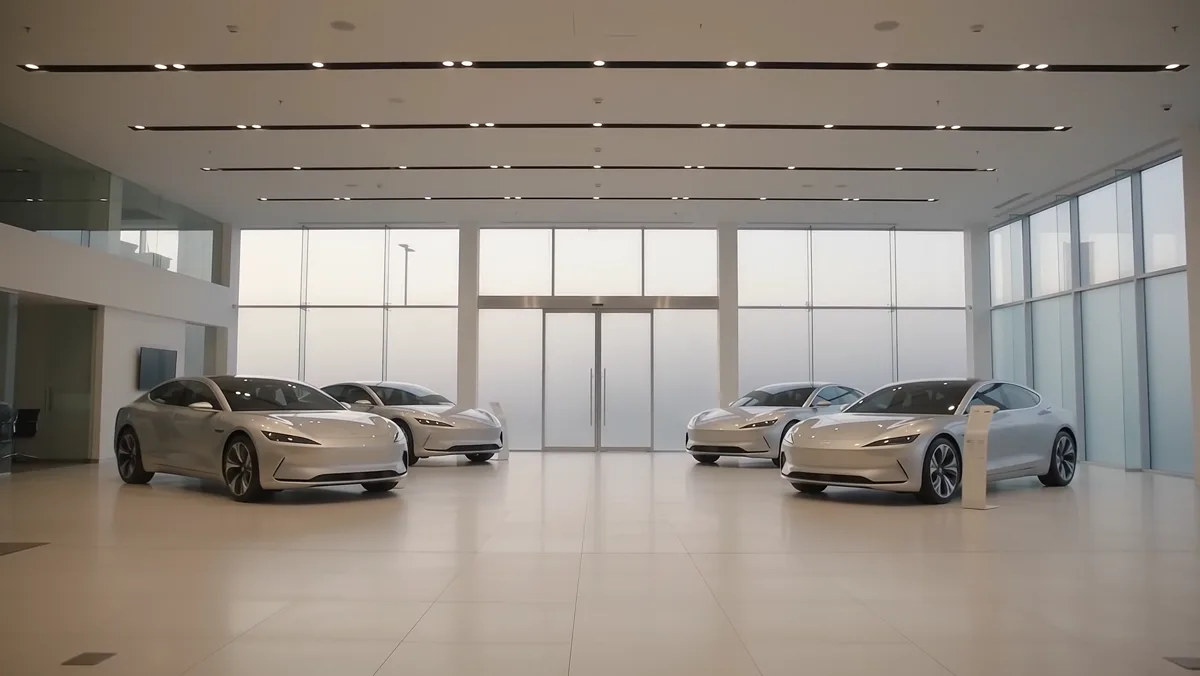
Visits and dwell by model, and the wait for a first hello. A buyer who opts in is welcomed by name.

  • Visits by model, by hour
  • Anyone on their own, flagged to an advisor
  • Named only after the buyer opts in

See the full use case

Find the car

Lots & yards

Find the car, count the lot.

Search a plate to see the car's zone, ready for the test drive. Free spaces, lot by lot.

  • Search by plate
  • Free spaces by lot
  • Cars in and out, by hour
Use case · Film Automotive service

Play film

Full use case

Service bays

Where the hours go, by bay.

See which stage holds cars longest. Fix that first.

  • Each car's bay, live
  • Each stage against target
  • Late cars, flagged to advisors

See the full use case

Use case · Film Vehicle inspection

Play film

Full use case

Inspection lanes

Each required check: done, or skipped.

Both stages timed to the second. Your inspectors decide.

See the full use case

Pulses at the dealership

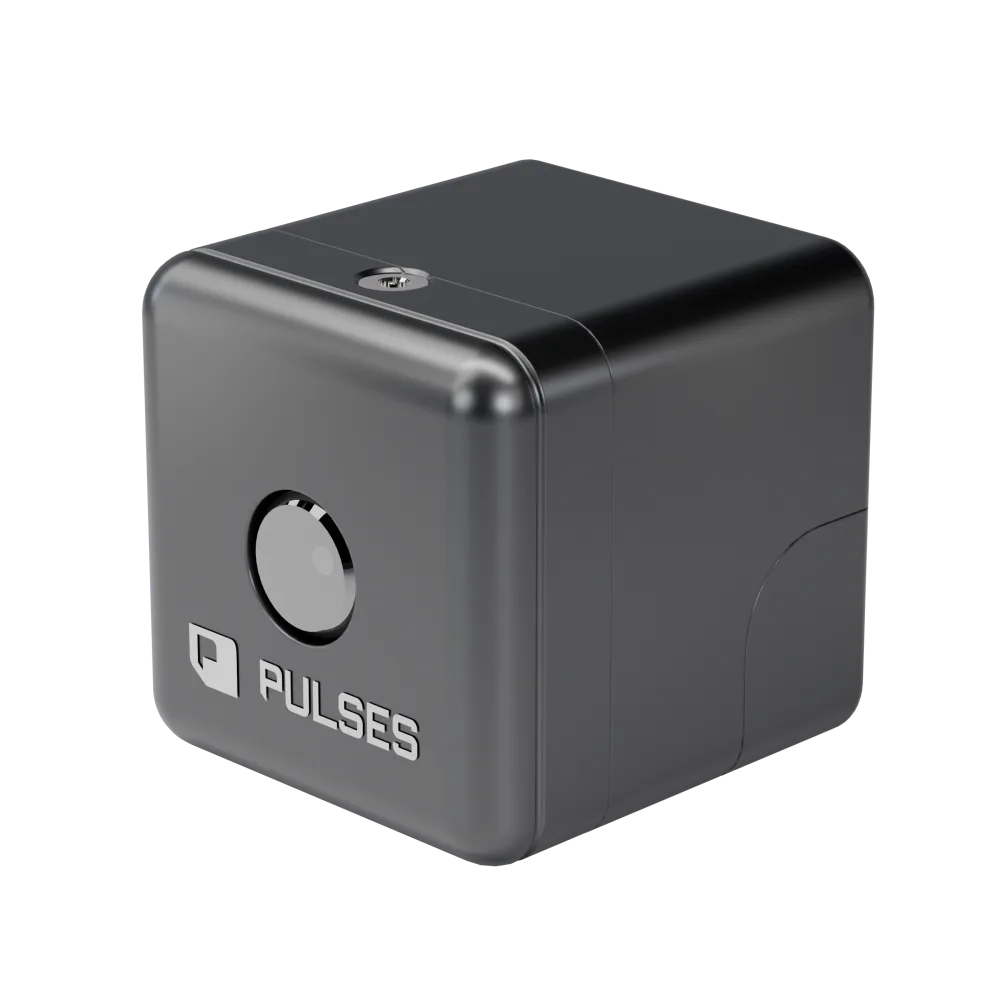
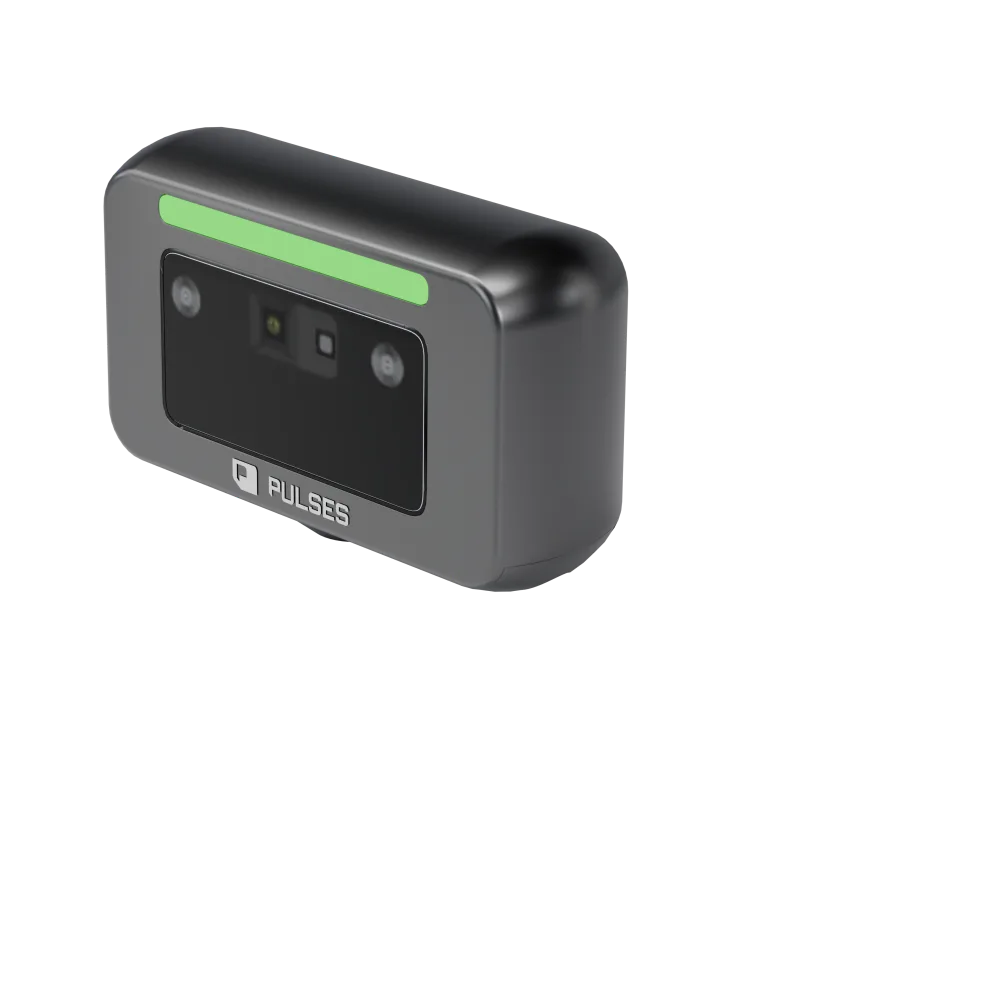
For car dealerships, from the showroom to the service bay. Pulses Vision Devices on the showroom ceiling show visits and dwell by model, new and returning visitors, and the wait for a first hello (showroom analytics). In the workshop, each car is timed from reception to bay to wash against its target, and a late car is flagged to its service advisor (automotive service); an AI Operator can suggest calling the customer with an update, with your approval. Outdoors, Pulses Vision Pro counts cars in each lot and marks a second car through a gate (gates and yards). Pulses CX, Ops and Compliance hold the views. Processing happens on the device; what leaves is anonymous data, not video.

Pulses OS for dealerships

Pulses CX, Ops and Compliance, set up for showrooms and service bays.

  • Pulses CX

    Experience & Revenue

    • Sales (test drive suggestions)
    • Reception (showroom greeting)
    • Support (visitor assistance)
    • Upsell (accessory match)
    • Tour Guide (showroom path)
    • Q&A (vehicle specs)
  • Pulses Ops

    Operations & SLAs

    • Staffing (floor coverage)
    • Busy Hours (traffic peaks)
    • SLA Monitor (service times)
    • Resource Planning (bay usage)
    • Maintenance (equipment)
    • Throughput (service flow)
  • Pulses Compliance

    Standards & Security

    • Access Control (lot security)
    • Incident Documentation
    • Regulatory Audit (inspection)
    • Hygiene Monitor (service bays)
    • Safety Escalation

Questions from dealership teams

How can a workshop track every car against the delivery time it promised the owner?

Each car is timed from reception to bay to wash, and each stage is checked against its target, bay by bay. When a car runs over, its service advisor gets the alert, and an AI Operator can suggest calling the customer with an update, with your approval. It needs no gate and nothing fitted to the car, and processing happens on the Pulses Vision device.

How do I know which car models showroom visitors spend the most time with?

Pulses Vision Devices on the showroom ceiling show visits and dwell by model, hour by hour, and Pulses CX shows which cars hold attention on your own floor. The same view shows new and returning visitors and the time to a first hello against your target, so the floor manager can send an advisor while the visitor is still there.

How do car dealerships stop wasting hours looking for vehicles on the lot?

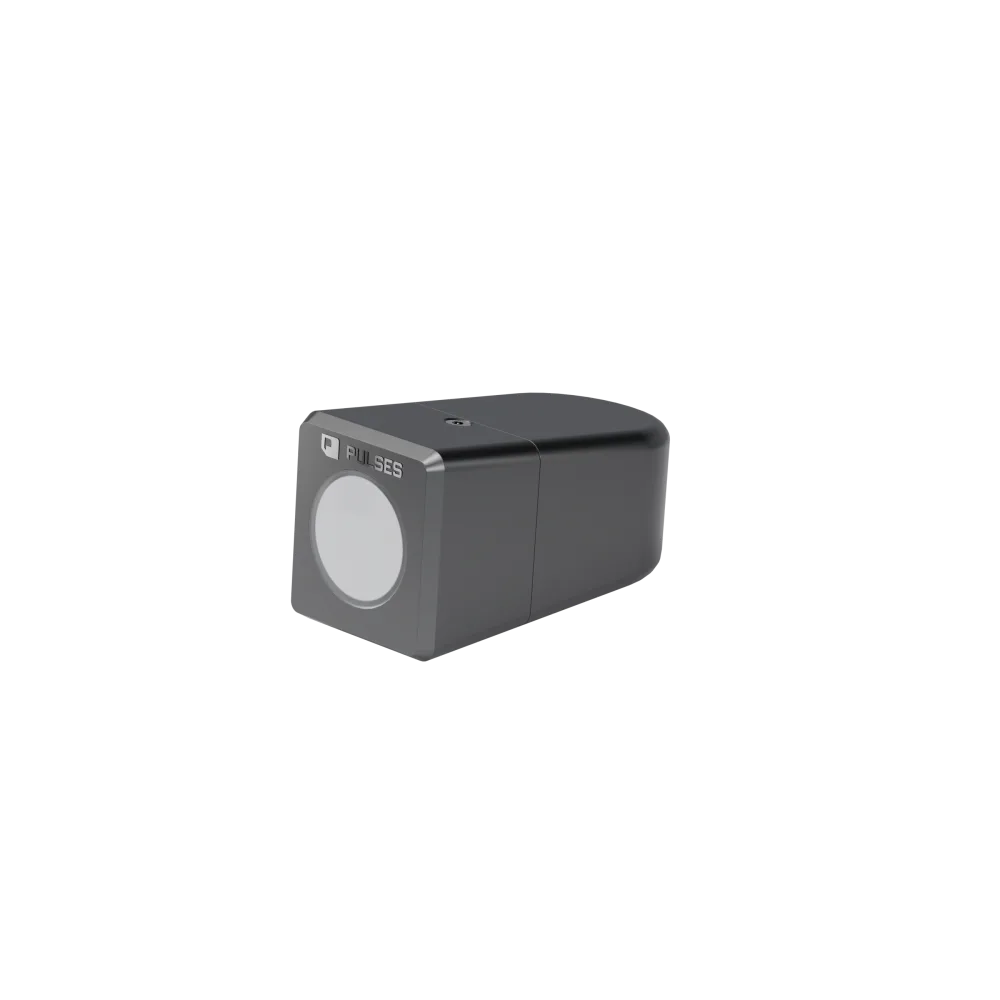
Search a plate in Pulses OS and see which zone the car is in, live. Pulses Vision Pro devices outdoors, sealed to IP67, count the cars in each lot and show free spaces lot by lot, with cars in and out by hour. Processing happens on the device; what leaves is anonymous data, not video.

How many cameras do I need for a dealership?

The Coverage Design survey establishes it. We walk your site with you, from the showroom to the lanes and the lots, and pick the first lane. The survey then sets the schedule: which Pulses Vision Device goes in each position, and what it does there. You see that schedule before anything is installed.

See it in your service bays.

We walk your site and pick the first lane.