Banking & Financial Services
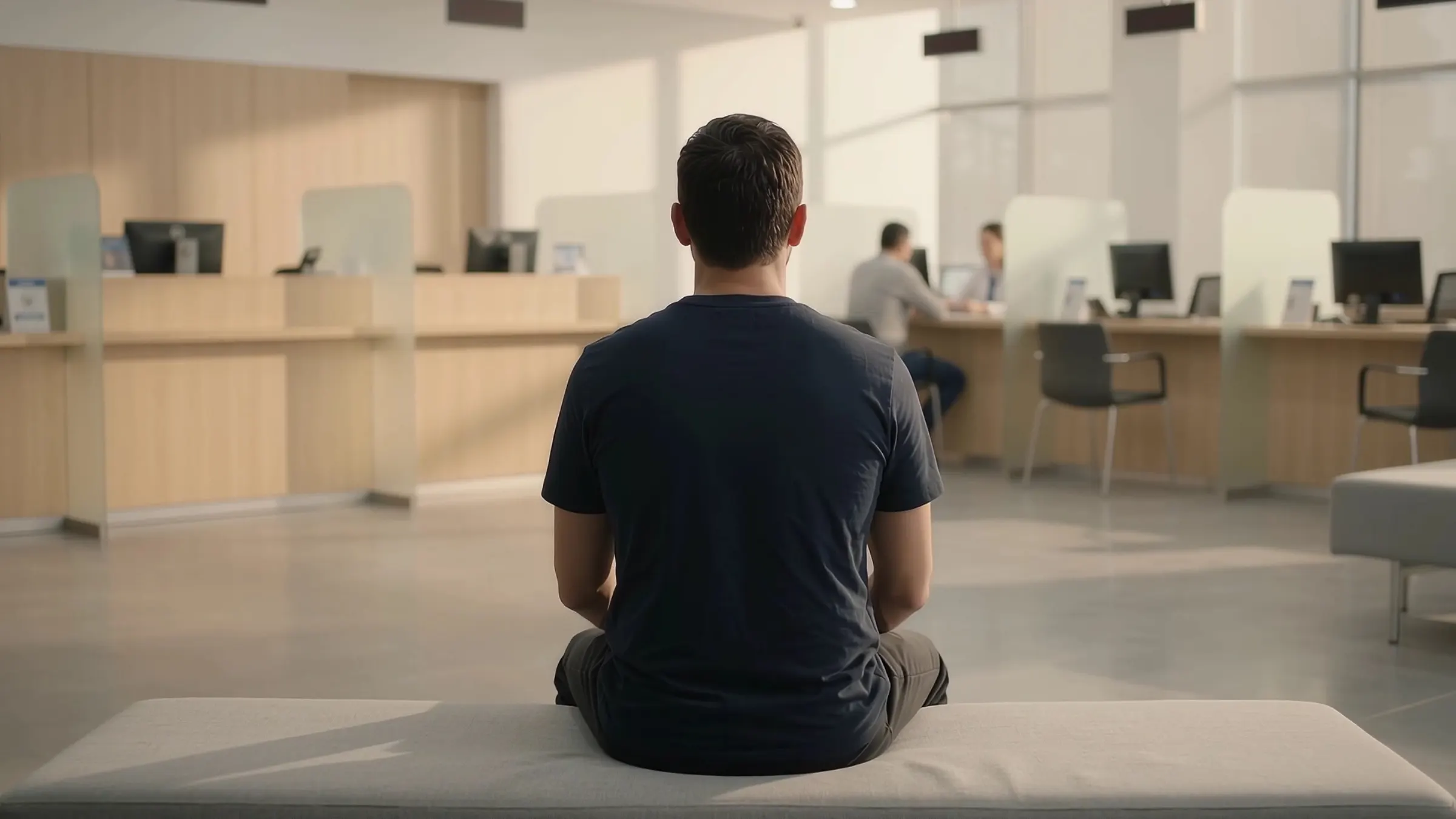
Teller 3 idle. Twelve waiting.
See each teller's wait and idle time. Move staff before the lobby fills.
Your systems log each transaction. Not the twelve people waiting for it.
Processed on the device. What leaves is anonymous data, not video.
Pulses in the branch
For retail banks that want to see each teller's wait and idle time and move staff before the lobby fills. Pulses Vision Devices on the ceiling over the entry, lobby, counters and ATM area turn what they see into counts and times on the device. Pulses Ops times the wait at each teller and kiosk, and past your target the branch manager gets an alert; it also shows service time and idle gaps per counter, hour by hour, and the line at each ATM. Pulses CX times the wait in the priority lounge, anonymously. Pulses Compliance alerts security to a person in the vault corridor out of hours and keeps zone records for your auditors. Second visits for the same service show too (branch experience). What leaves the device is anonymous data, not video.
The lobby fills before anyone notices.
Today, waits are estimated and idle tellers go unseen until a complaint. Pulses OS shows both as the branch runs.
How it works
Pulses Vision Devices sit over the entry, lobby, counters and ATM area.
- 01
Install the devices
Pulses Vision Devices go on the ceiling, over the counters and the lobby.
- 02
Edge Processing
Each device turns what it sees into counts and times, on the device.
- 03
Anonymous data, not video
What leaves the device is anonymous data, not video.
- 04
Alerts to your team
Waits, idle counters and restricted-area alerts go to branch staff.
What it spots
Pulses Ops for waits and tellers. Pulses Compliance for restricted areas.
Operations
-
Wait at each counter
Pulses OS times the wait at each teller and kiosk. Past your target, the branch manager gets an alert.
-
Counter time and idle gaps
See service time and idle gaps per counter, hour by hour. Staff the rush, not the habit.
-
Lobby flow
See where visitors wait longest between the entry, counters and advisory rooms.
-
Priority lounge waits
Pulses OS times the wait in the priority lounge, anonymously. Advisors see when it runs long.
-
ATM queues
Pulses Vision counts the line at each ATM. See busy and quiet machines by hour.
Compliance
-
Restricted-area alerts
A person in the vault corridor out of hours sends an alert to security.
-
Cash area headcount
Pulses OS counts people in cash areas against your rule, and alerts security.
-
Lobby capacity
Lobby headcount against your fire-code limit. The manager gets an alert as it nears.
-
Audit trail for each zone
Zone entries and time spent, kept as anonymous records for your auditors.
-
Incident Documentation
A timeline for each event: how many people, where and for how long.
Why Pulses in the branch
Privacy, security and audit evidence, built in.
-
Processed on the device
Each device processes in the branch. Video streams are not sent to the cloud.
-
Privacy by design
What leaves the device is anonymous data, not video.
-
Evidence for your audits
Restricted-area alerts and zone records, ready for your audit team.
-
Works with your CCTV
Pulses works alongside your CCTV. The Pulses Appliance can process its feeds on site.
Who Uses It
-
Branch Operations
Branch Managers, VP Retail Banking, Regional Directors
Counter waits, teller time and lobby flow, in Pulses Ops.
-
Risk & Compliance
Chief Risk Officer, Compliance Directors, Internal Audit
Restricted-area alerts and zone records, in Pulses Compliance.
-
Wealth Management
Relationship Managers, Private Banking Directors
Priority lounge waits and visit quality, in Pulses CX.
-
Executive Leadership
COO, Head of Retail, CFO
Waits and staffing, compared branch by branch.
Deployment Options
Pulses Cloud, your Azure tenant, or a Pulses Appliance on site.
-
Pulses Cloud
Hosted by Pulses. The fastest way to start.
-
Your Azure tenant
Pulses OS in your own Azure tenant. MACC eligible.
-
Pulses Appliance
On your site, for data that must stay there.
-
On the device
Each device processes on site. What leaves is anonymous data, not video.
Questions from branch teams
How do bank branches track queue length and waiting time?
Pulses Ops times the wait at each teller and kiosk from Pulses Vision Devices on the branch ceiling, and the branch manager gets an alert when a wait passes your target. Service time and idle gaps per counter, hour by hour, help staff the rush rather than the habit. Waits and staffing can be compared branch by branch.
Can I add AI analytics to my existing CCTV cameras?
Yes. Pulses works alongside your CCTV and does not replace it. Customers who want to reuse their existing CCTV feeds can connect them to the on-premise Pulses Appliance, which processes them on site, in the branch. Pulses Vision Devices are placed where a job needs accuracy, such as the counters, and process on the device in real time.
Is there an on-premise AI vision platform that keeps all data inside the UAE?
Pulses OS runs in one of three shapes: Pulses Cloud, your own Azure tenant, or the Pulses Appliance on your site, for data that must stay there. In each, the Pulses Vision Devices process in the branch, and what leaves them is anonymous data, not video. Your IT and risk teams choose the shape with ours.