Aviation & Airports
Security lane 2: 18 waiting.
See the wait at each lane. Open the next one sooner.
Pulses at the airport
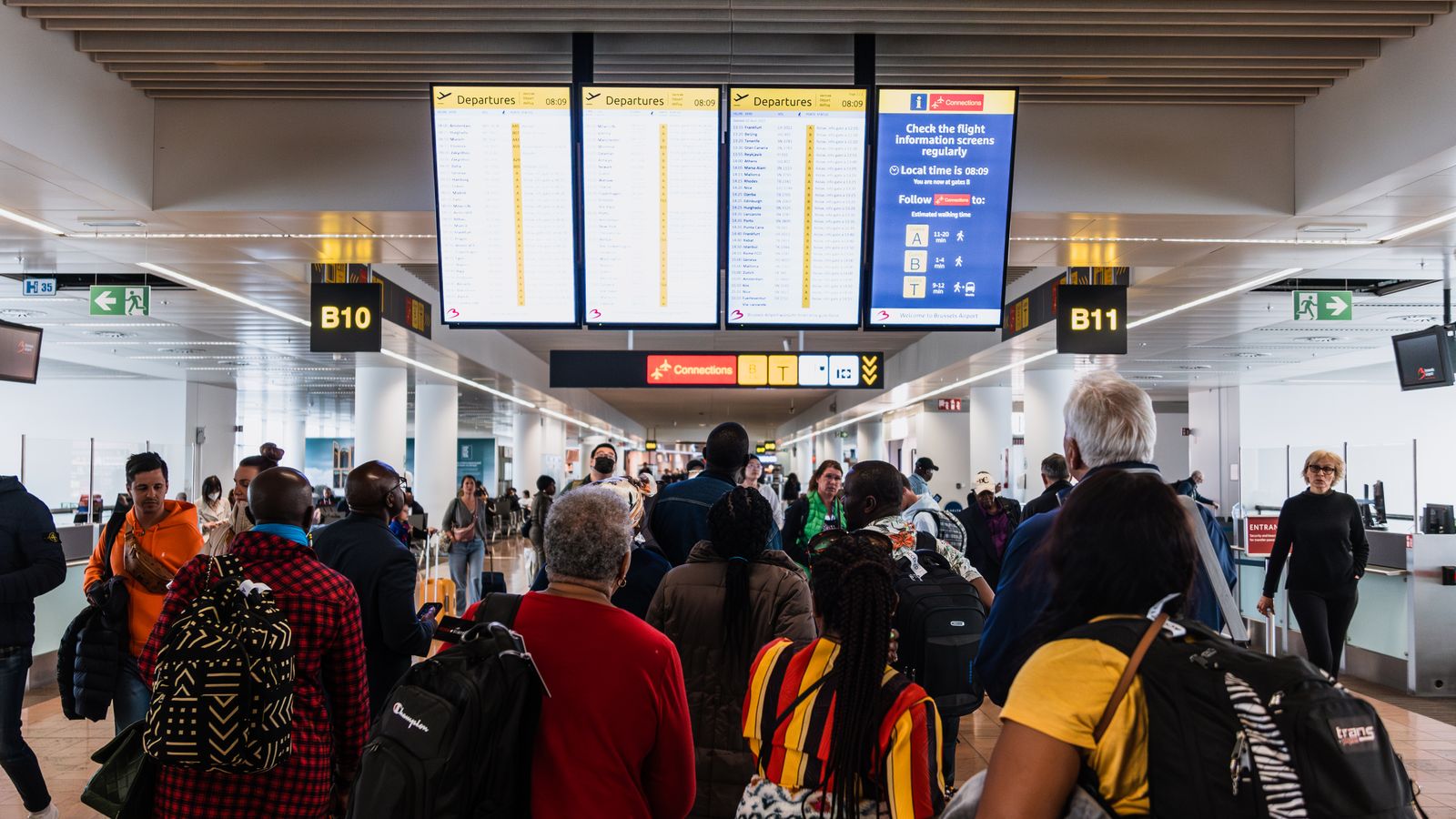
For airport operators who need to see the wait at each check-in and security lane and open the next one sooner. Pulses Vision counts the passengers waiting at each lane, and Pulses Ops measures each lane's wait against your service target; an AI Operator alerts the duty manager to open another lane, with your approval. Pulses CX shows visits and time spent in each shop and lounge by hour, and Pulses Compliance alerts security when someone enters a restricted zone, keeping the record for audits. At the kerb, Pulses Vision Pro counts cars in each lot and shuttles at each stop. In the terminal, a passenger's journey can be followed from the curb to the gate (airport terminal). Processing happens on the device; what leaves is anonymous data, not video.
-
See
Pulses Vision counts the passengers waiting at each check-in and security lane.
-
Understand
Pulses OS measures each lane's wait against your service target.
-
Act
An AI Operator alerts the duty manager to open lane 5, with your approval.
Aviation Use Cases
Each use case names its Pulses OS module and AI Operator skills.
Compliance
Restricted zones, on record
Pulses Compliance alerts security when someone enters a restricted zone, and keeps the record for audits.
AI Operator skills
- Regulatory Audit
- Access Control
- Safety Escalation
- Incident Documentation
- Pulses OS module
- Pulses Compliance
Throughput
Each lane's wait, live
The Ops Operator's Throughput skill times each security lane, and alerts the supervisor to open another.
AI Operator skills
- Throughput
- SLA Monitor
- Staffing
- Busy Hours
- Pulses OS module
- Pulses Ops
Experience
Busy hours in shops and lounges
Pulses CX counts visits and time spent in each shop and lounge, by hour.
AI Operator skills
- Sales
- Upsell
- Reception
- Q&A
- Pulses OS module
- Pulses CX
Fleet
Cars and shuttles at the kerb
Pulses OS counts cars in each lot and shuttles at each stop. The Ops Operator flags full lots.
AI Operator skills
- Resource Planning
- Busy Hours
- Throughput
- Pulses OS module
- Pulses Ops
- Pulses OS
Pulses OS for airports
-
Pulses CX
Experience & Revenue
Shop and lounge visits, time spent and busy hours
- Sales
- Reception
- Upsell
- Q&A
-
Pulses Ops
Operations & SLAs
Lane waits, gate crowds, staff moves and kerbside vehicles
- Throughput
- Staffing
- Busy Hours
- SLA Monitor
- Resource Planning
-
Pulses Compliance
Standards & Security
Restricted-area alerts, safety escalation and audit records
- Regulatory Audit
- Access Control
- Safety Escalation
- Incident Documentation
Recommended Hardware
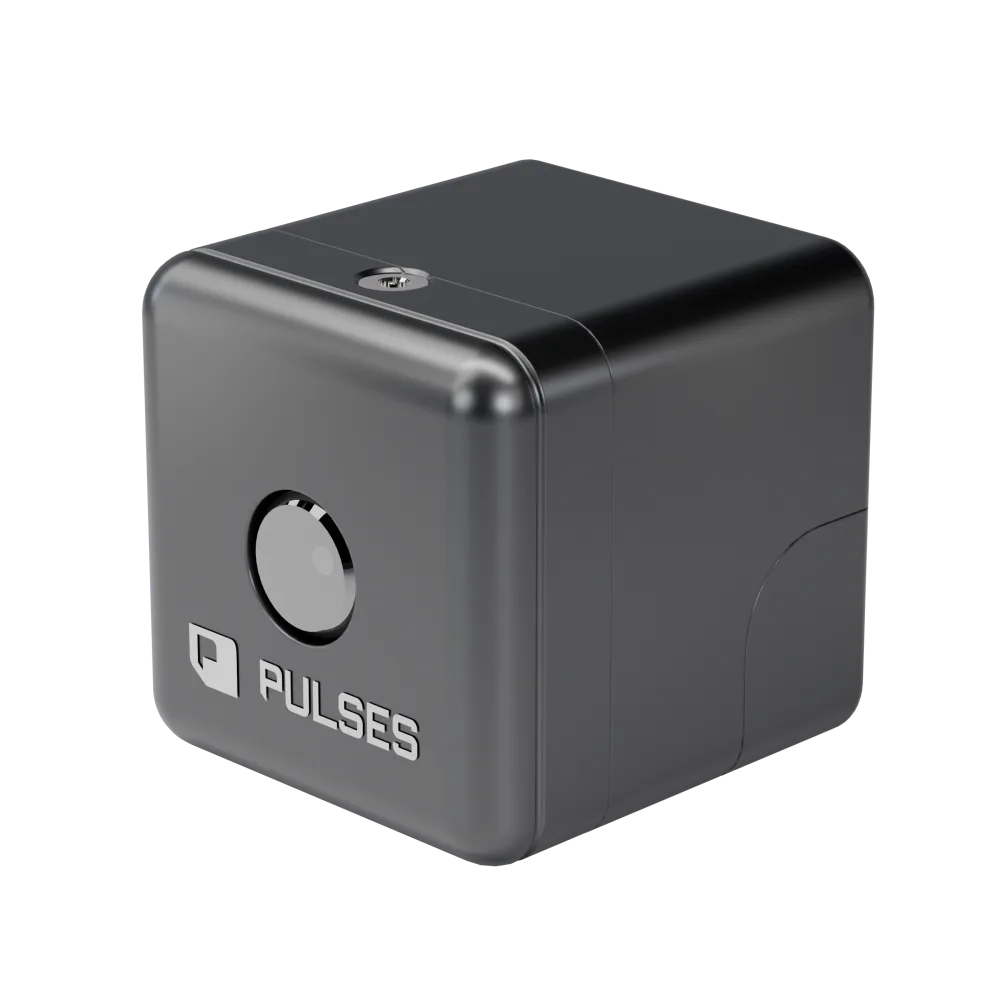
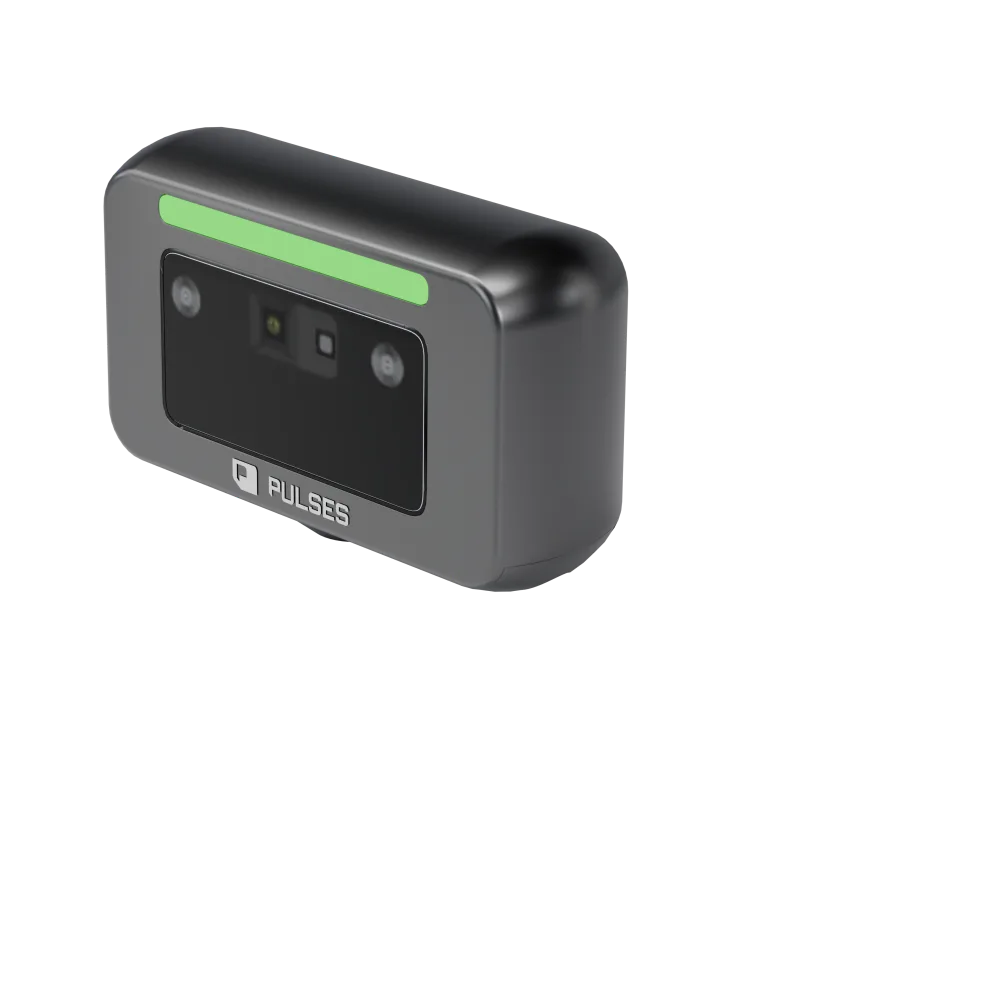
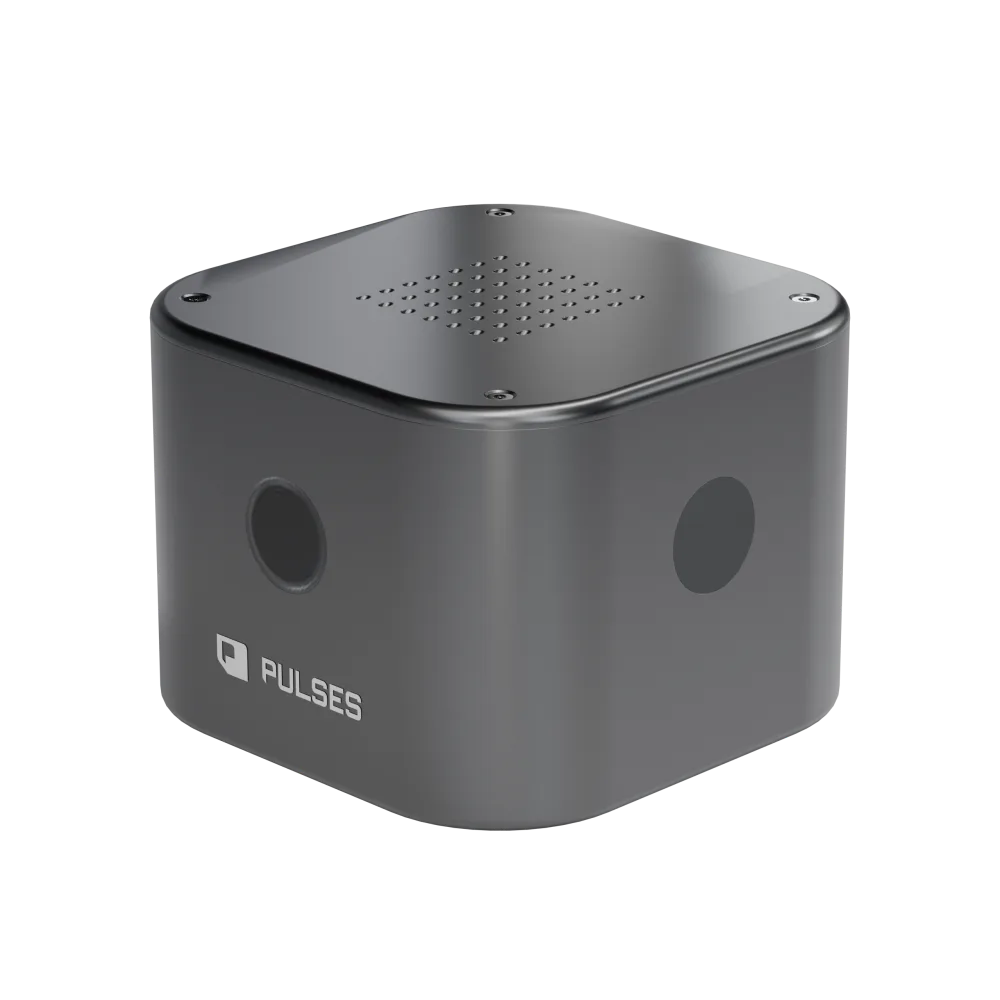
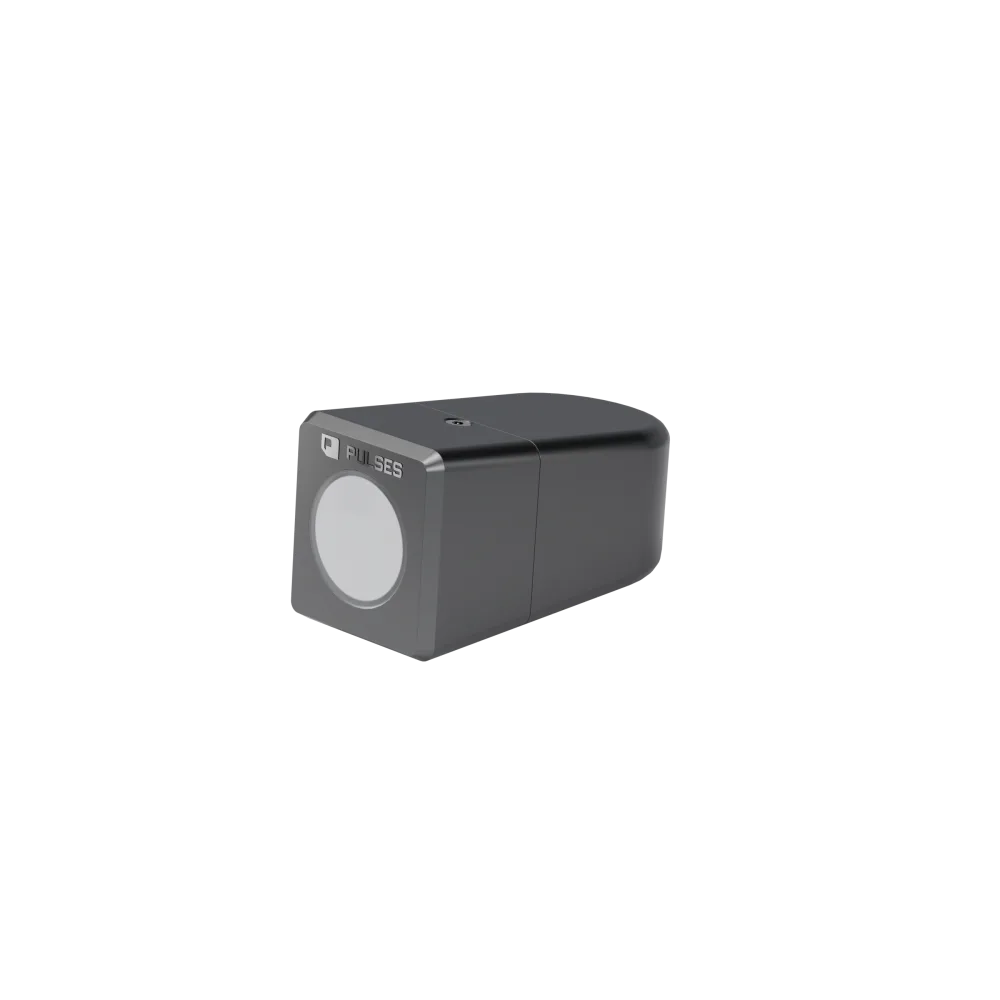
Pulses Vision Devices for terminals, kerbs and airside.
Questions from airport teams
How do I measure the real wait at check-in and security?
Pulses Vision counts the passengers waiting at each check-in and security lane, and Pulses Ops measures each lane's wait against your service target, live. Supervisors see which lane is building before the line reaches the hall, and an AI Operator can alert the duty manager to open the next lane, with your approval.
Can AI alert staff before a queue breaches its service level?
Pulses Ops checks each lane's wait against the target you set. As a lane nears it, the duty manager or supervisor is alerted on the channels they already use, and an AI Operator can suggest opening another lane, with your approval. The same view keeps busy hours by lane, so rosters can follow them.
Where is the data stored? Do you keep face images or video?
Pulses Vision Devices process what they see on the device; what leaves is anonymous data, not video. Pulses OS runs in the shape you choose: Pulses Cloud, your own Azure tenant, or the Pulses Appliance on your site, for data that must stay there. Restricted-zone alerts are kept as records for your audits.
How many cameras do I need for a terminal?
The Coverage Design survey establishes it. We walk your terminal with you and pick the first lane. The survey then sets the schedule: which Pulses Vision Device goes in each position, from terminals and gates to the kerb and car parks, and what it does there. You see that schedule before anything is installed.