Floor 9 runs a third full.
Pulses OS counts use by floor and hour, so you plan space and cleaning.
Pulses in your buildings
For building owners, leasing and facilities teams who want to plan space and cleaning from real use. Pulses Vision Devices in each lobby, lift area and amenity let Pulses OS show how many people use each floor and zone by hour, so quiet space stands out for leasing. Pulses CX times waits at lift lobbies and reception, and facilities get the alert when one runs long. Pulses Ops shows which floors and meeting rooms were busy, so an AI Operator can alert facilities to send cleaning crews there first, with your approval, and Pulses Compliance sets floor counts against fire capacity. Visitors and contractors can be followed from gate to asset (perimeter and contractors). Processing happens on the device; what leaves is anonymous data, not video.
-
See
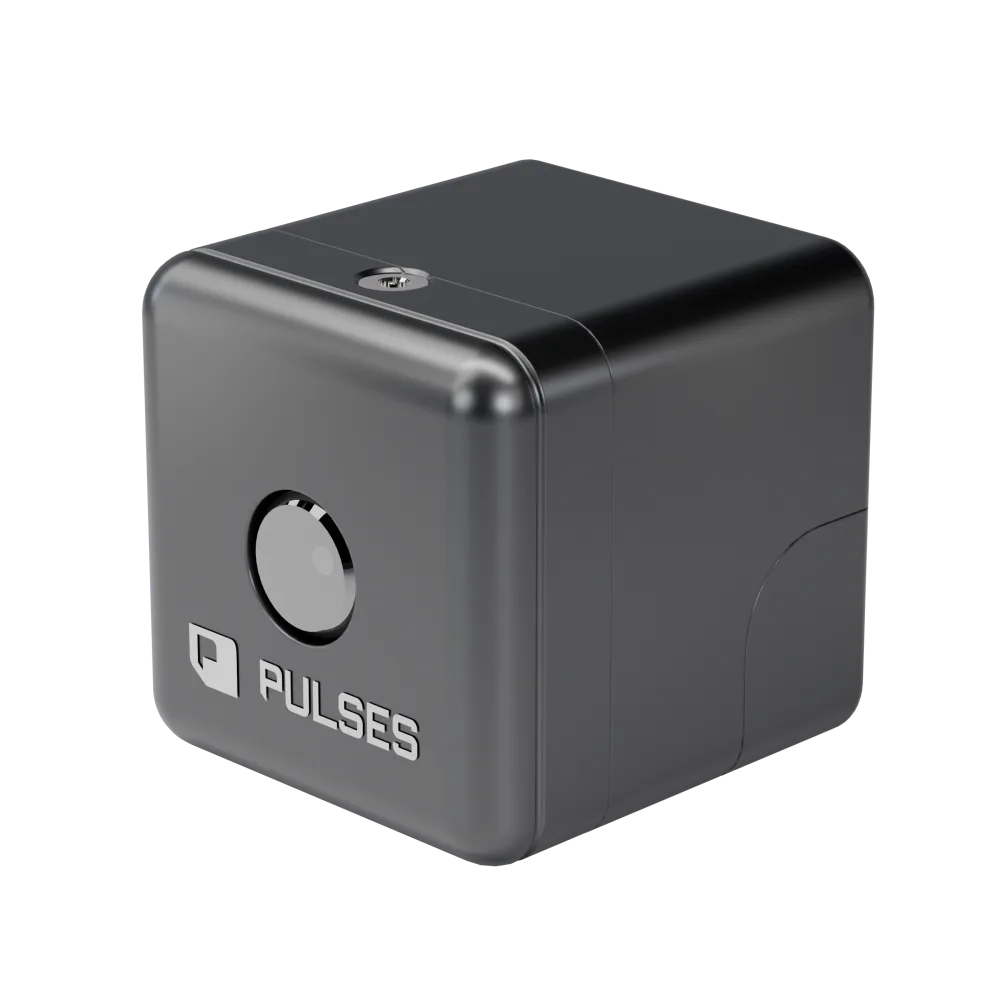
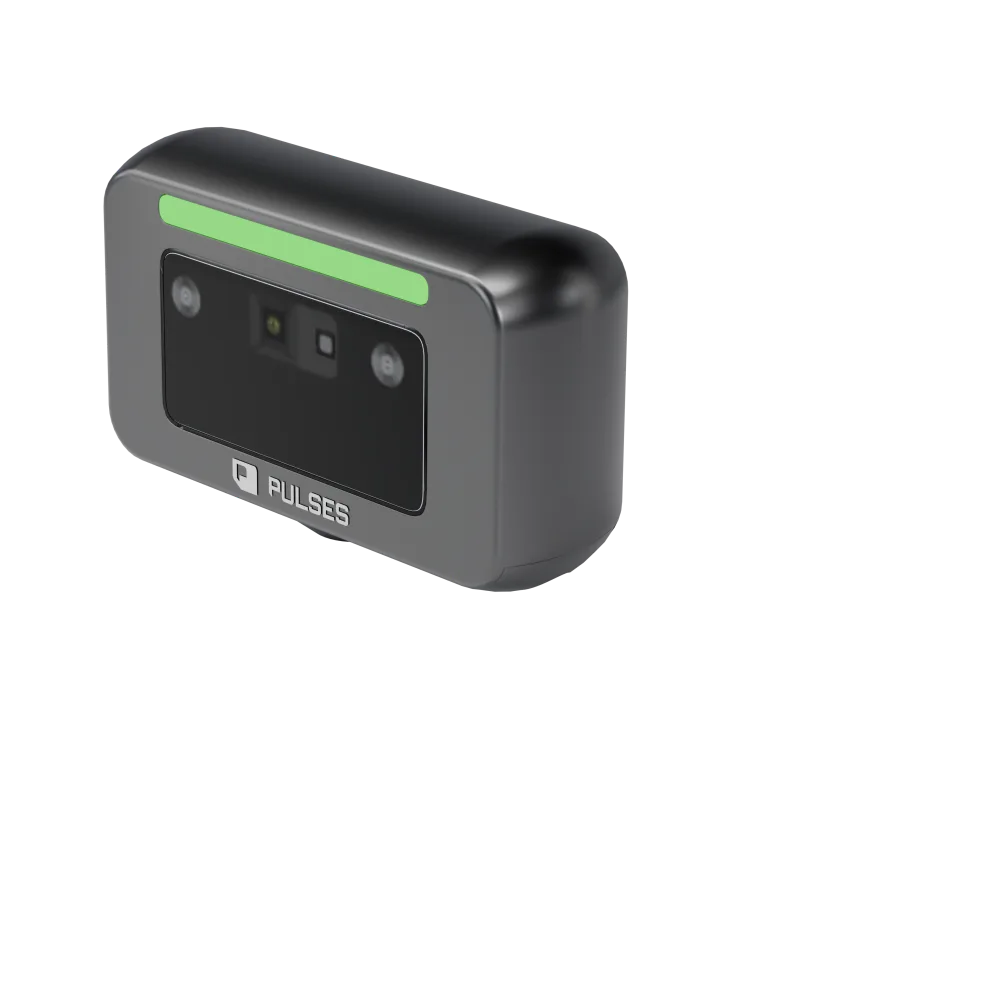
Pulses Vision counts people in each lobby, lift area and amenity.
-
Understand
Pulses OS compares floors and zones hour by hour, so quiet space stands out.
-
Act
An AI Operator alerts facilities to shift cleaning to busy floors, with your approval.
Use Cases
Occupancy
Each floor, hour by hour.
Pulses OS counts people on each floor and zone. Leasing teams see which space sits quiet.
- Occupancy by floor, live
- Peak and quiet hours by zone
- People per zone, by hour
Common Areas
The gym is busy at 7 am.
Pulses OS counts visits to lobbies, amenities and car parks, so you see which ones go unused.
- Lobby visits by hour
- Visits to each amenity
- Busy hours in shared workspaces
- Parking occupancy and turnover
Wait Times
Lift lobby wait: 4 minutes.
Pulses OS times waits at lift lobbies and reception. Facilities get the alert when one runs long.
- Wait at each lift lobby, live
- Reception waits by hour
- Waits compared across buildings
Facilities
Clean the floors people used.
Pulses OS shows which floors and meeting rooms were busy, so cleaning crews go there first.
- Busy floors, ranked by hour
- Quiet zones after hours
- Cleaning rounds by actual use
Pulses OS for buildings
Pulses CX, Ops and Compliance, set up for lobbies, floors and car parks.
-
Pulses CX
Experience & Revenue
Waits at reception and lifts, and visits to each amenity.
- Reception — Visitor wayfinding
- Support — Tenant issue routing
- Q&A — Building assistant
- Tour Guide — Prospect tours
-
Pulses Ops
Operations & SLAs
Crew by floor, lift lobby flow and car park use, by hour.
- Staffing — Building crew allocation
- Resource Planning — Space usage
- Maintenance — Preventive scheduling
- Throughput — Elevator/lobby flow
-
Pulses Compliance
Standards & Security
Floor counts against fire capacity, restricted areas and a record of each incident.
- Access Control — Visitor/tenant zones
- Safety Escalation — Capacity limits
- Incident Documentation — Evidence logs
- Regulatory Audit — Building code checks
Questions from building teams
What is an occupancy monitoring system and how does it work?
An occupancy view shows how full a space is. In Pulses OS it is each floor and zone, live and hour by hour, from Pulses Vision Devices on the ceiling of lobbies, corridors, amenities and tenant floors. Leasing teams see which space sits quiet; facilities see peak and quiet hours. What leaves each device is anonymous data, not video.
How do I see peak hours on my own floor plan?
Pulses OS shows peak and quiet hours zone by zone, visits to each lobby, amenity and car park by hour, and busy shared workspaces. Facilities can rank busy floors by hour and plan cleaning rounds by actual use, so crews go to the floors people used.
How do I verify that contractors actually showed up for maintenance visits?
Pulses sets the week's booked visits against presence seen at the asset. A visit with no presence seen goes to the site manager before the invoice is approved. A Pulses Vision Pro at the asset reads that someone was there, not who, and processes on the device.