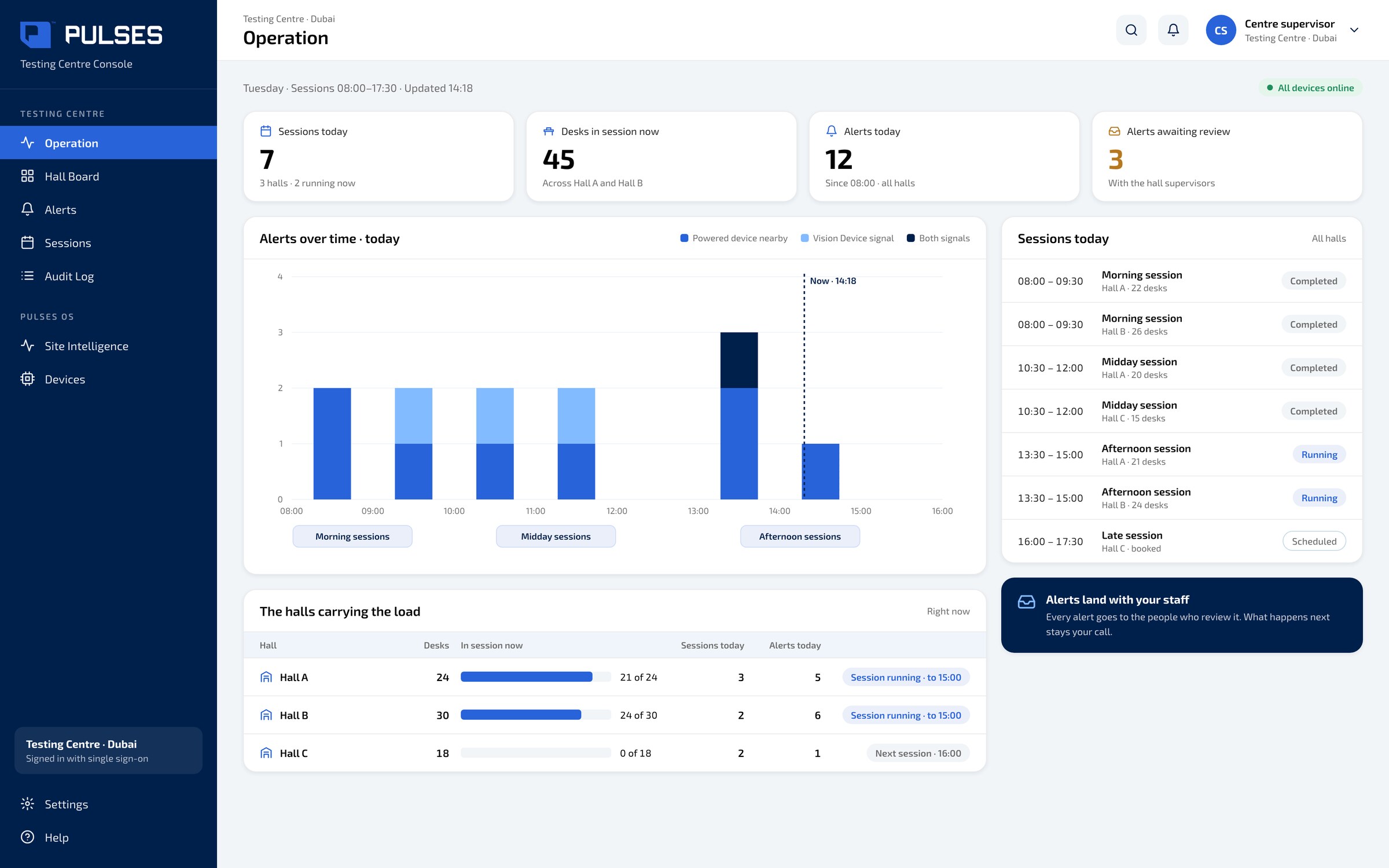
 01 / 03
Operation
Sessions, desks in session and today's alerts, hall by hall.
For testing centres: devices are easy to miss.
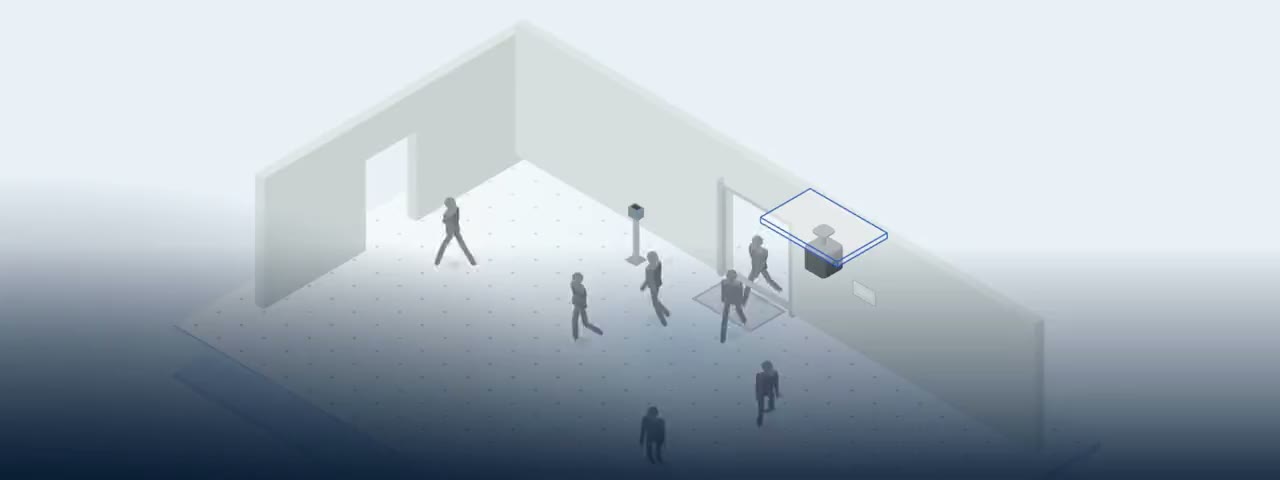
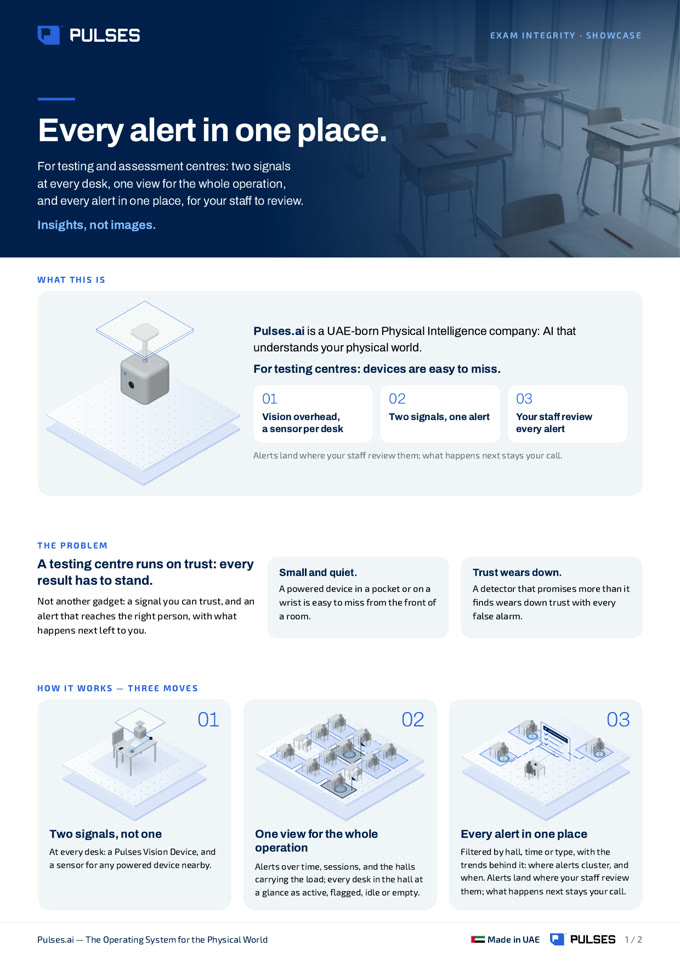
For testing centres running exams in physical halls, where a hidden mobile or other powered device is easy to miss. A Pulses Vision device on the ceiling works with a sensor at each desk for any powered device nearby. When both signals point to the same desk, Pulses Compliance joins them into one alert, with the hall, the desk and the time, and sends it to the hall supervisor. Your staff review each alert, filtered by hall, time or type, and what happens next stays your call. The platform can run entirely on your own servers, with no cloud dependency. We make no claim about detection rates: a paid pilot in your rooms runs against success criteria your team sets.
A Pulses Vision device on the ceiling, and a sensor at each desk for any powered device nearby.
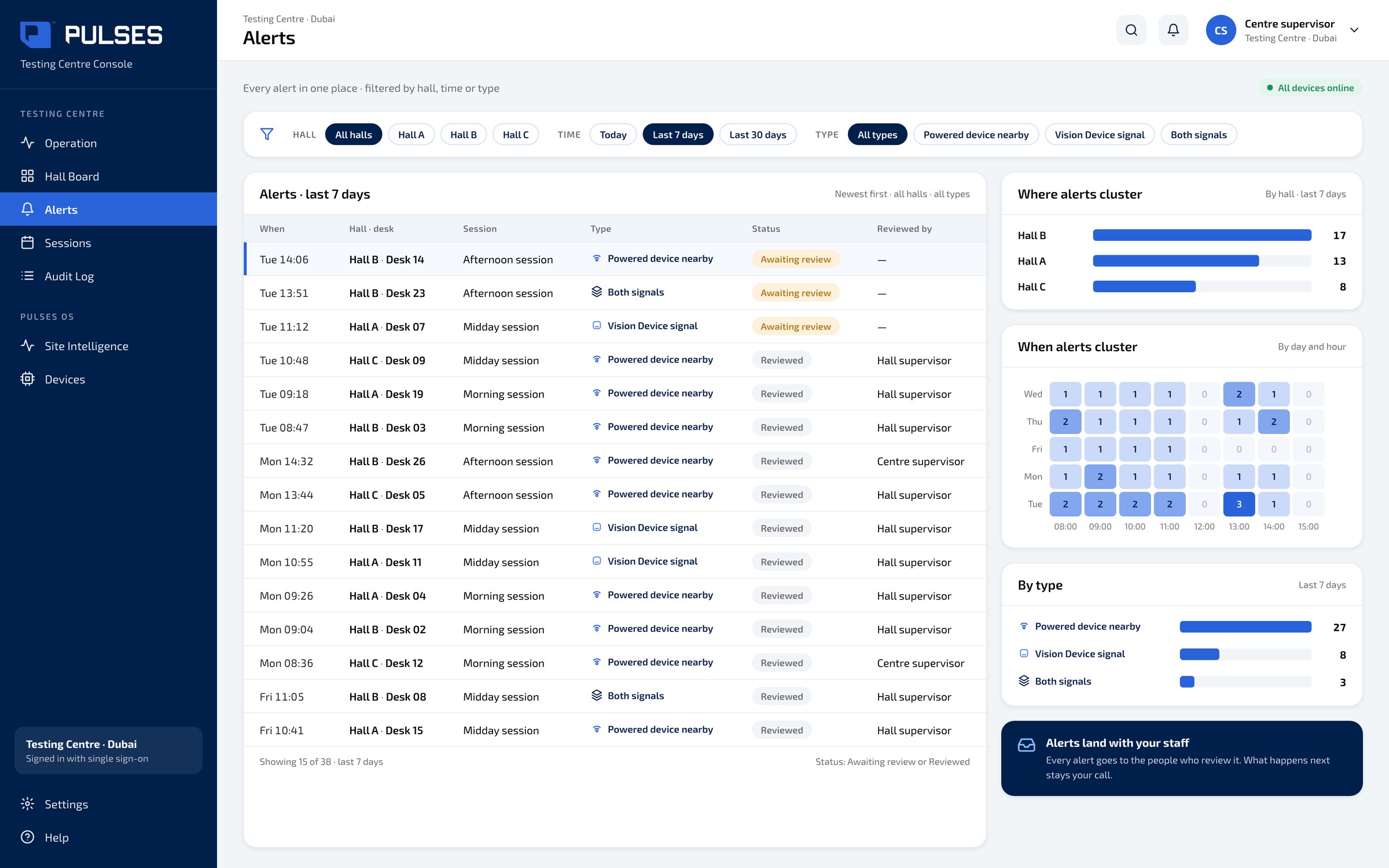
When both signals point to the same desk, they meet in one alert: Hall B, desk 23, at 13:51.
Alerts reach the hall supervisor, filtered by hall, time or type. What happens next stays your call.
01 / 03 Sessions, desks in session and today's alerts, hall by hall.
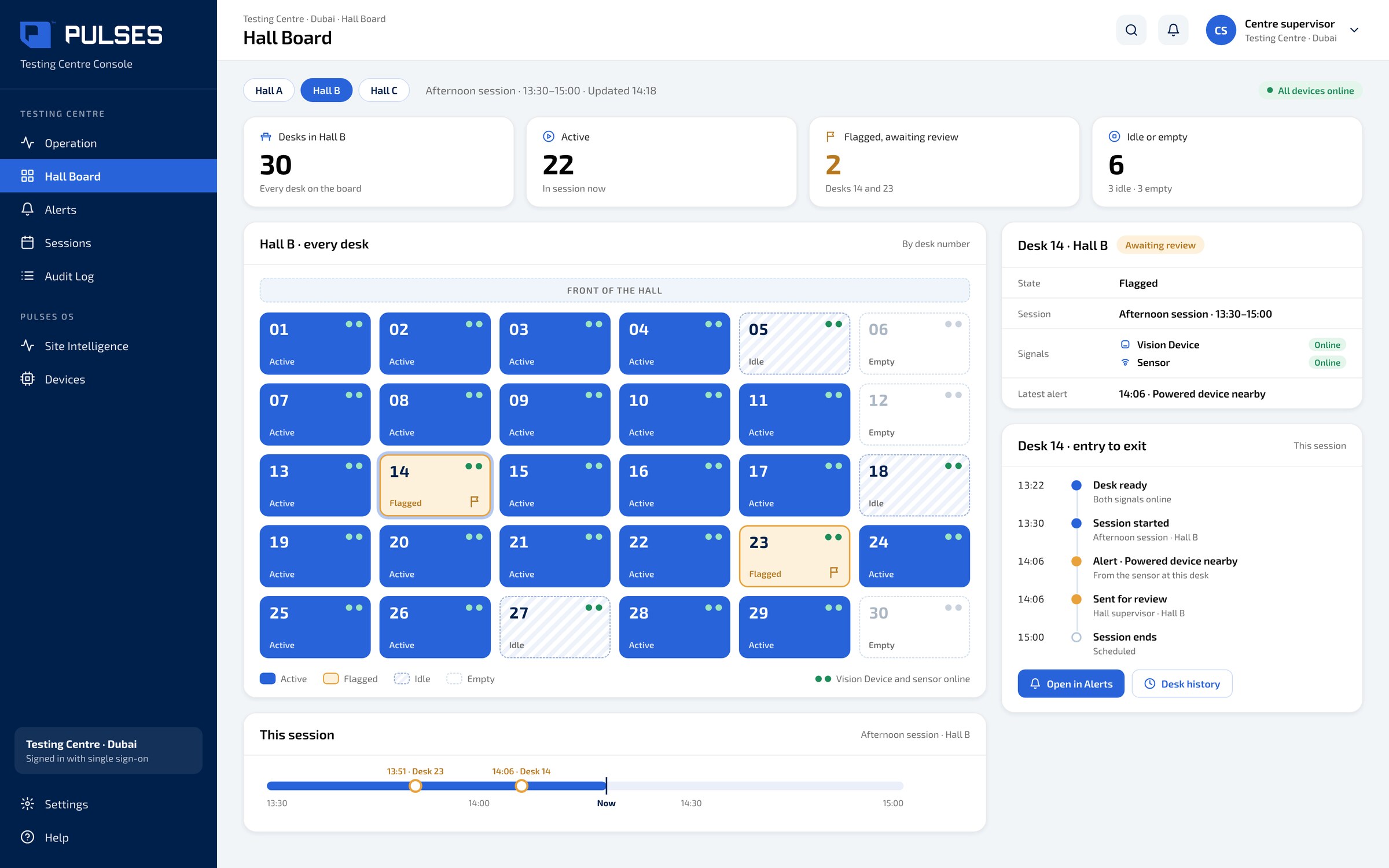 02 / 03
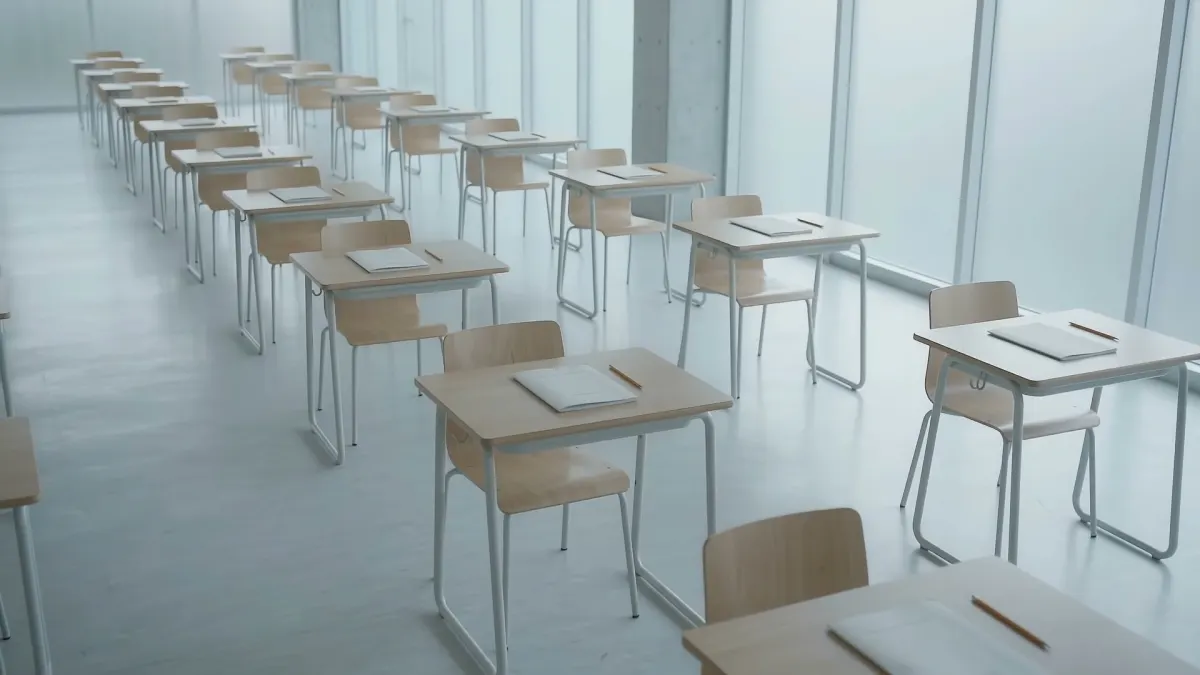
Each desk in the hall as a tile: active, flagged, idle or empty.
03 / 03 Every alert in one place, filtered by hall, time or type.
At a testing centre, every result has to stand. Yet a device in a pocket or on a wrist is easy to miss from the front of a room. Pulses. AI for the physical world. A Pulses Vision device overhead, plus a sensor at every desk: two signals, one alert. One view for the whole operation: alerts, sessions, and the halls carrying the load. Every desk in the hall: active, flagged, idle, or empty. Every alert in one place, for your staff to review. Over one hundred and fifty million journeys counted across Pulses deployments. Designed and made in the UAE. See the full showcase.
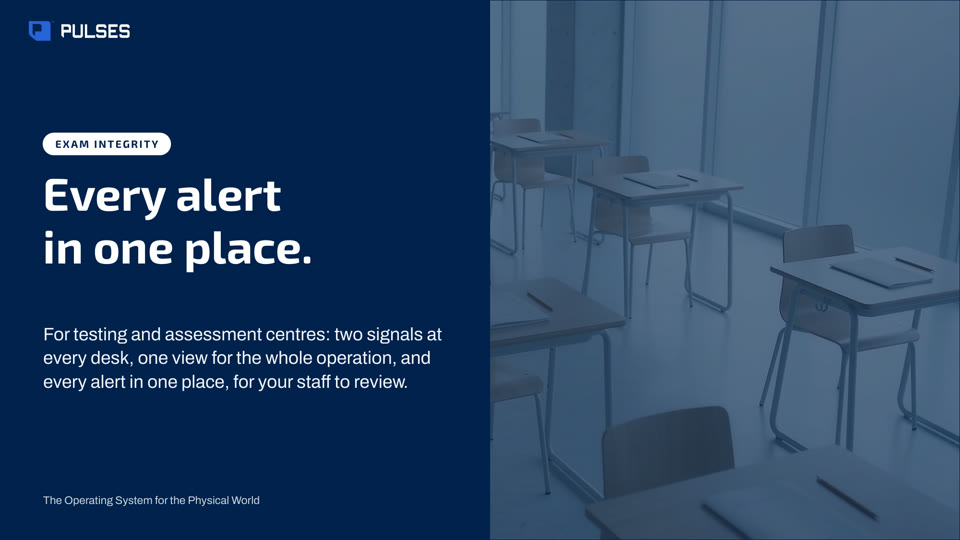
The story for your leadership team: the problem and how it works.
Print-ready. Hand it on after the walkthrough.
Pulses pairs two signals at each desk: a Pulses Vision device on the ceiling, and a desk sensor for any powered device nearby. When both point to the same desk, they meet in one alert for the hall supervisor, such as Hall B, desk 23, at 13:51. Your staff review it and decide what follows. We make no claim about detection rates; your team sets the pilot's success criteria.
In a physical hall, Pulses works with two signals at each desk: a Pulses Vision device overhead and a sensor for any powered device nearby. Pulses Compliance joins the two into one alert for that desk, and the hall board shows each desk as a tile: active, flagged, idle or empty. Your invigilators stay in charge; Pulses gives them a desk to look at, not a verdict.
Each alert reaches the hall supervisor with its hall, desk and time, and your staff review it. Pulses OS keeps each alert in one place, filtered by hall, time or type, so a review can happen without stopping the session. What happens next, during the exam or after it, stays your call and follows your own rules.
The platform can run entirely on your own servers, with no cloud dependency, so session and alert data stay on infrastructure your team controls. Your IT team decides where it runs, and the hall supervisor sees alerts in the same way either way. We set this up with your team before the pilot starts.
A paid pilot in your rooms, against success criteria your team sets.
Ask Pulses
Hello. Ask a question, or type your business.
Pulses spots a growing queue or a late car as it happens, and alerts your team.
What leaves the device is anonymous data, not video.
No. Pulses works alongside it, and can process its feeds on site.
Pulses Vision indoors, Vision Pro outdoors, Vision Tower for temporary sites, Vision Roam on vehicles.
Your supervisors, on the channels they use, with your approval.
Book a walkthrough. We find where Pulses helps first.
See Pulses at your site. Book a walkthrough.
Book a Walkthrough