 01 / 03
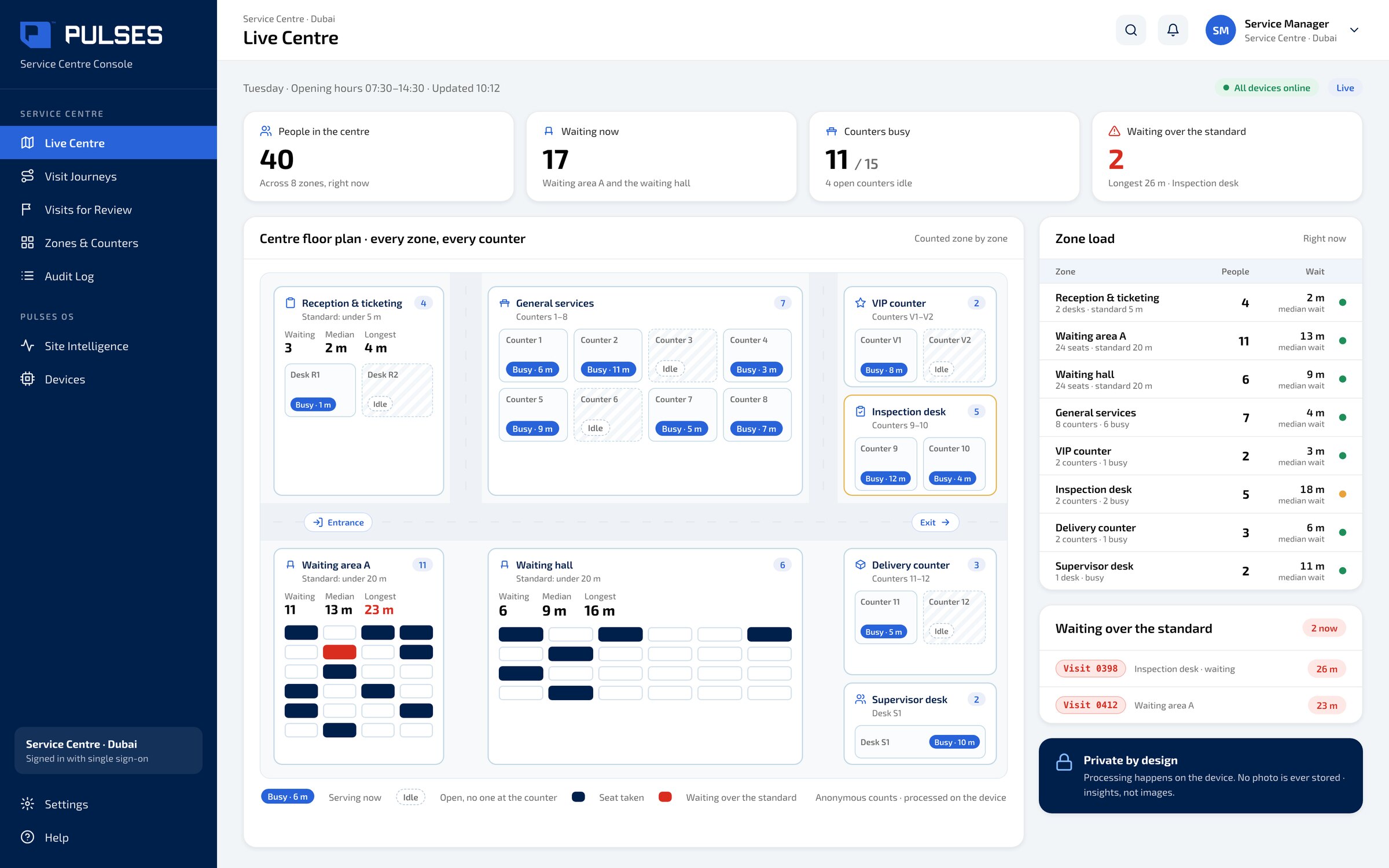
Live Centre
Busy counters. Idle counters.
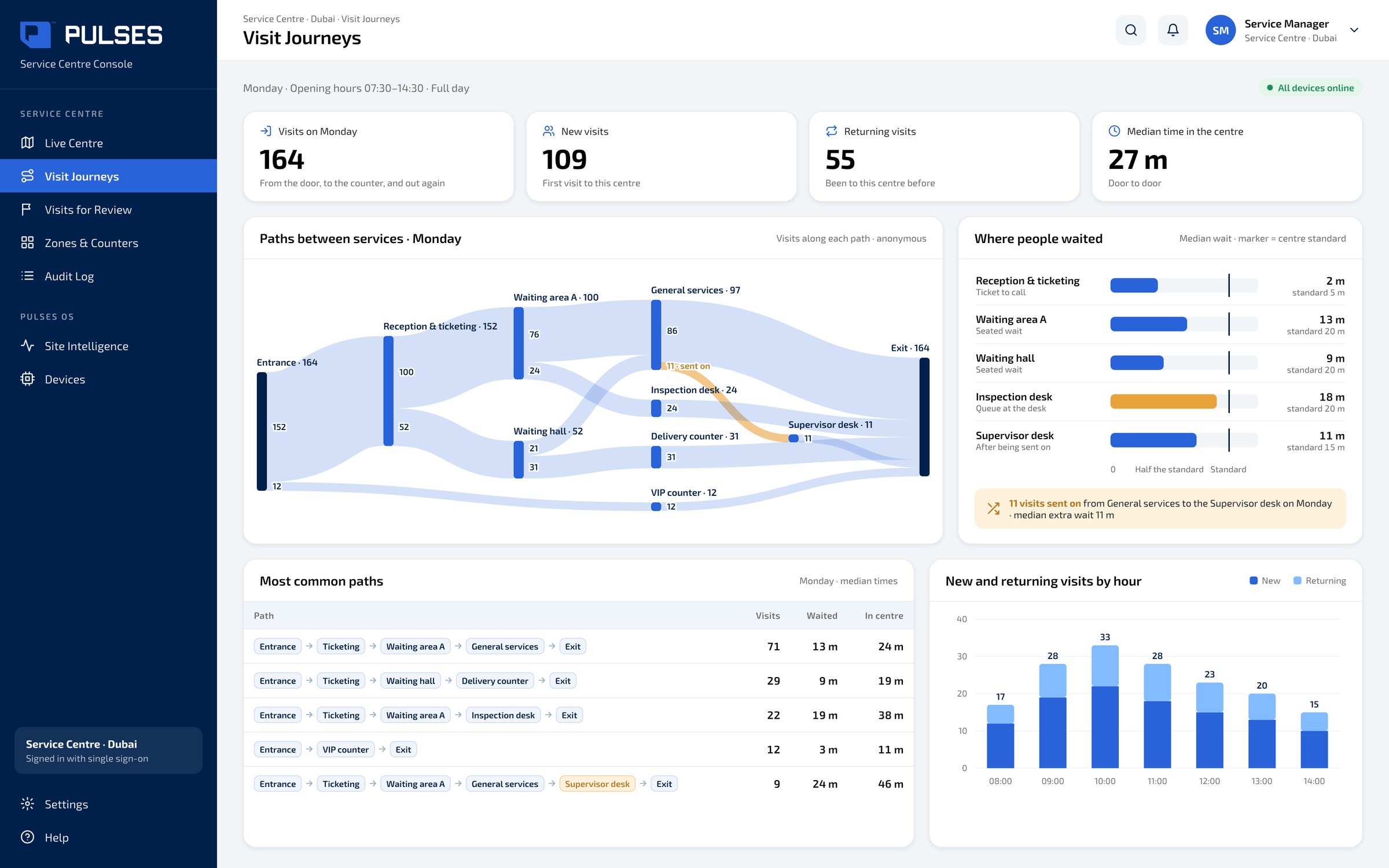
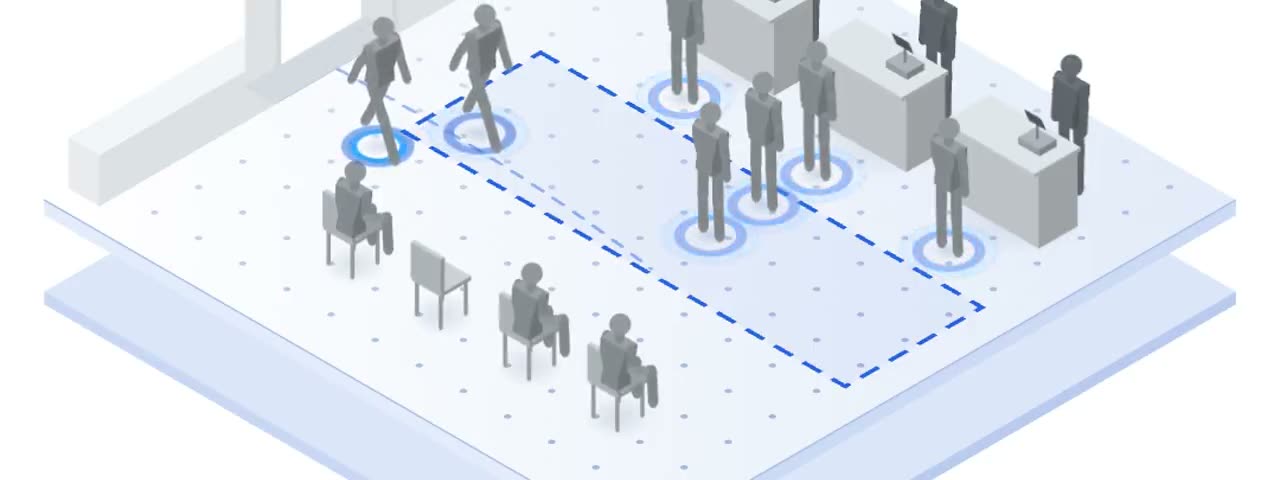
Each customer's visit, from the door to the counter, new or returning.
For government service centres that want each customer's visit measured from the door to the counter. A Pulses Vision device on the ceiling understands each visit, new or returning, across visits. Pulses CX shows each customer's journey and where they waited. Pulses Ops counts each zone and each counter on its own, busy or idle, so you see how long a service really takes. When a visit runs past your standard, it is flagged for your team, and the service-quality team reviews it the next day. Anonymous Unique FaceID is derived on the device and holds no personal data. Processing happens on the device, by default no video is stored, and the platform runs in your own tenant or fully on-premise.
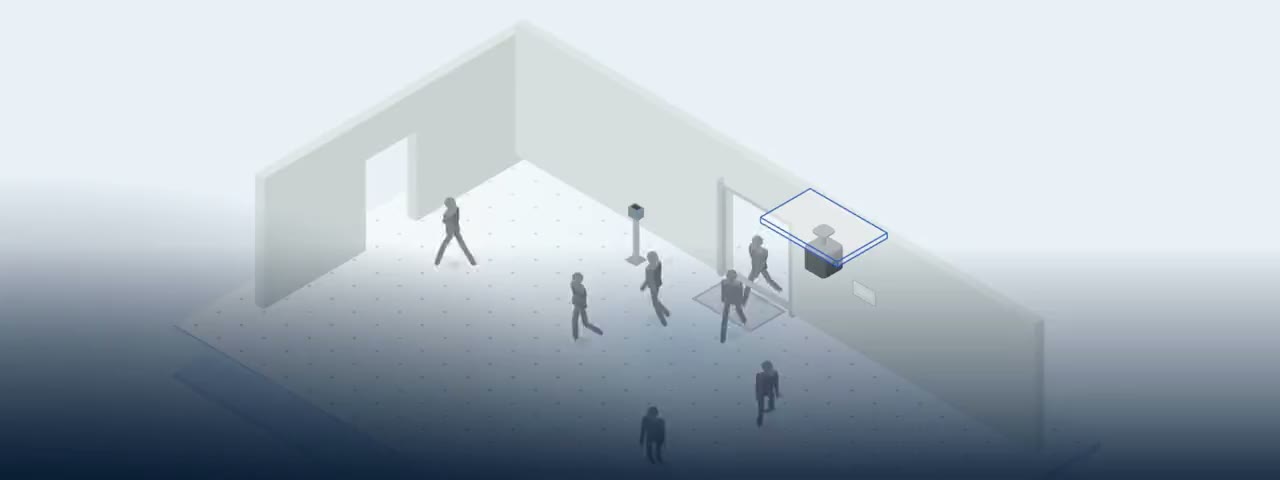
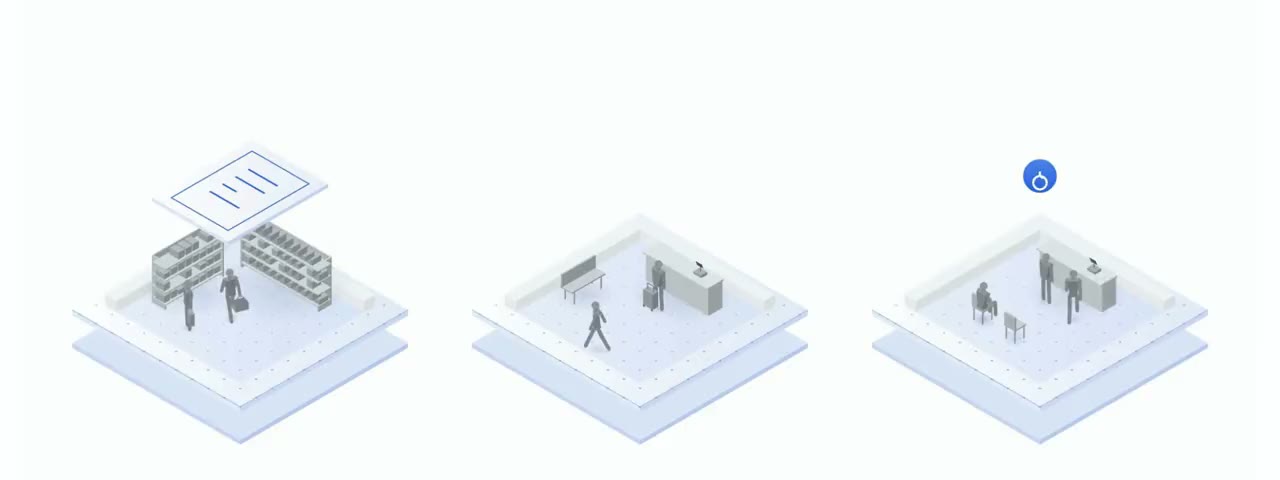
A Vision device on the ceiling understands each visit, from the door to the counter. New or returning, across visits.
Each zone and each counter is counted on its own, busy or idle. So you see how long a service really takes.
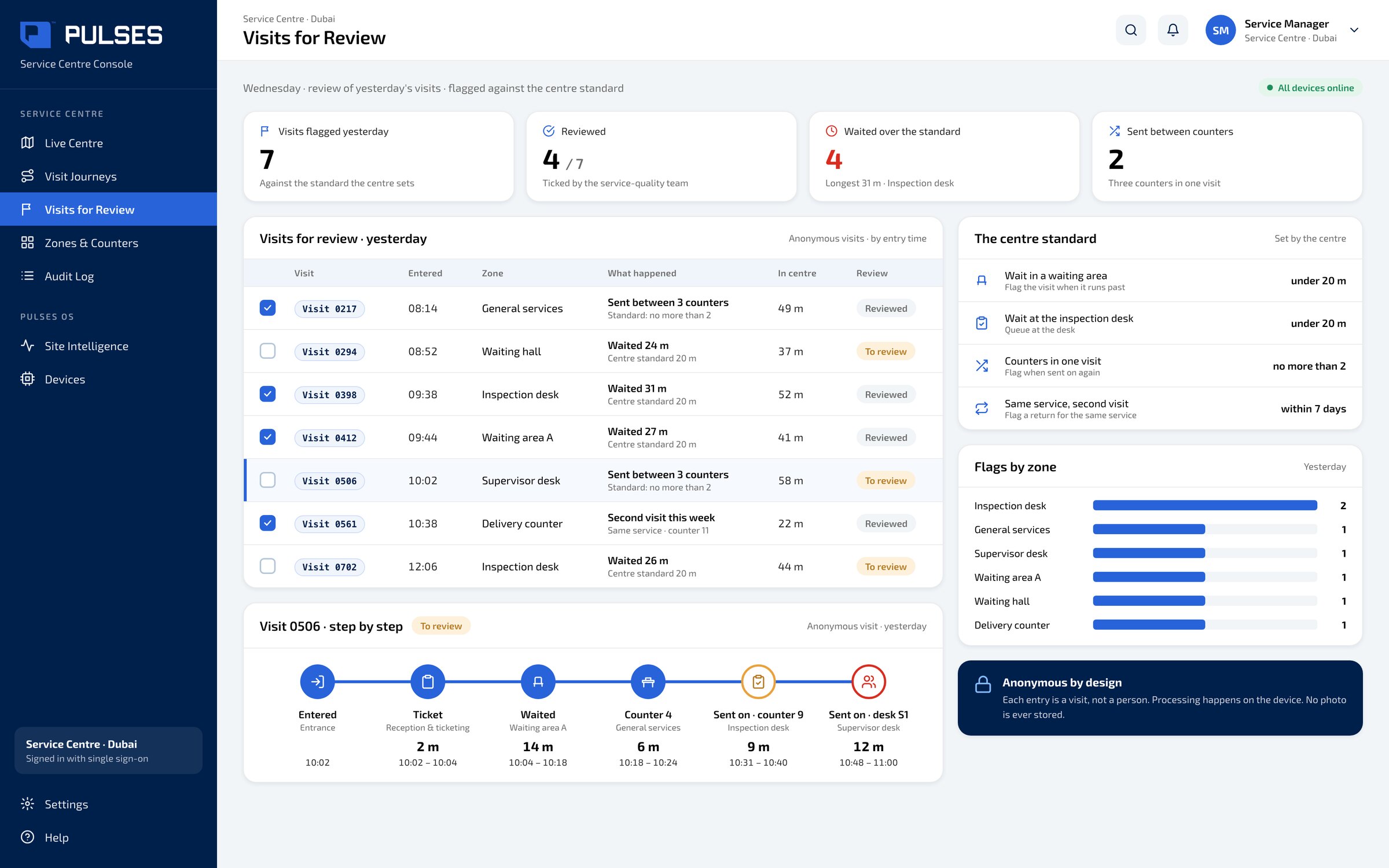
When a visit runs past your standard, it is flagged for your team. The service-quality team reviews it the next day.
01 / 03 Busy counters. Idle counters.
 02 / 03
New or returning, door to counter. Anonymous Unique FaceID: made on the device, with no personal data.
 03 / 03
Bad visits, flagged for review.
At a public service centre, each customer makes a journey of their own. Yet a ticket shows the service, not the whole visit. Pulses. AI for the physical world. A Vision device on the ceiling understands each visit, from the door to the counter. Each zone and each counter is counted on its own, busy or idle. One customer, one journey: new or returning, where they waited, and for how long. Anonymous Unique FaceID: made on the device, with no personal data. When a visit runs past your standard, it is flagged for your team. Over one hundred and fifty million journeys counted, across Pulses deployments. Designed and made in the UAE. See the full showcase.
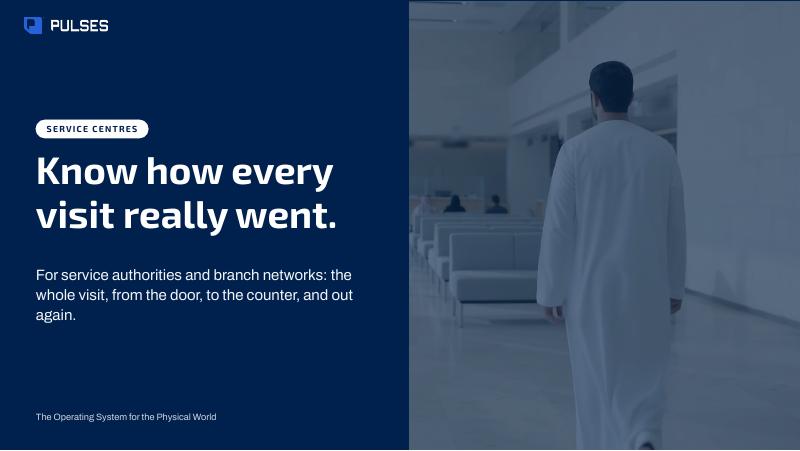
The story for your leadership team: each customer's journey and how it works.
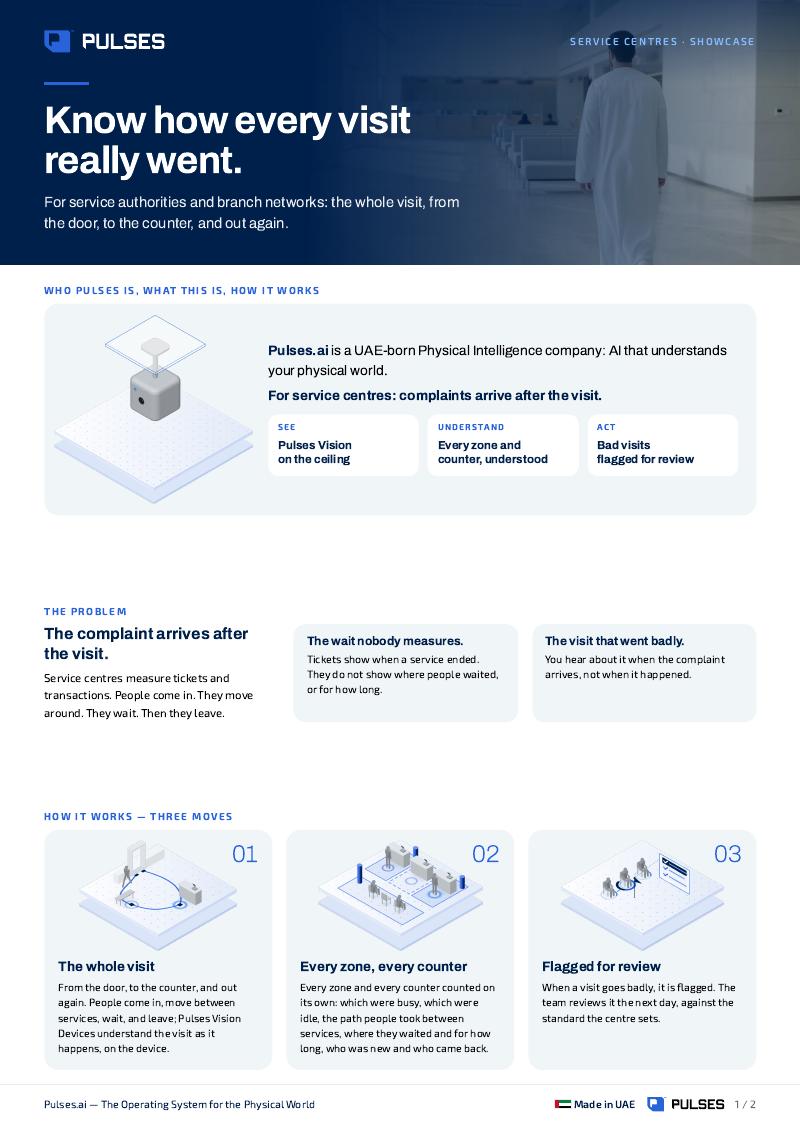
Print-ready. Hand it on after the walkthrough.
It starts with seeing the real wait. Pulses Vision devices measure each customer's visit from the door to the counter, and Pulses Ops counts each zone and counter on its own, busy or idle. When a visit runs past your standard it is flagged, and the service-quality team reviews it the next day, so changes to counters and staffing start from what really happened.
Pulses measures the visit from the floor, not from the ticket: each customer's journey from the door to the counter, and where they waited on the way. Each zone and each counter is counted on its own, so the wait shows where it happens. Processing happens on the Pulses Vision device; what leaves is anonymous data, not video.
Pulses Ops counts each counter on its own, busy or idle, so you see how long a service really takes at that counter. A visit that runs past your standard is flagged for review, and the service-quality team reviews it the next day. Busy and idle counters sit side by side on the live centre view.
Pulses is not a ticket system and does not replace yours. It measures each customer's visit from the floor: from the door to the counter, new or returning, with busy and idle counters, how long each service really takes, and visits that ran past your standard. It runs in your own tenant or fully on-premise. A walkthrough of your centre is the best way to judge the fit.
A real customer-by-customer journey.
 Branch experience Unique visitors, not tickets.
 Culture events Hold every event to one standard.
 Culture sites Know where your visitors go next.
 Inspection network A vehicle's attempts, side by side.
 Perimeter and contractors Unique visits, day and night.
 Staff attendance On shift, on time.
 Vehicle inspection Each required check: done, or skipped.
 Pulses for Government 8 use cases in Government

 Every use case All 27 use cases
Ask Pulses
Hello. Ask a question, or type your business.
Pulses spots a growing queue or a late car as it happens, and alerts your team.
What leaves the device is anonymous data, not video.
No. Pulses works alongside it, and can process its feeds on site.
Pulses Vision indoors, Vision Pro outdoors, Vision Tower for temporary sites, Vision Roam on vehicles.
Your supervisors, on the channels they use, with your approval.
Book a walkthrough. We find where Pulses helps first.
See Pulses at your site. Book a walkthrough.
Book a Walkthrough