 01 / 03
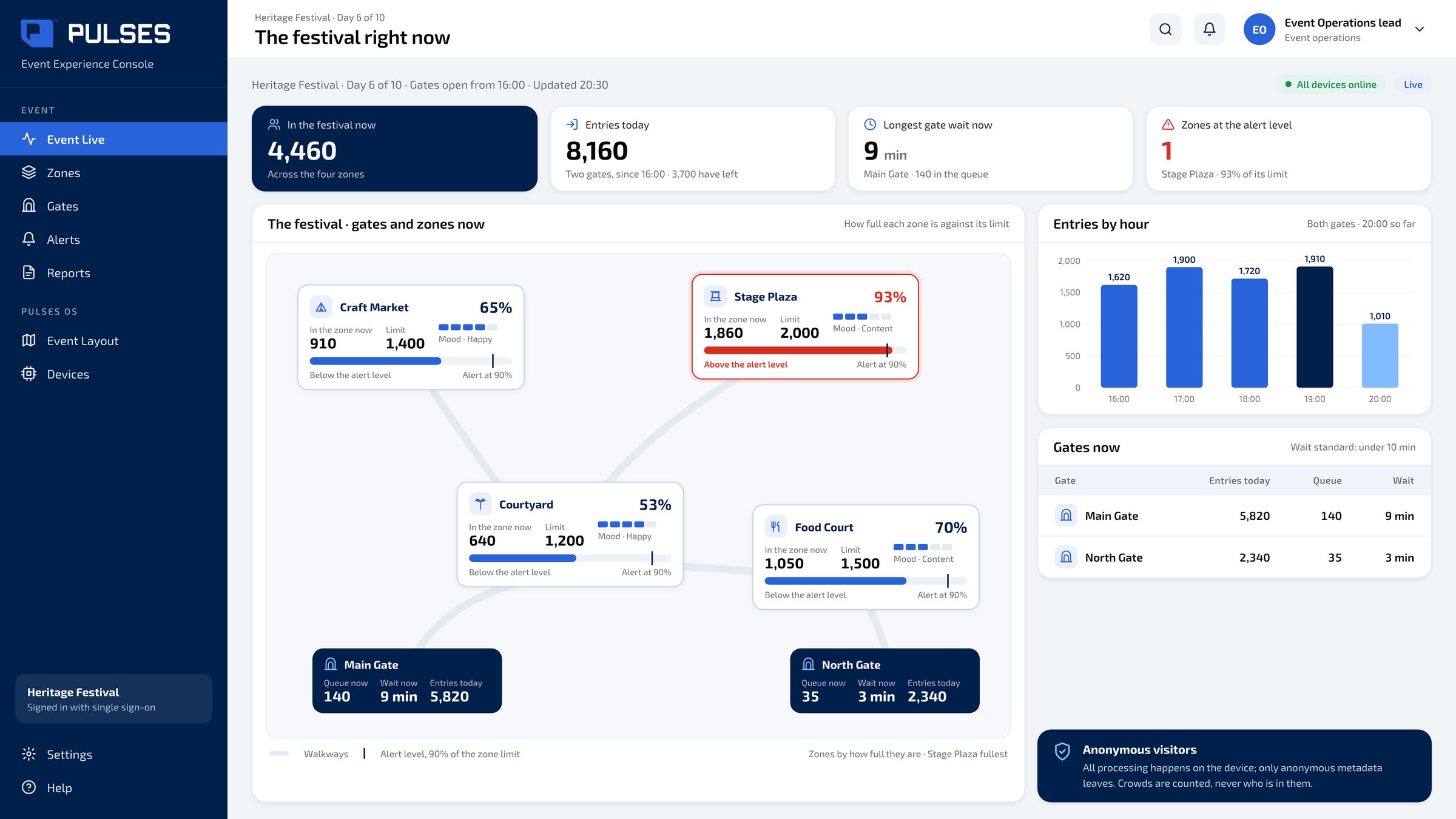
 Event Live
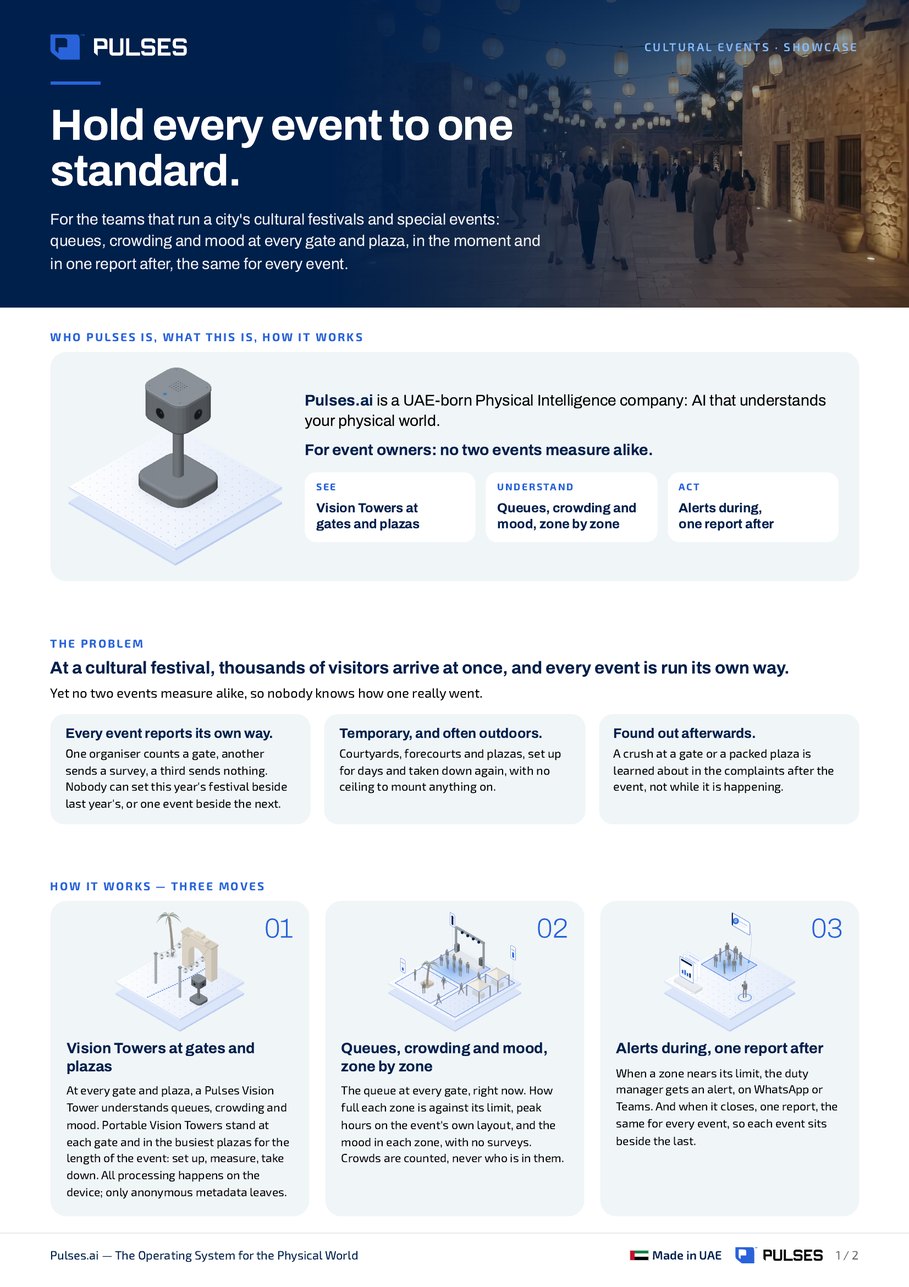
Every gate and zone now: the queue, the wait and how full each zone is.
For event owners: no two events measure alike. See queues, crowding and mood at every gate and plaza while an event runs, and one report after it closes, the same for every event.
For owners of cultural events and festivals who want each event measured the same way. Portable Pulses Vision Towers stand at each gate and in the busiest plazas for the length of the event: set up, measure, take down. While it runs, Pulses Ops and Pulses CX show the queue at each gate, how full each zone is against its limit, peak hours on the event's own layout, and the mood in each zone, with no surveys. When a gate queue or a zone passes its limit, an alert reaches the duty manager on WhatsApp or Teams. When the event closes, one report in the same shape as the others lets each event sit beside the last. Crowds are counted, never who is in them; all processing happens on the device and only anonymous metadata leaves.
Portable Pulses Vision Towers stand at each gate and in the busiest plazas for the length of the event: set up, measure, take down. All processing happens on the device; only anonymous metadata leaves.
The queue at each gate right now, how full each zone is against its limit, peak hours on the event's own layout, and the mood in each zone, with no surveys. Crowds are counted, never who is in them.
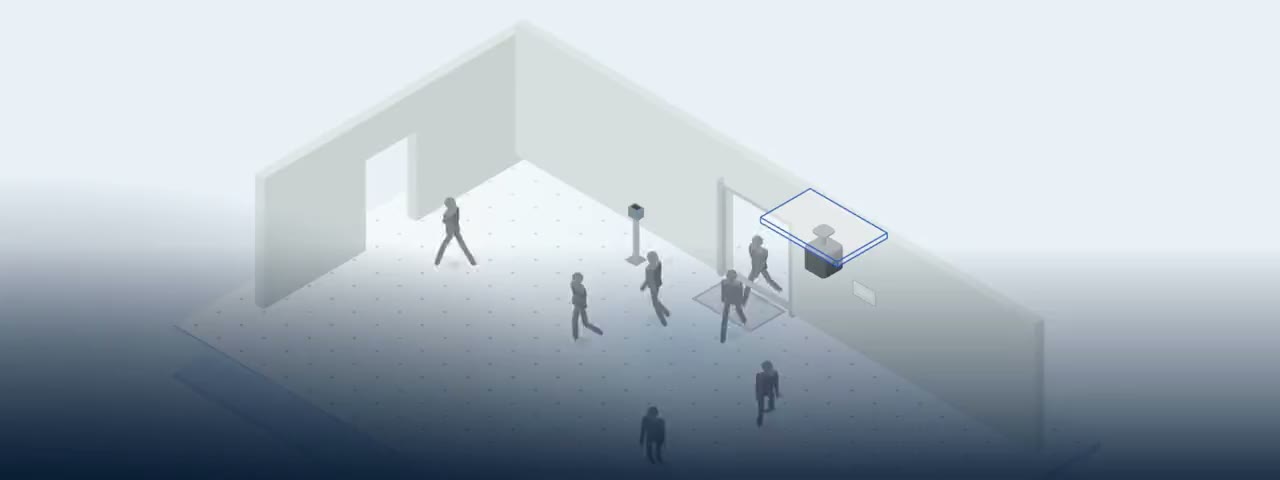
When a gate queue or a zone passes its limit, an alert reaches the duty manager on WhatsApp or Teams. When the event closes, one report in the same shape as every other event, so each one sits beside the last.
01 / 03 Every gate and zone now: the queue, the wait and how full each zone is.
 02 / 03
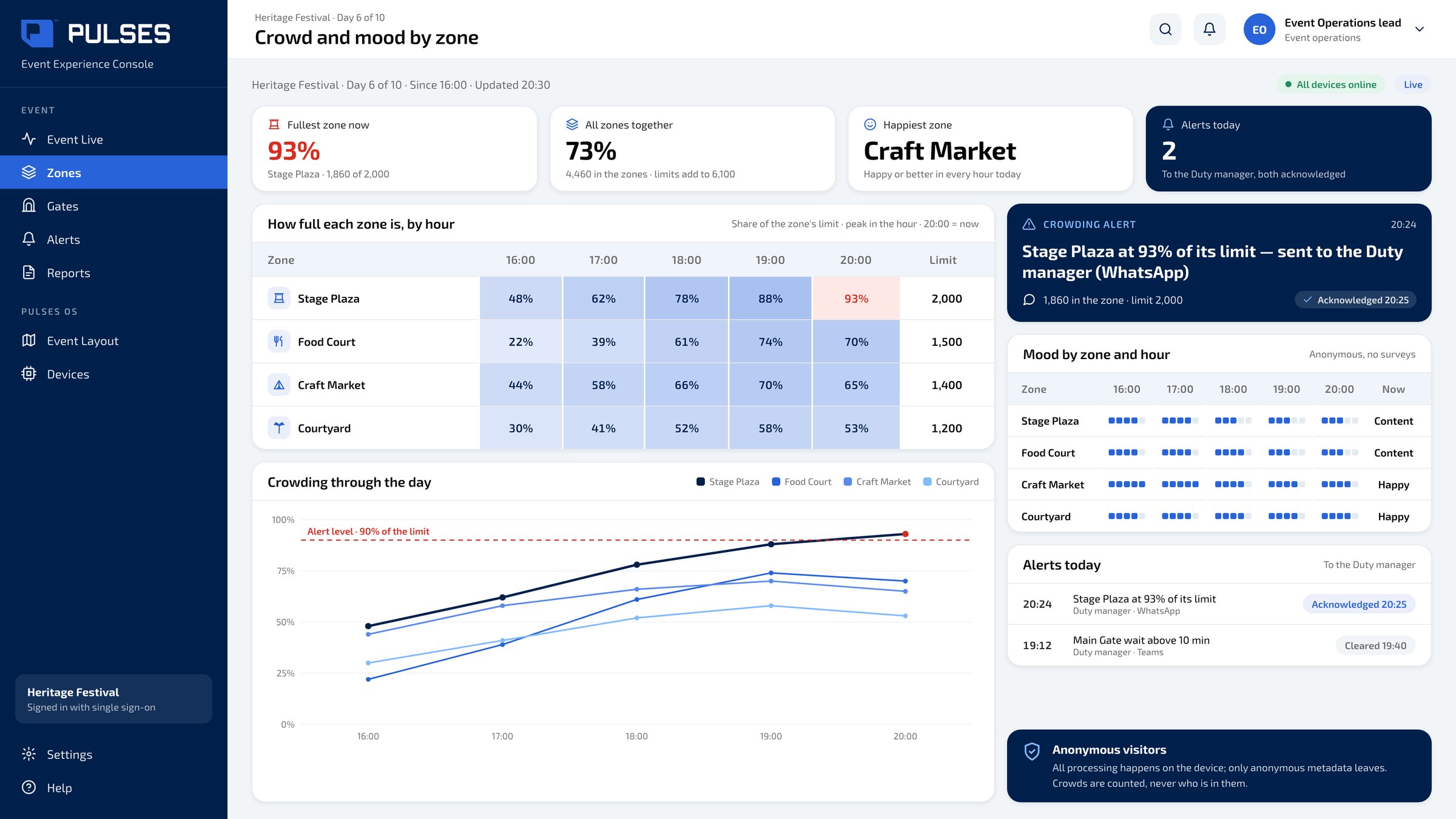
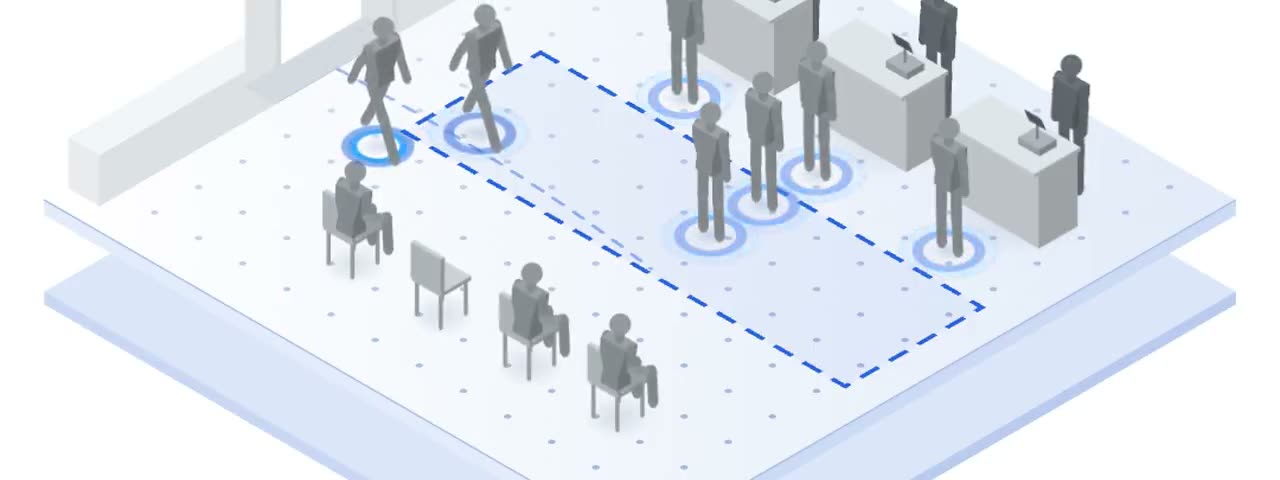
 Each zone against its limit, hour by hour, and its mood, with no surveys.
 03 / 03
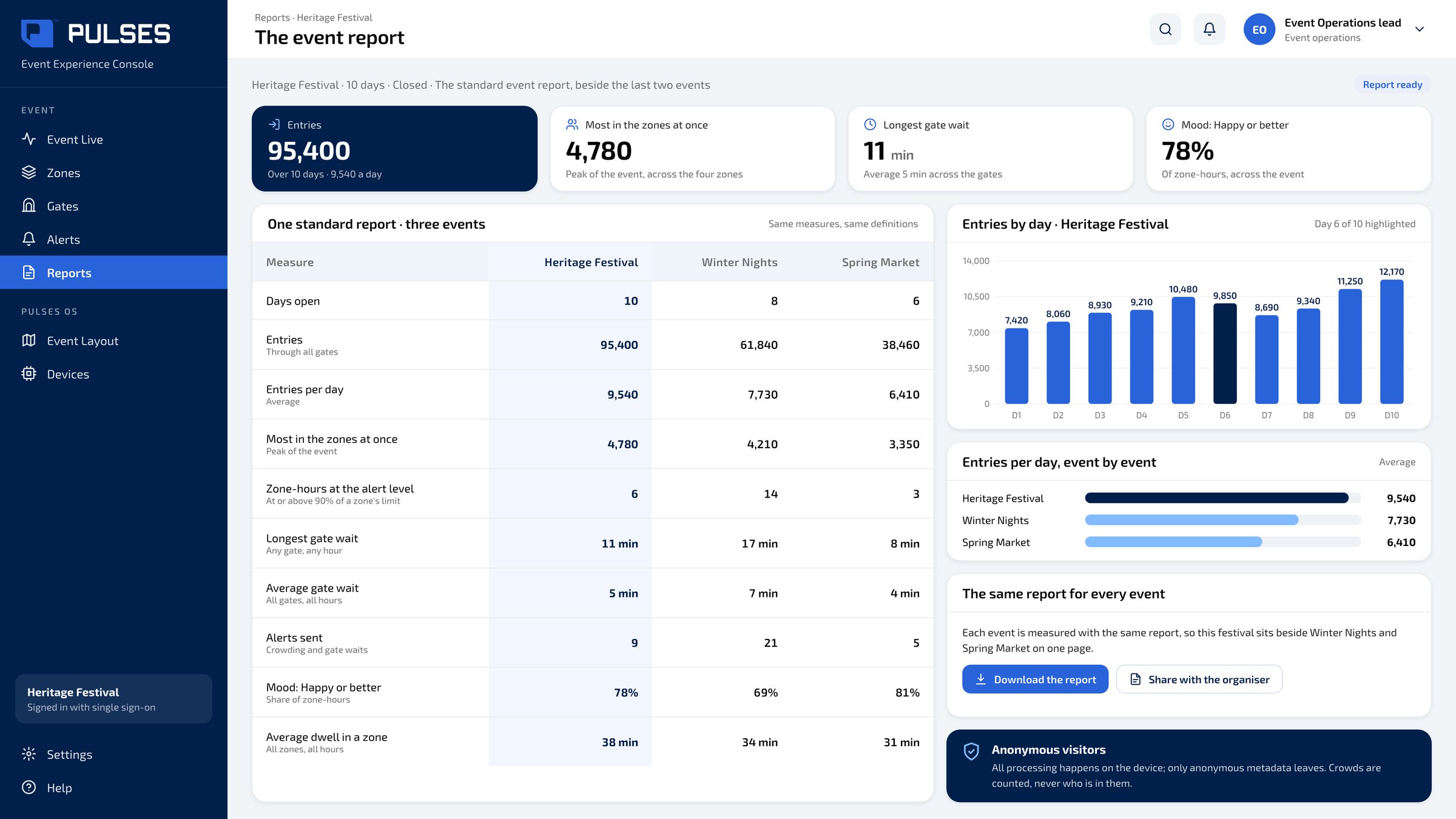
 The same report for every event, so this festival sits beside the last two on one page.
At a cultural festival, thousands of visitors arrive at once, and every event is run its own way. Yet no two events measure alike, so nobody knows how one really went. Pulses. AI for the physical world. At every gate, and every plaza, a Pulses Vision Tower understands queues, crowding and mood. The queue at every gate, right now. When a zone nears its limit, the duty manager gets an alert. And when it closes, one report, the same for every event. Over one hundred and fifty million journeys counted across Pulses deployments. Designed and made in the UAE. See the full showcase.
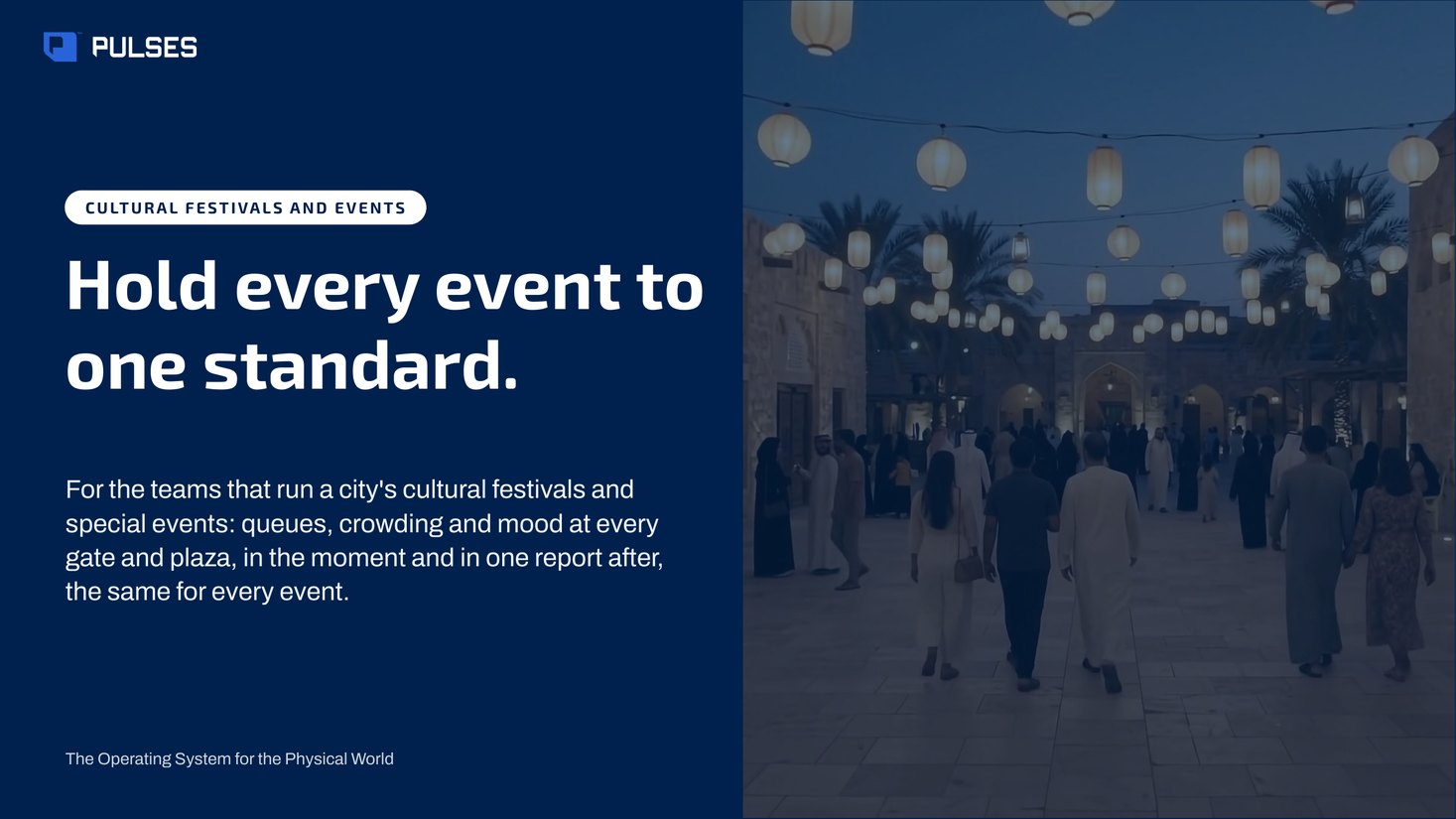
The story for your leadership team: the problem and how it works.
Print-ready. Hand it on after the walkthrough.
Pulses Vision Towers are portable and stay for the length of the event: set up at the gates and plazas, measuring while it runs, taken down when it closes. Each tower processes on the device, so no image leaves it, and the team sees gates, zones and mood live, with one report after. We plan the gates, the plazas and the event dates with you in a walkthrough.
Pulses OS shows peak hours on the event's own layout: each zone hour by hour against its limit, with its mood beside it. The portable Pulses Vision Towers at the gates and plazas send anonymous metadata only, so the layout fills in with counts, never with who is in the crowd. After the event, the same view sits in one report beside the last two events.
Pulses reads mood in each zone and hour from the Pulses Vision Towers at the gates and plazas, with no surveys to hand out or collect. Pulses CX shows it on the event's own layout, beside the queue and how full each zone is, so a dip in mood can be read against what was happening there. Mood is read per zone, and nothing personal is ever stored.
The Coverage Design survey establishes it. Our team walks the event layout with you, gate by gate and plaza by plaza, and the survey sets the schedule: which Pulses Vision Tower stands in each position, and what it measures there. You see that schedule before the towers arrive on site.
Book a walkthrough and see the gates, the zones and the report on screen.
 Branch experience Unique visitors, not tickets.
  Culture sites Know where your visitors go next.
  Inspection network A vehicle's attempts, side by side.
  Perimeter and contractors Unique visits, day and night.
  Service centres One customer, one journey.
  Staff attendance On shift, on time.
 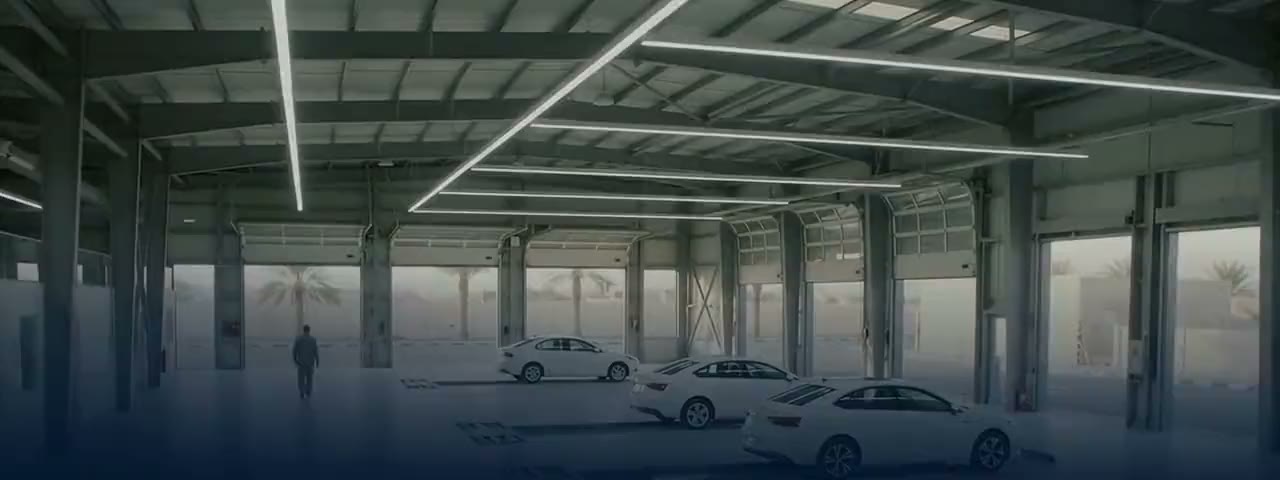 Vehicle inspection Each required check: done, or skipped.
 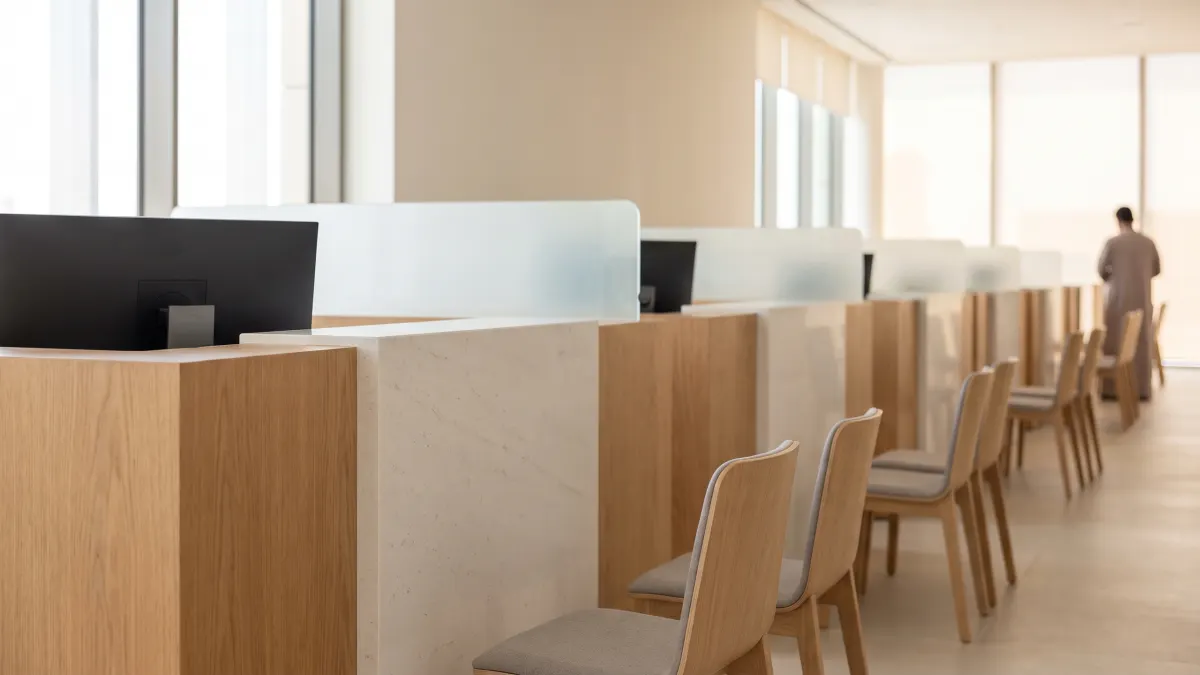 Pulses for Government 8 use cases in Government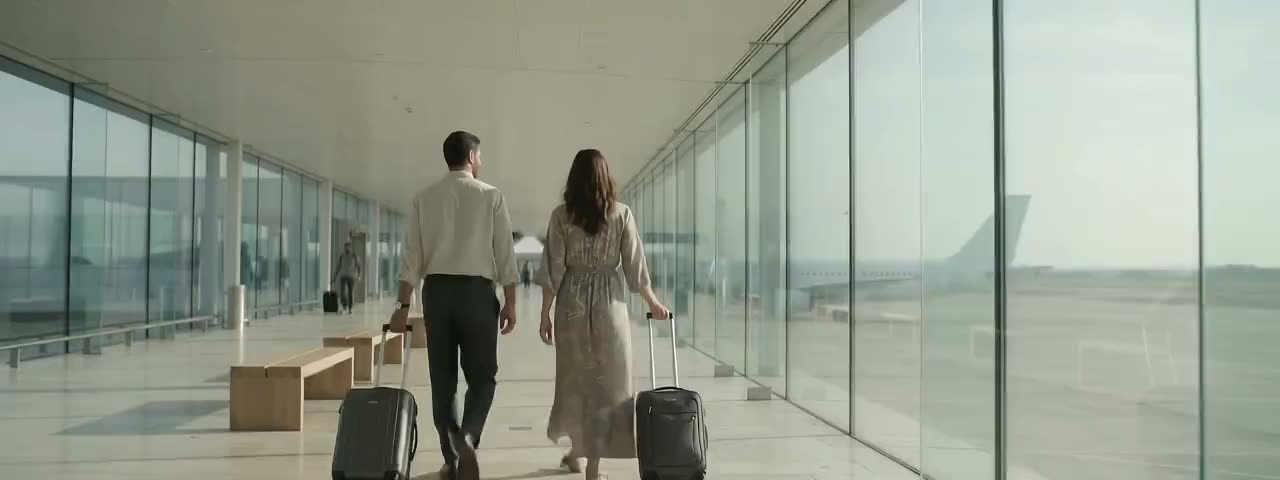
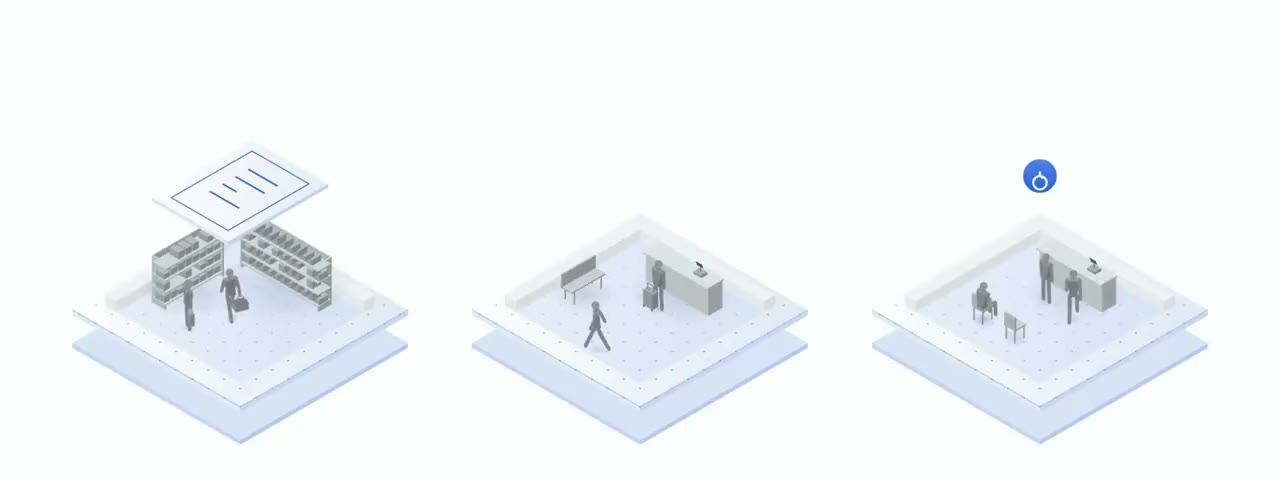
 Every use case All 27 use cases
 Ask Pulses
Hello. Ask a question, or type your business.
Pulses spots a growing queue or a late car as it happens, and alerts your team.
What leaves the device is anonymous data, not video.
No. Pulses works alongside it, and can process its feeds on site.
Pulses Vision indoors, Vision Pro outdoors, Vision Tower for temporary sites, Vision Roam on vehicles.
Your supervisors, on the channels they use, with your approval.
Book a walkthrough. We find where Pulses helps first.
See Pulses at your site. Book a walkthrough.
Book a Walkthrough